Safety Connecting Operation Help Appendix
O
O
P
P
E
E
R
R
A
A
T
T
I
I
O
O
N
N
59
Software uninstallation
In order to remove installed software from your PC, follow the
next steps:
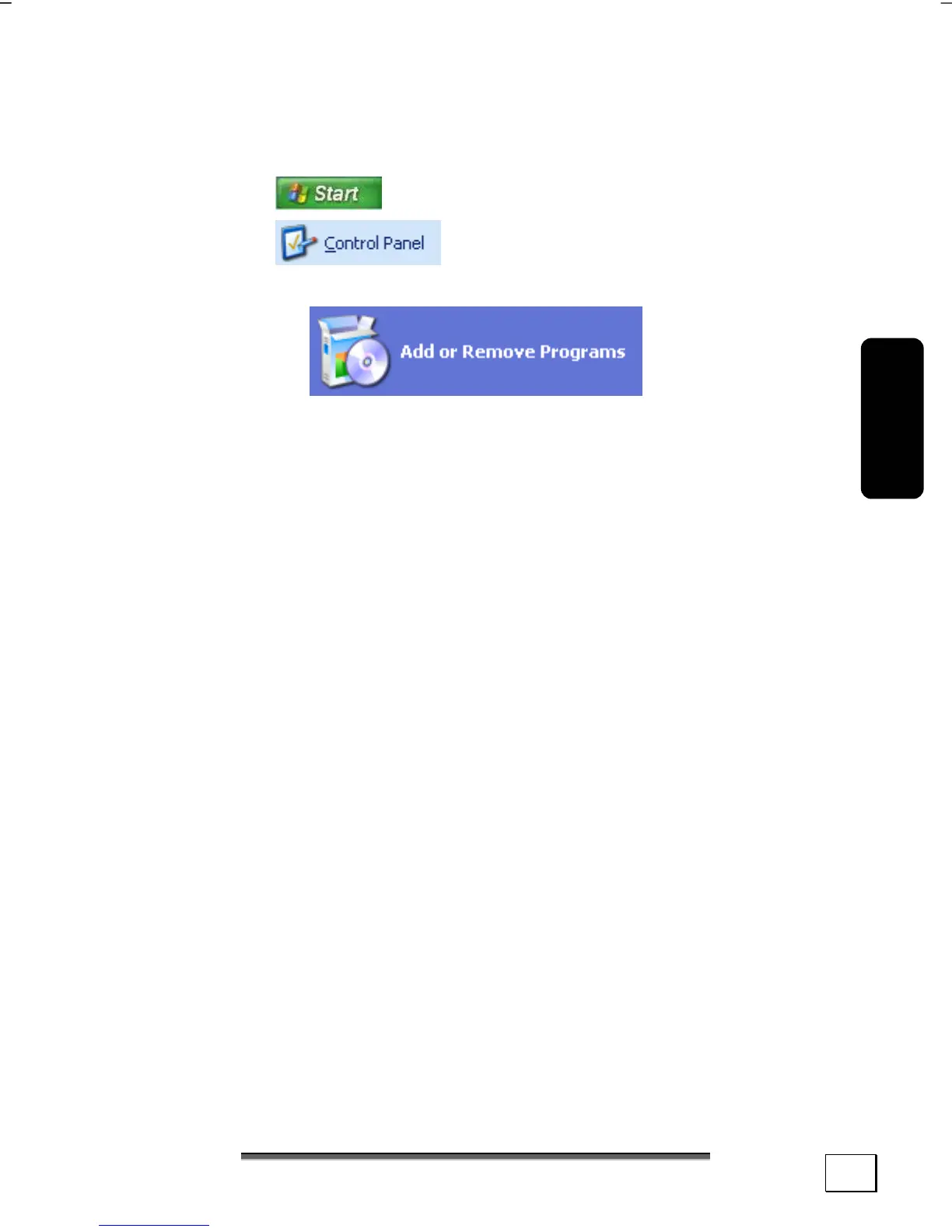
1. Click on
2. Click on
3. Then select the following program:
4. Select the respective program, start the uninstallation and
follow the instructions on the screen.



 To Next Page