T
T
H
H
E
E
K
K
E
E
Y
Y
B
B
O
O
A
A
R
R
D
D
34
The keyboard
Connection possibility: R (via PS/2)
E (via USB)
This section contains useful information on using the
keyboard. All diagrams are schematic.
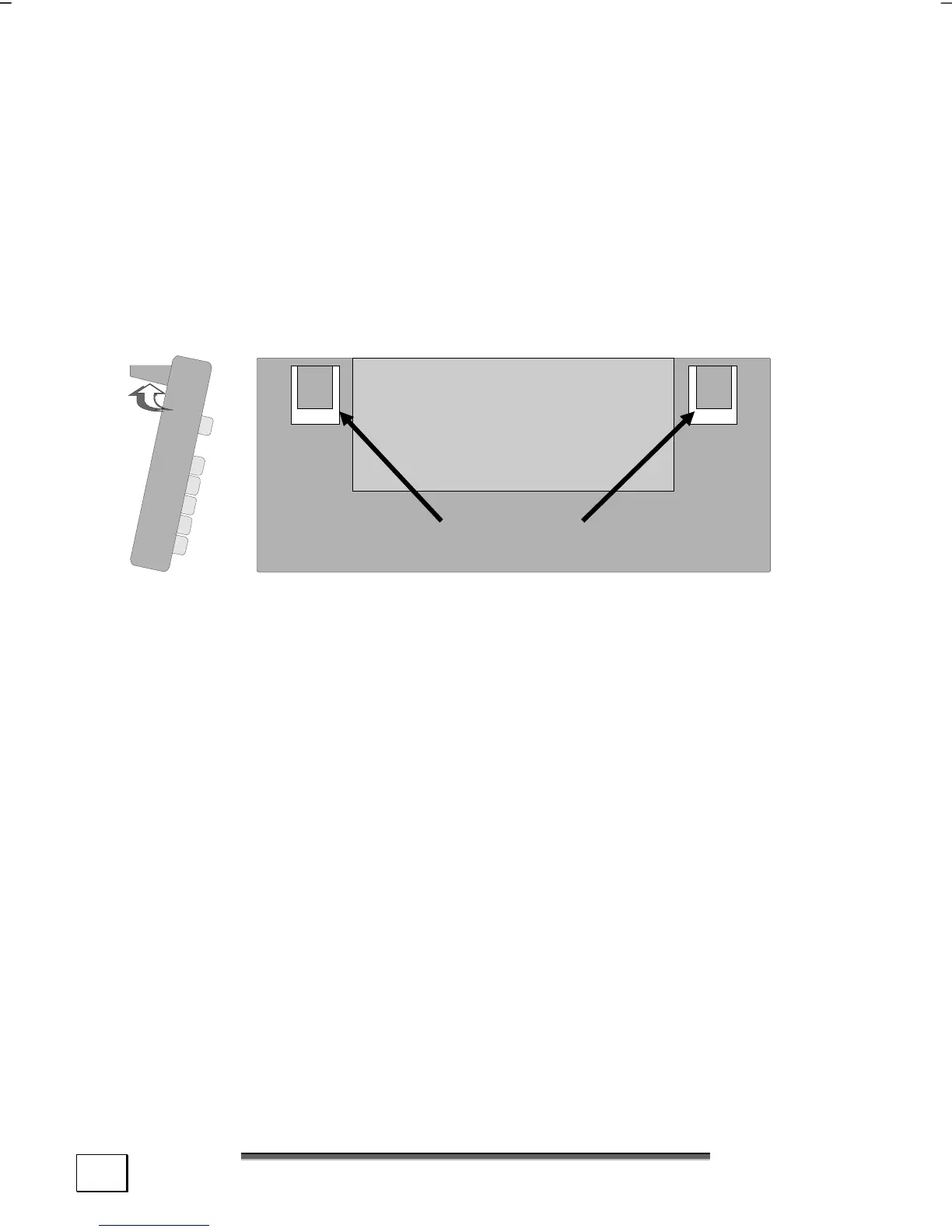
On the base of the keyboard are two folding feet that let you ad-
just the angle of the keyboard. Pull them forward to adjust the
angle of the inclination.
Ad
ustable Feet



 To Next Page