Safety Connecting Operation Help Appendix
O
O
P
P
E
E
R
R
A
A
T
T
I
I
O
O
N
N
57
Installation of software
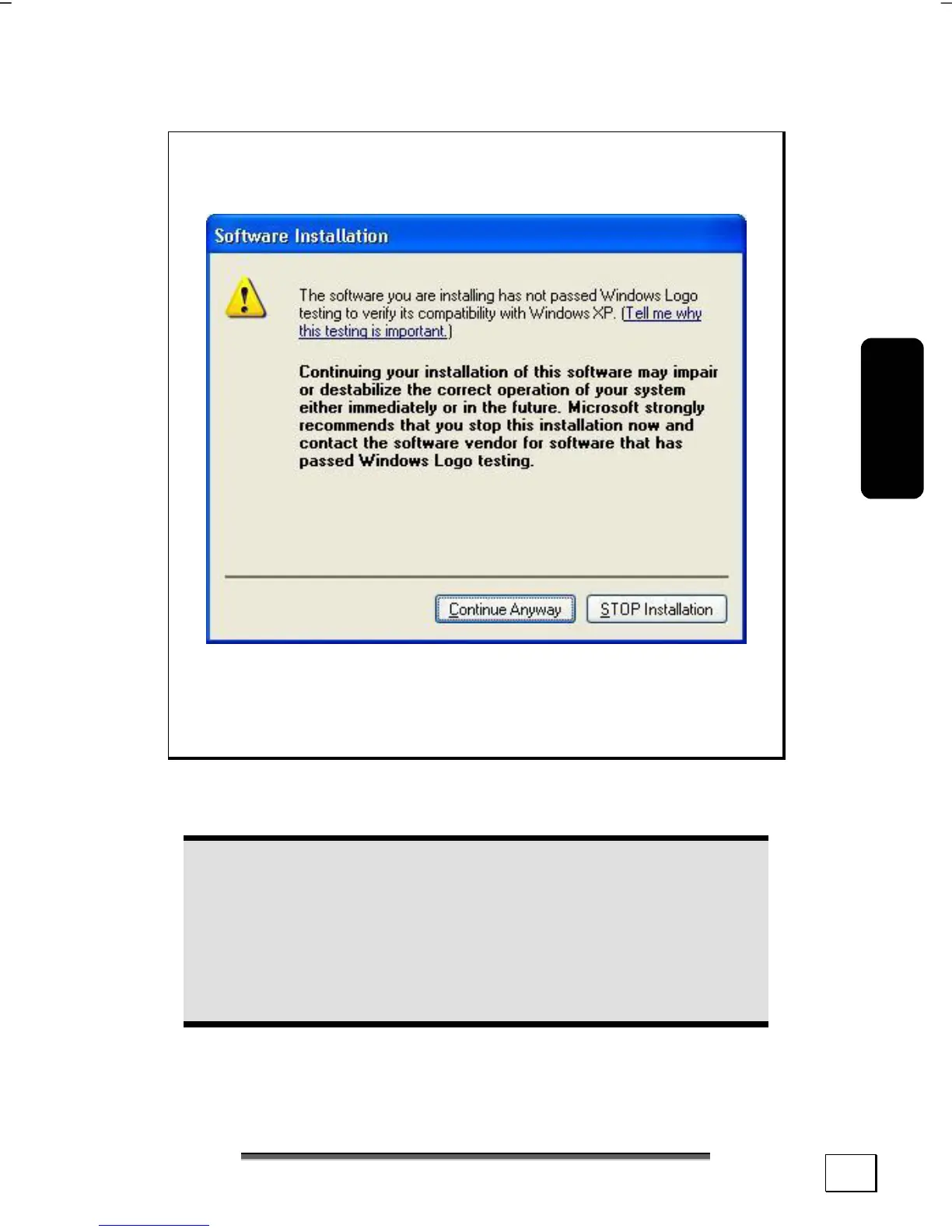
Note: If your operating system is configured that the
installation procedure accepts only signed drivers (de-
fault) and software this information screen will appear:
Although the software lacks the digital signature it may
work properly. Click on “Tell me why this testing is im-
portant” to get detailed information.
Confirm by clicking on “Continue Anyway”.
The software included in delivery is already pre-installed in the
factory.
Attention!
It happens that during installation procedure important
files can be changed or even cancelled. To avoid even-
tual problems in using older files after installation,
make sure to safeguard your hard disk. See page 67
for further information regarding data backup.



 To Next Page