Safety Connecting Operation Help Appendix
O
O
P
P
E
E
R
R
A
A
T
T
I
I
O
O
N
N
33
The mouse
Connection possibility: O (via PS/2)
E (via USB)
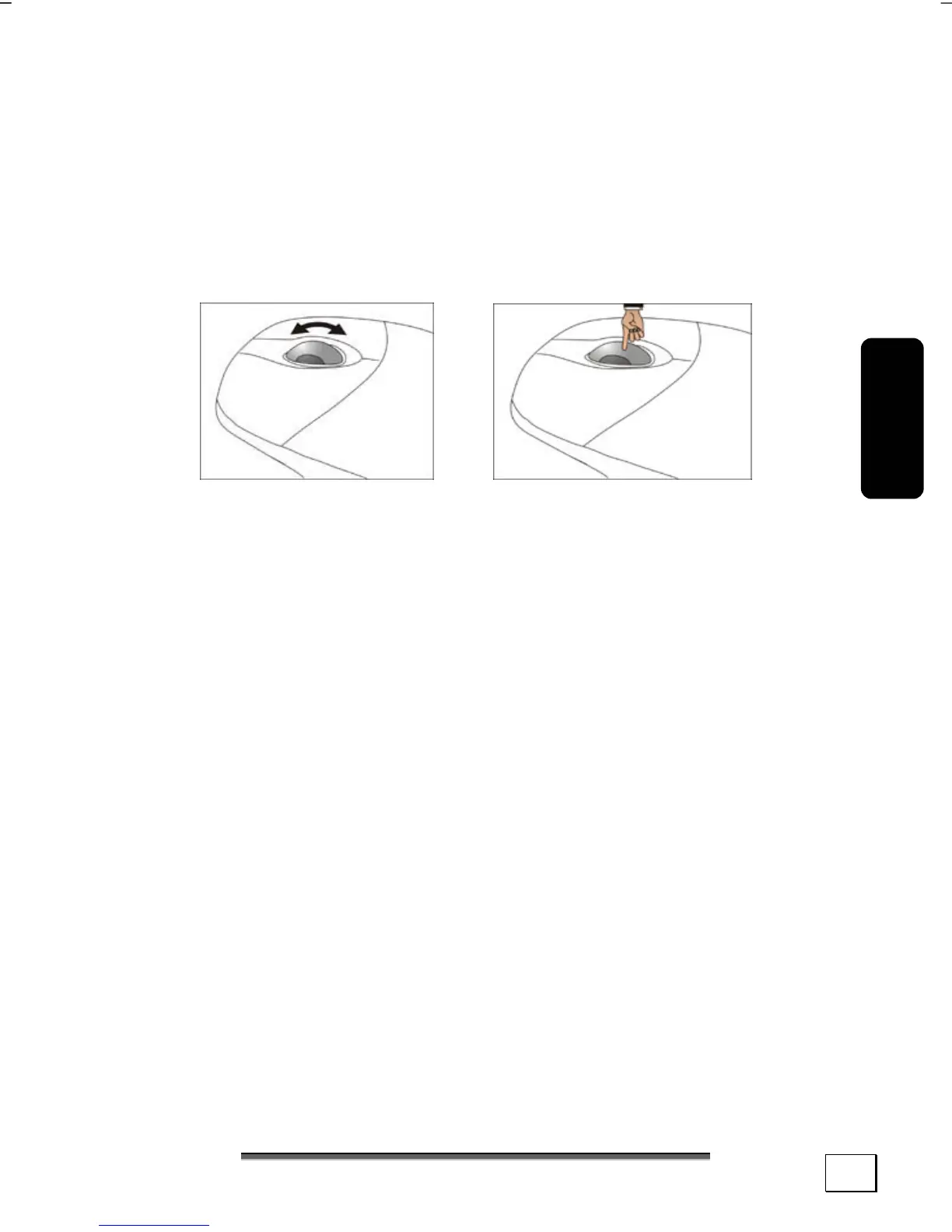
The mouse has beside the two key a wheel that can be used as:
To scroll through a document or internet pages.
If the mouse course moves jerkily on the screen, try a different
surface (mouse pad). Glass and metallic surfaces might cause
problems.



 To Next Page