T
T
H
H
E
E
C
C
A
A
R
R
D
D
R
R
E
E
A
A
D
D
E
E
R
R
(
(
O
O
P
P
T
T
I
I
O
O
N
N
A
A
L
L
)
)
42
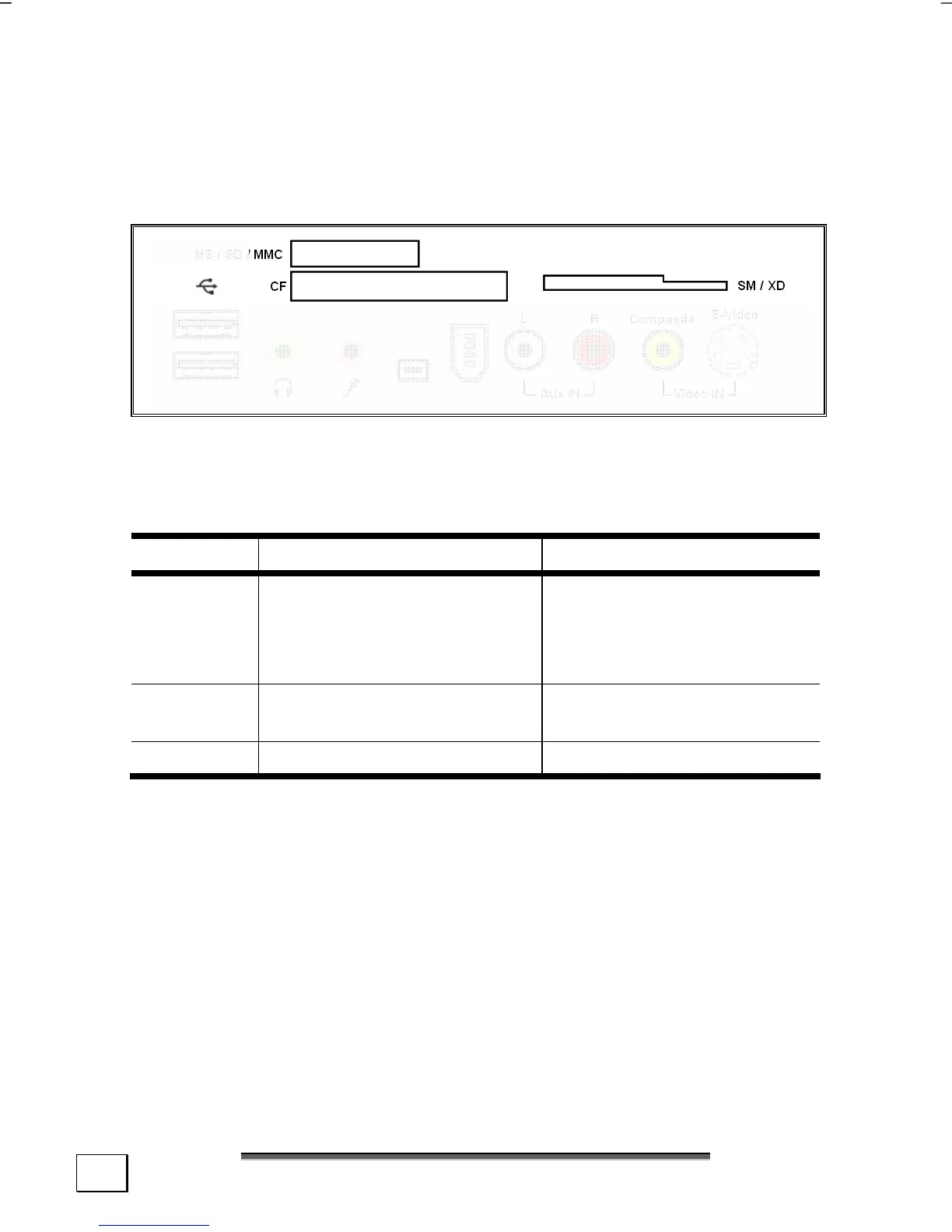
The card reader (optional)
Diagram reference: D
(similar diagram)
If your PC is equipped with a card reader (Diagram reference D),
you can handle different memory card types. The following table
refers to the use of the card reader:
Slot Card type Contacts
MS
SD
MC
Memory Stick
Memory Stick Pro
SD (Secure Digital)
MMC (MultiMediaCard)
point to bottom
CF CF (Compact Flash)
IBM
®
Microdrive
point to front
SM/XD SmartMedia / XD point to bottom
If a card is inserted, a free drive will be assigned* by Windows
®
.
* Only if this concerns a removable disk.



 To Next Page