C
C
U
U
S
S
T
T
O
O
M
M
E
E
R
R
S
S
E
E
R
R
V
V
I
I
C
C
E
E
80
• Do not disassemble or deform batteries.
Your hands and fingers may be injured, or the liquid of the
battery may get into your eyes or adhere to your skin. If
this happens, rinse with a large quantity of water immedi-
ately and consult a doctor.
• Do not expose batteries to strong impact by dropping or
throwing the batteries.
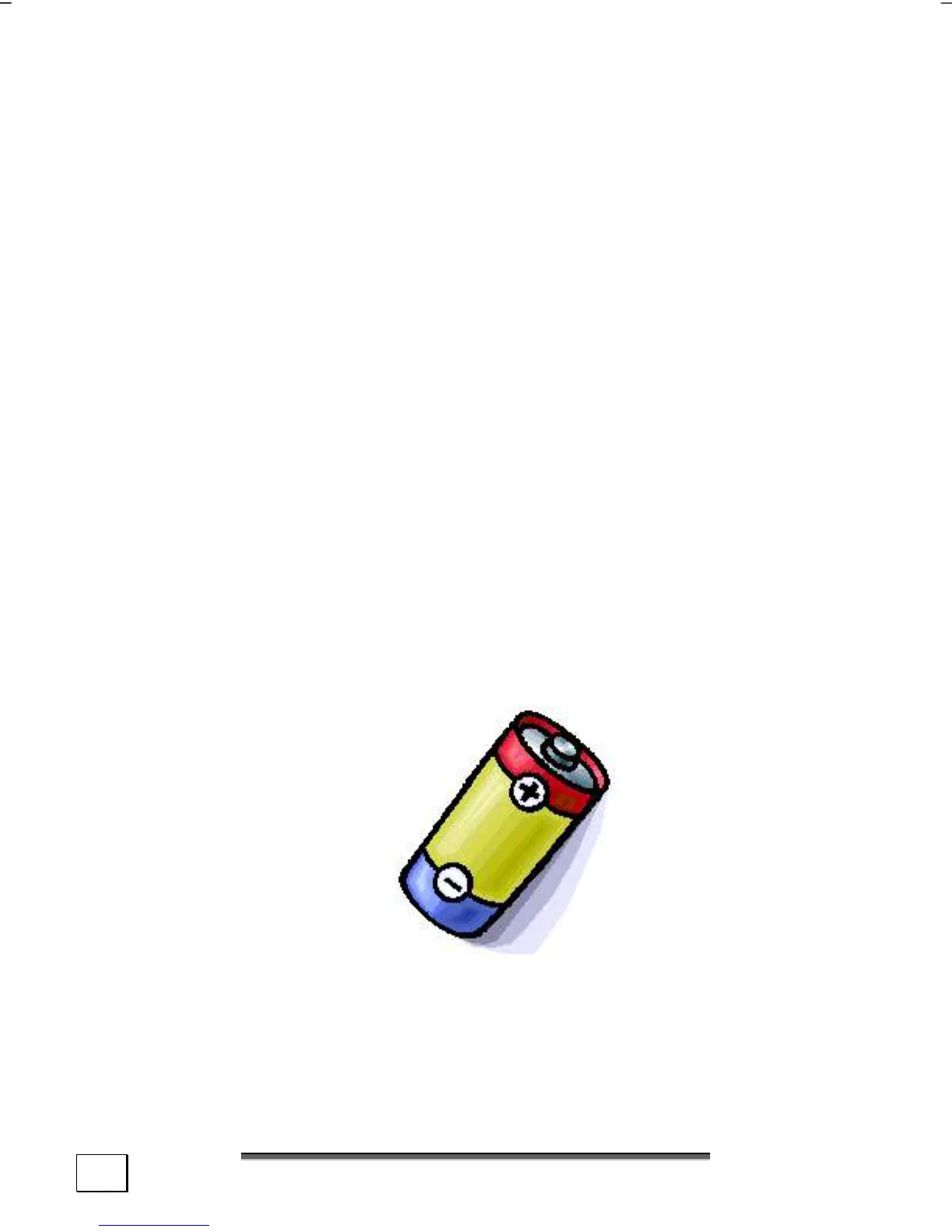
• Do not reverse the positive (+) and negative (-) termi-
nals to avoid short-circuit.
• Do not mix used and new or different types of batteries to-
gether.
Your equipment may not operate properly. In addition, the
battery exhausted first may be excessively drained (over-
discharged).
• Remove promptly the used batteries from the device.
• Replace all batteries with new batteries of the same type
at the same time.
• Insulate the terminal parts with tape or the like at the
storage or disposal of the batteries.
• Do not throw rundown batteries in the domestic refuses!
Respect the environment and throw them in the specific
containers for separate collection. If necessary, turn to your
reseller or to our service assistance. Thank you!



 To Next Page