Troubleshooting Guide
15 - 9
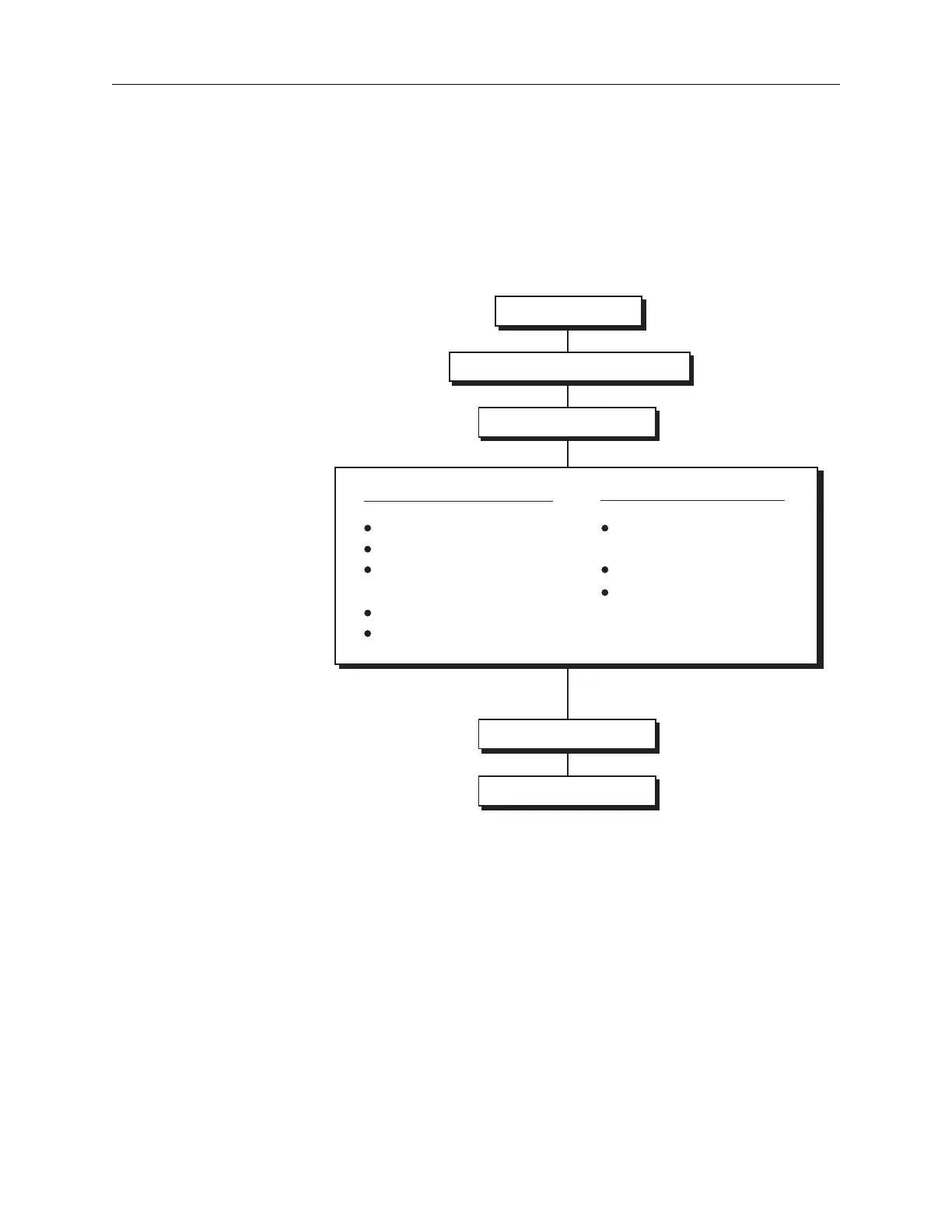
Suggested Troubleshooting Sequence
When a condition occurs, observe the Sentinel message code or
symptom, and determine if the condition is being caused by the Con
-
trol or Injection group of circuits. Isolate the condition to a board or
boards, replace the board(s) or troubleshoot to component level. See
Figure 15.2 below.
Figure 15.2: Suggested Troubleshooting Sequence
1. Condition
2. Message or Symptom
3. Circuit Groups
Control Group
CPU Card
I/O Card
Servo Control Card
(Digital Portion)
PPI Card
Display Card
Injection Group
Servo Control Card
(Analog Portion)
Power Drive Card
Mechanical Stop
4. Circuit Board
5. Circuit



 To Next Page