3 Setup and installation
11
3 Setup and installation
WARNING
Improper installation may lead to a short-circuit, fire, water damage or electrical shock.
This could result in serious injury.
n Only have the device set up, installed and commissioned by people authorised by MELAG.
Removing from the packaging
CAUTION
Danger of injury from incorrect carrying.
Lifting and carrying too heavy a load can result in spinal injury. Failure to comply with these provisions can
result in crushing.
n The device should always be carried by two people.
n Use the correct carrying straps to carry the device.
n Comply with the safety regulations that apply to you.
1. Lift the device out of the box by the carrying straps.
2. Unscrew the four screws from each side of the unit cover to remove the straps.
3. Screw the screws back in tightly without washers.
4. Store the carrying straps and washers in a safe place.
5. After switching on the device, immediately open the door and remove the tablets and the accessories.
Applying the cover caps at the side wall
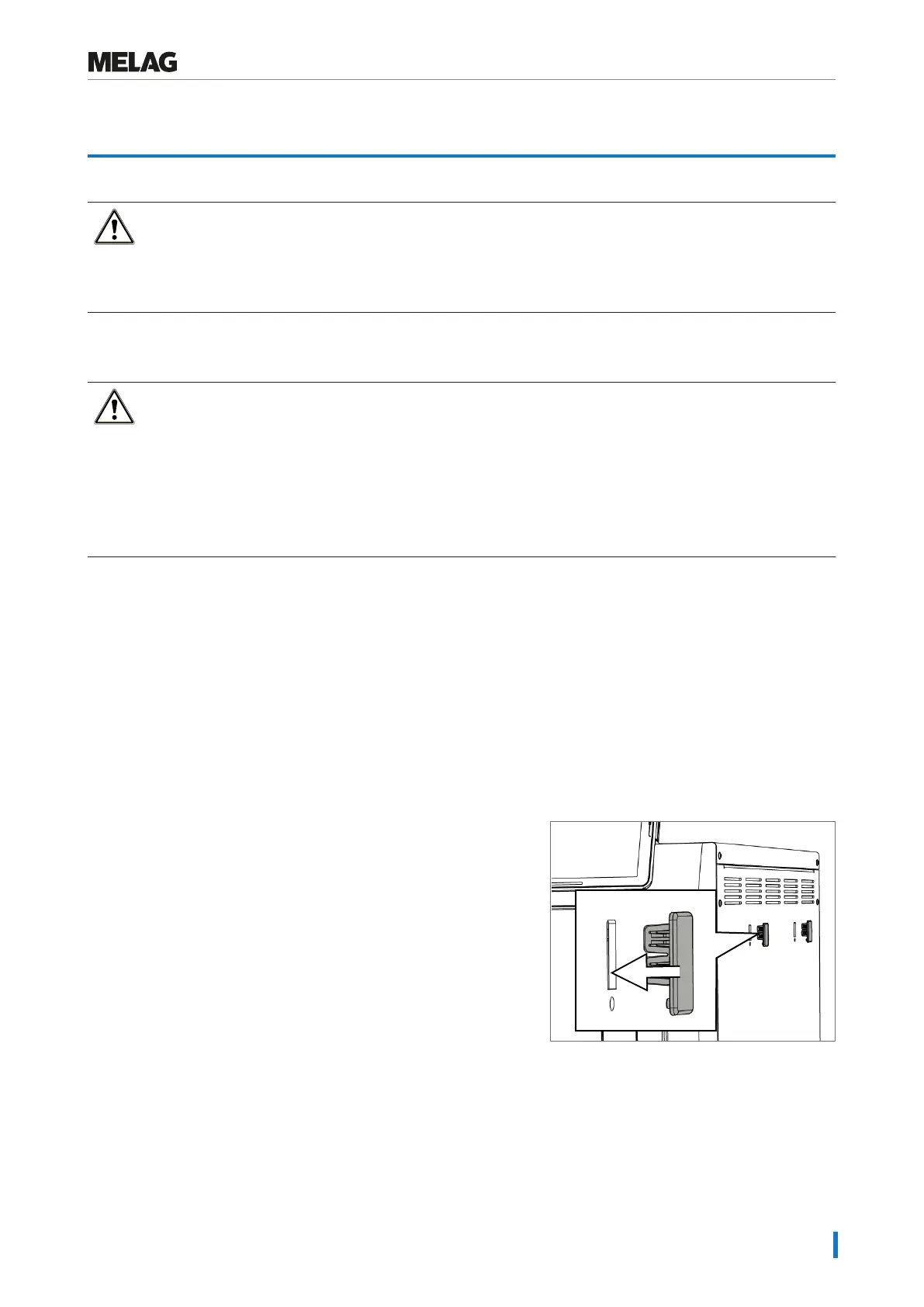
There are rectangular recesses on both side walls of the steam sterilizer for attaching the mounts of the water treatment
unit MELAdem40. Close the recesses with the cover caps (included in the scope of delivery) if you are not using a water
treatment unit.
u
Press the cover caps into the recesses as shown in the figure.
For further information see user manual MELAdem40.













 To Next Page