10 Settings
52
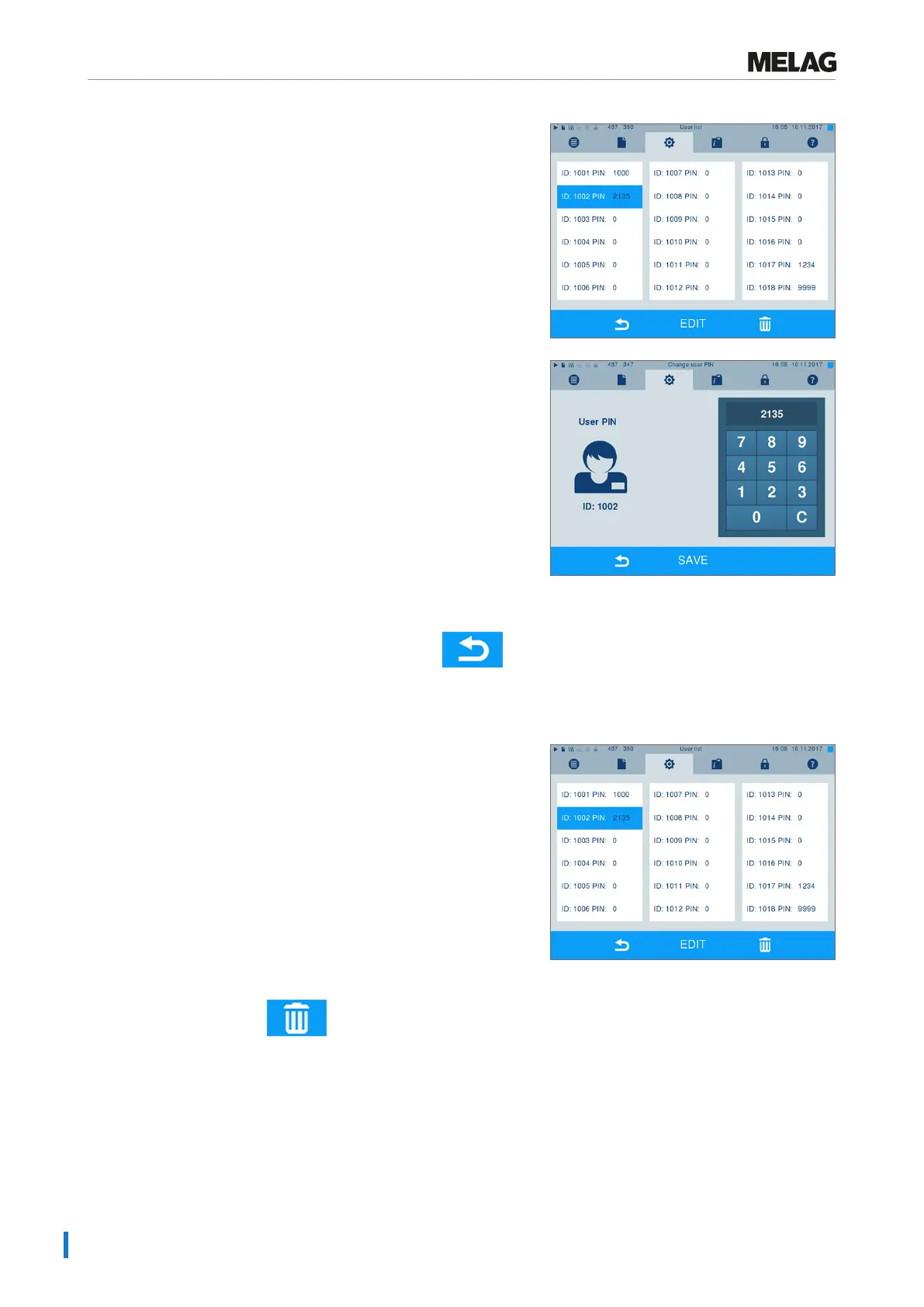
4. Select a free ID and select EDIT in order to create a
new user. The first ID is reserved for the Admin PIN.
5. Enter a 4-digit PIN in the right-hand key pad for the
selected user ID.
6. Accept all the settings with SAVE, then leave the
menu.
7. Exit the menu by pressing this symbol .
Deleting a user
1. Select the User administration option as
described above and open the user list.
2. Select the user ID which you wish to delete.
3. Press the symbol to delete this user.
Ê A warning is issued.
4. Confirming the warning with YES will set the PIN
number of this ID to “0”.
Ê A new PIN can be issued for this user ID at any time.












 To Next Page