Basic operation
62
ENGLISH
10
Hello
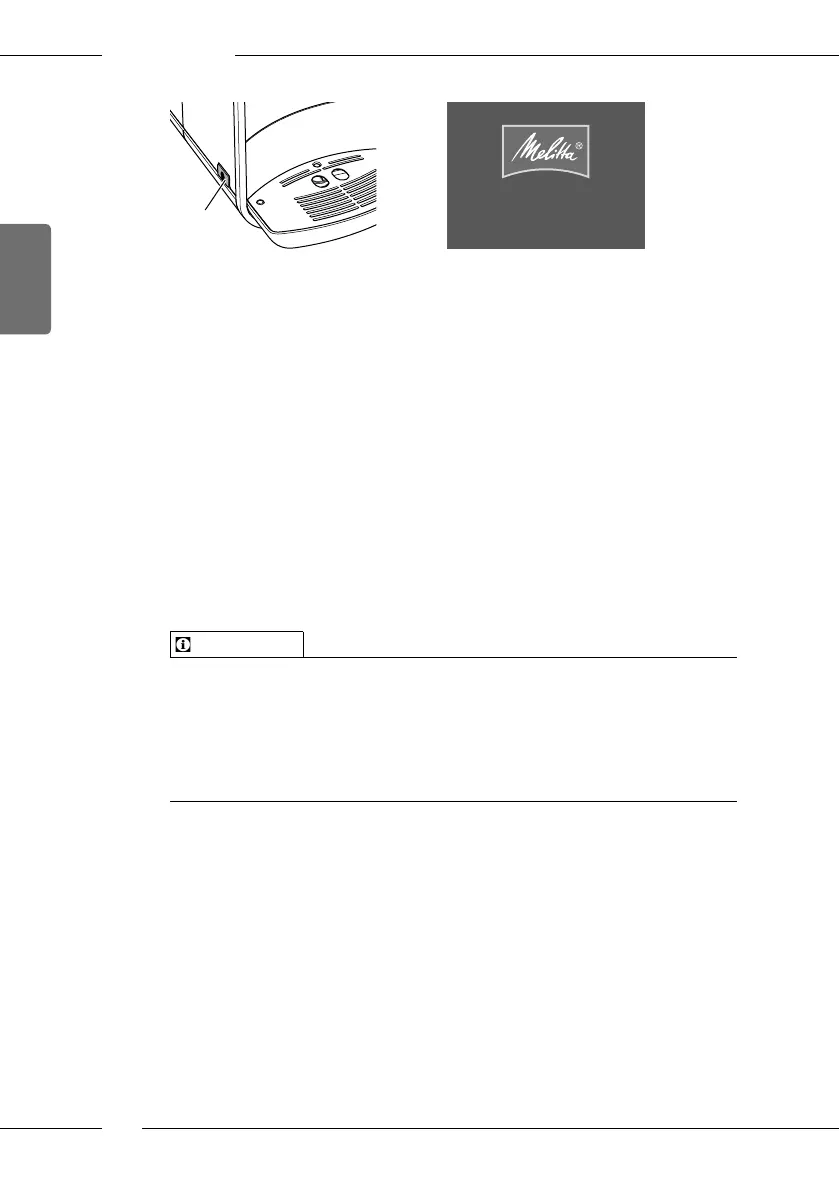
Fig. 4: ON/OFF button Fig. 5: Welcome display
Switching the appliance on
1. Place a vessel beneath the outlet.
2. Press the ON/OFF button (10).
» The welcome display appears on the display (see Fig. 5).
» The appliance heats up and performs automatic rinsing.
» The ready symbol appears on the display.
Switching the appliance o
1. Place a vessel beneath the outlet.
2. Press the ON/OFF button (10).
» The appliance performs automatic rinsing.
» The appliance switches o.
Information
The appliance switches o automatically when it is not operated for a
long time. Automatic rinsing is also carried out in this case.
The o time can be set in the Auto OFF menu, see chapter 8.3 Setting
Auto OFF on page81.
If no beverage has been prepared since switching on or if the water tank
is empty, no rinsing takes place.
4.2 Using the control panel
The essential functions can be accessed using the control panel.
Press the button with a ngertip. The control panel does not react when
touched with a pen or other objects.
Only those buttons which can be used in the appliance's current status light
up.



 To Next Page
 Loading...