Operation and Control
37 D39303 02/2024
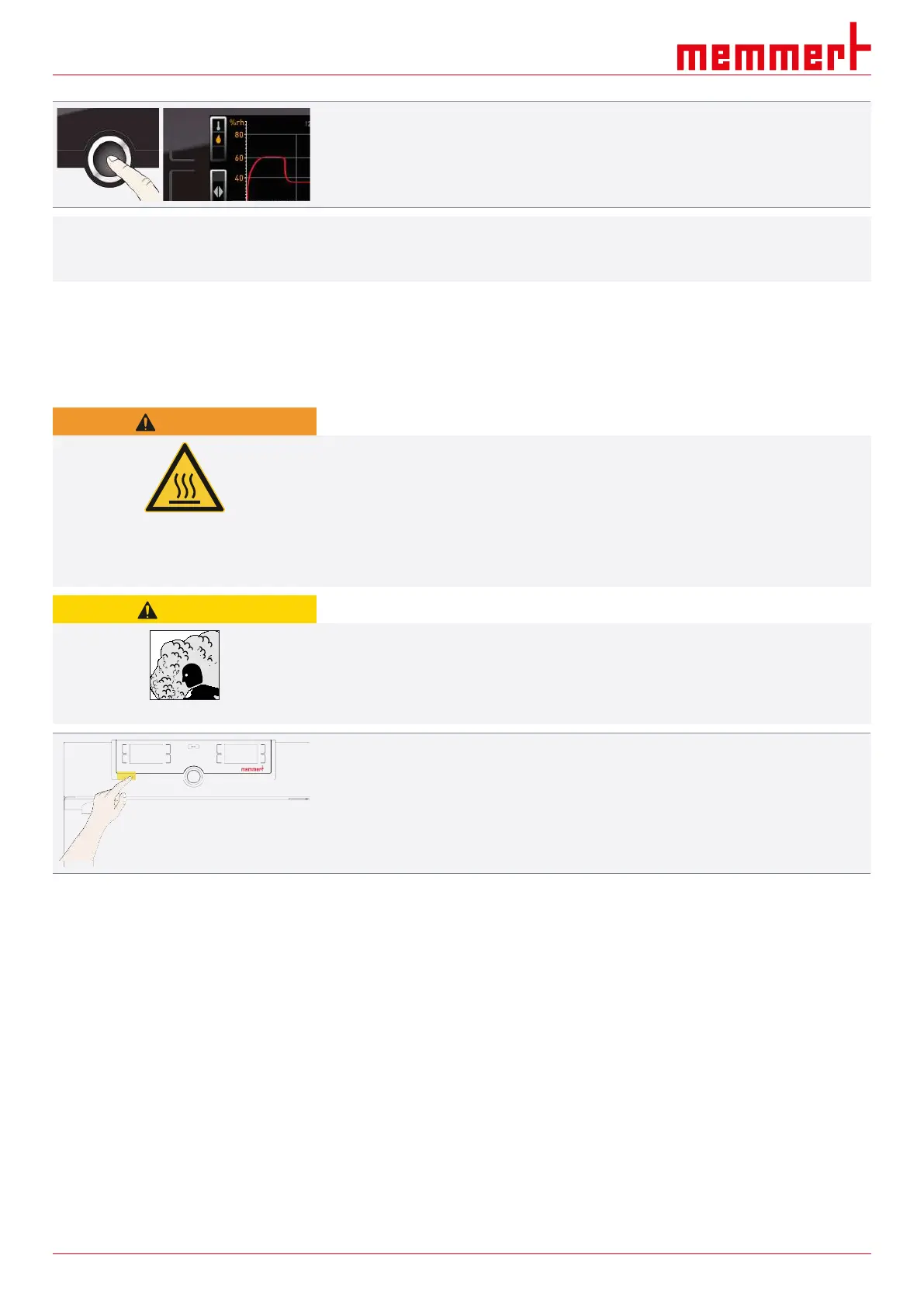
4. Press the confirmation key to confirm.
ð The humidity profile is displayed.
i
You can displace the display range and also zoom in/out as described in }
6.7.1Temperature Curve.
See also
2 Temperature Curve [}36]
6.8 Ending Operation
WARNING
Hot surfaces
Depending on the operating situation, the unit and the load may be hot. Contact with hot
surfaces may have serious health consequences due to burns!
– Allow the unit to cool down.
– Wear heat-resistant protective gloves when carrying out work.
– Check the temperature of surfaces before touching them.
CAUTION
Hot steam
Hot steam can build up inside the appliance. When opening the door, there is a risk of
scalding yourself.
– Allow the appliance to cool down before opening the door.
1. Switch off the active unit functions (reset setpoint values).
2. Remove the chamber load.
3. Check the water tank and top up if necessary (see }5.3Water specifications).
4. Switch off the unit at the main switch.
See also
2 Water specifications [}22]


 To Next Page