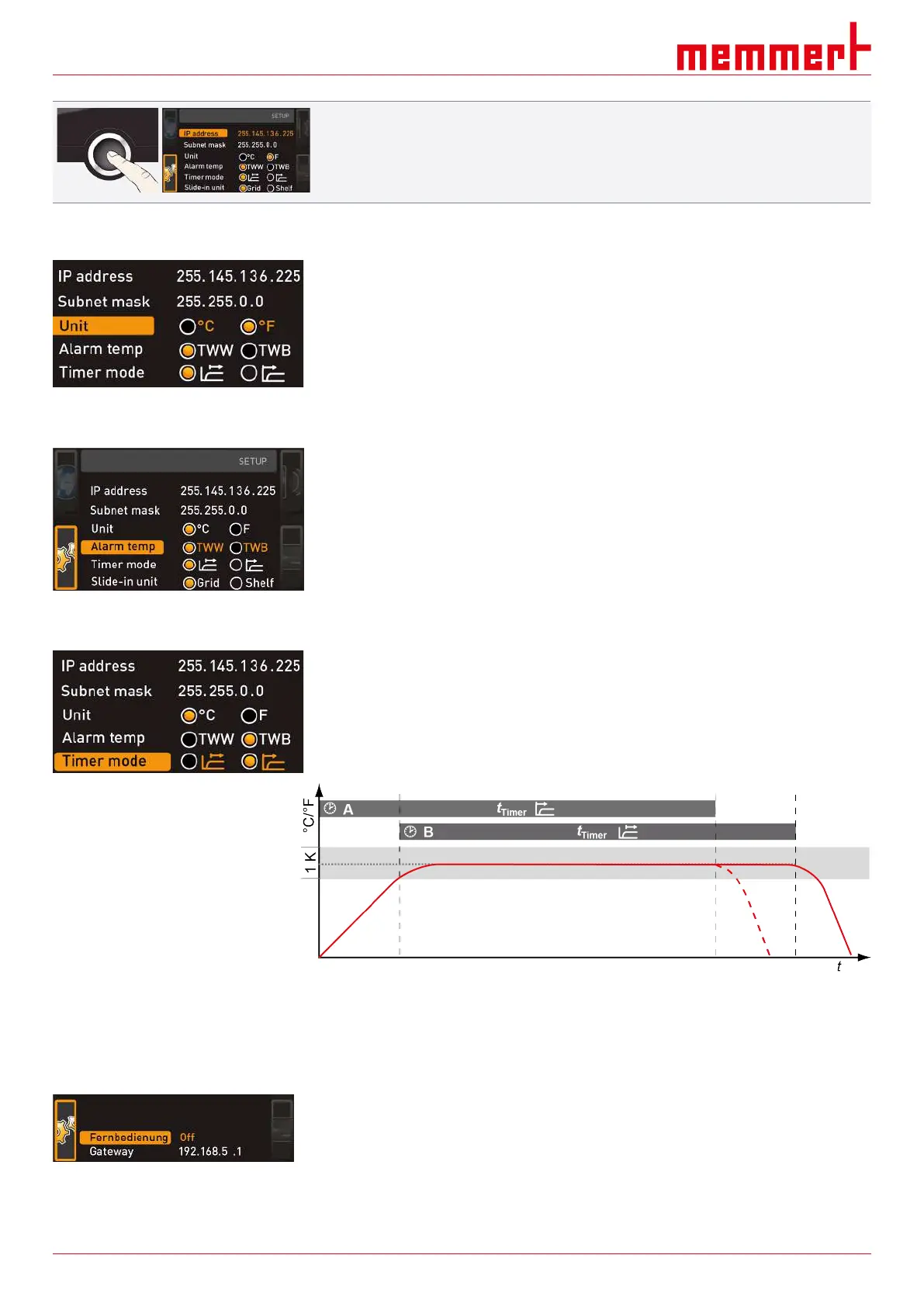
Menu Mode
45 D39303 02/2024
5. After setting the last three digits, confirm the new IP address by pressing the
confirmation key.
ð The overview is displayed once again.
ð The subnet mask can be set in the same way.
8.3.3 Unit
Here, you can choose whether the temperature is displayed in °C or °F.
8.3.4 Temperature Monitoring
Here, you can choose which temperature protection class in accordance with
DIN12880:2007‑5 should be used (TWW or TWB, description from
}6.6Monitoring Function).
See also
2 Monitoring Function [}32]
2 Monitoring Function [}32]
8.3.5 Timer Mode
Here, you can choose whether the digital backwards counter with target time setting (see
}6.5.2Digital Backwards Counter) should be setpoint-dependent or not – in other words,
whether the timer should not start until a tolerance band around the setpoint temperature
is reached Ⓑ or if it should start right after activation Ⓐ.
See also
2 Digital Backwards Counter [}29]
8.3.6 Remote Control
Under the Remote control setup entry, you can set whether the appliance should be
controlled via remote control and if so, in which mode. These adjustment options are
available:
■ Off
■ Read Only
■ Write + Read


 To Next Page