Menu Mode
54 D39303 02/2024
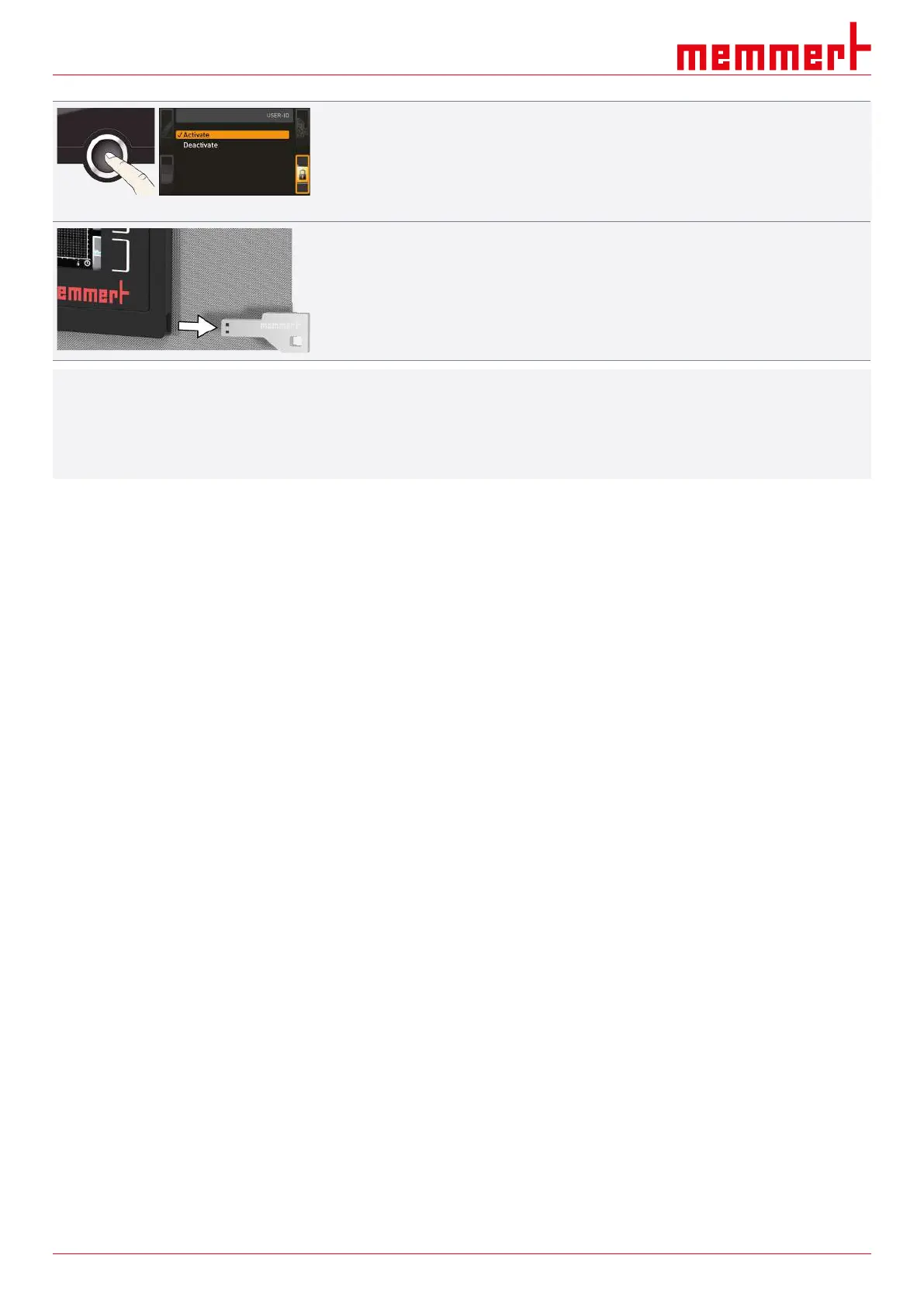
3. Confirm the activation by pressing the confirmation key.
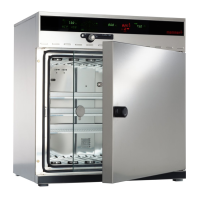
ð The new USER ID data are transferred from the USB storage medium and
activated.
ð As soon as activation is complete, a check mark appears in front of the
corresponding entry.
4. Remove the USB storage medium.
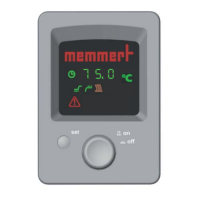
ð Locked parameters are indicated by the lock symbol on the respective display.
i
To unlock the appliance,
■ insert the USB storage medium,
■ activate the USER ID display
■ and select the Deactivate entry.


 To Next Page