14
CONNECTION (CONTINUED)
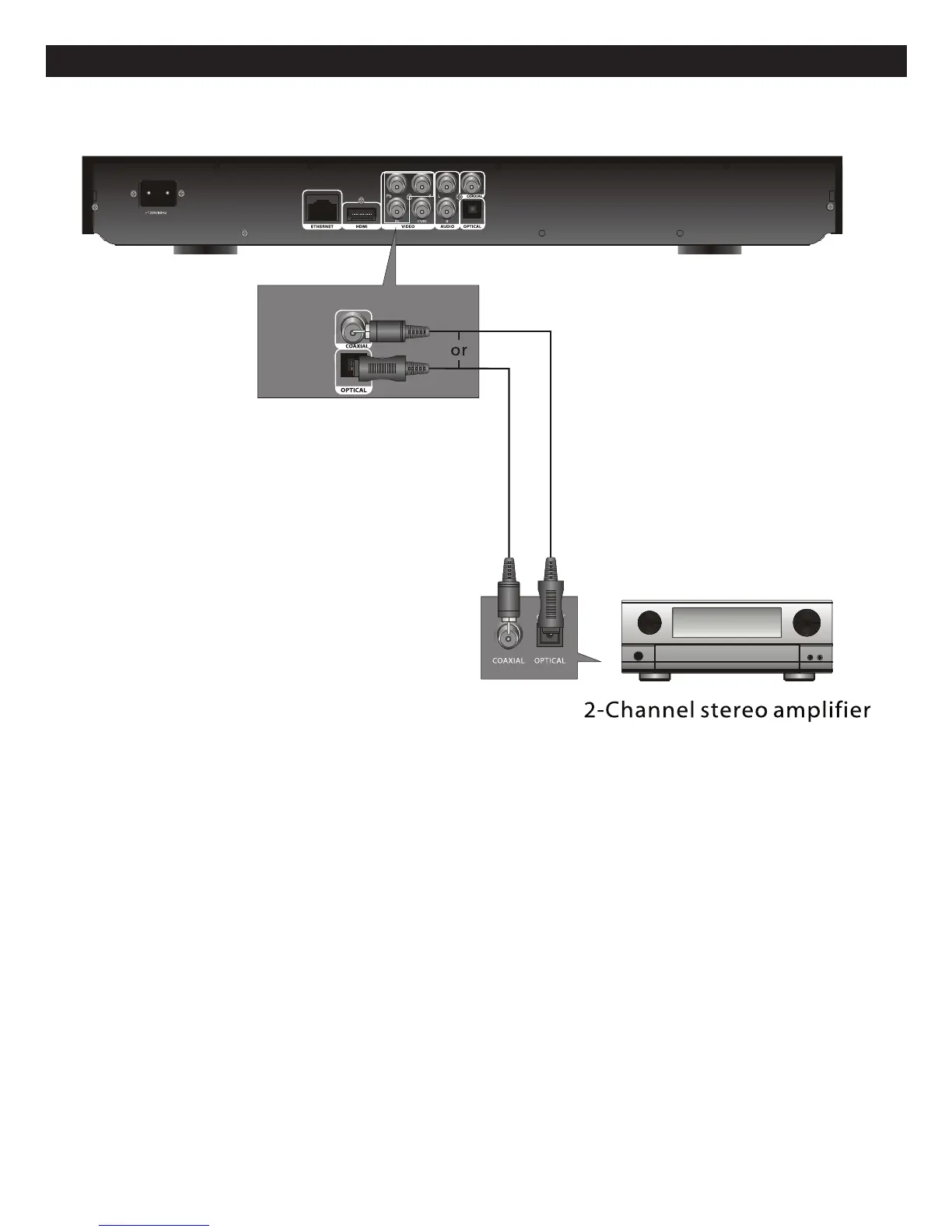
CONNECTING THE PLAYER TO A HOME THEATER SYSTEM (VIA COAXIAL OR OPTICAL JACK)
NOTES:
• When connecting the Player, refer to the owner’s manuals for the TV and the audio system, as well as this manual.
• When connecting, make sure the power is off and all units are unplugged before making any connections.
• Connect the player to your TV directly. If you connect the player through a VCR, the playback picture will be distorted
because video discs are copy protected.
• If you place the player near a tuner, the radio broadcast sound might be distorted. In this case, move the player away from
the tuner.
• When using this connection, Blu-ray Discs with an LPCM audio soundtrack will only be heard over the two front channels.



 To Next Page