EasyManua.ls Logo

Memorex MVBD2535 - User Manual

Memorex MVBD2535
194 pages
Print Icon
To Next Page IconTo Next Page
Loading...
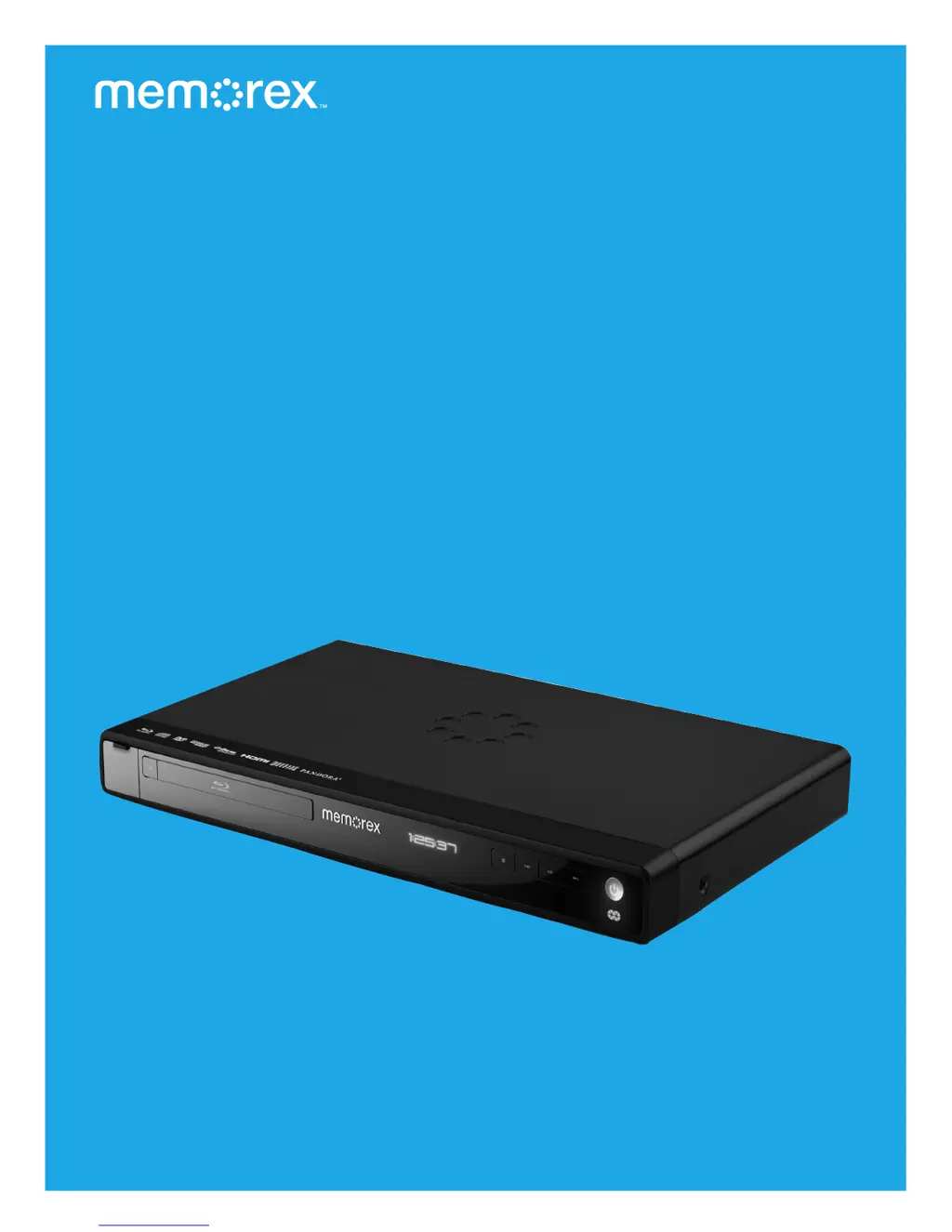
Wi-Fi Blu-ray Player
Let Me Entertain You
User Guide
Guía del usuario
Guide d’utilisateur
Guia de operador
memorex.com
MVBD2535GPH

Table of Contents

Questions and Answers

  • D
    Douglas OlsonAug 20, 2025
    What to do if my Memorex MVBD2535 does not start playback?
    • C
      Christian HarperAug 20, 2025
      If the unit does not start playback, consider the following: * The disc might not be inserted, or inserted upside-down. Insert the disc correctly. * A non-playback disc might be inserted. Make sure to insert a playable disc as shown on page 16. * The disc might not be placed in the guide. Place the disc on the disc tray correctly inside the guide. * The disc might be dirty. Clean the disc.
  • C
    Christopher SchroederAug 22, 2025
    What to do if my Memorex MVBD2535 Blu-ray Player has no power?
    • L
      laurenevansAug 22, 2025
      If your Memorex Blu-ray Player has no power, the AC cord might be unplugged. Ensure the AC cord is properly plugged into an AC outlet.
  • L
    lconnerAug 25, 2025
    Why is there no picture on my Memorex Blu-ray Player?
    • J
      james27Aug 25, 2025
      If there is no picture, it may be due to several reasons: * The equipment might not be connected properly. Ensure you connect the equipment according to the manual's instructions. * The TV's input might not be set to receive the disc signal output. Select the correct video input mode, like VIDEO or AV. * The video cables may not be securely connected. Make sure the video cables are securely connected.
  • T
    Teresa LaneAug 26, 2025
    What to do if my Memorex MVBD2535 remote control is not working?
    • D
      Destiny SmithAug 26, 2025
      If the remote control is not working, here are a few things to check: 1. The batteries might be weak or dead. Try installing fresh batteries. 2. The batteries might not be installed correctly. Ensure they are installed according to the diagram. 3. The remote might not be aimed at the sensor, be too far away, or there might be too much light. Aim the remote at the sensor, stay within 20 ft., and reduce the light in the room.
  • A
    Amanda RuizAug 28, 2025
    Why is there no sound coming from my Memorex Blu-ray Player?
    • M
      millersarahAug 28, 2025
      If there is no sound, it could be due to these reasons: * The connected TV power is off. Connect the equipment according to the instructions in this manual. * The equipment connected with the audio cable is not set to receive the disc signal input. Select the appropriate audio input mode. * The audio cables are not securely connected. Connect the audio cables securely.
  • A
    Angie King MDAug 30, 2025
    What to do if my Memorex MVBD2535 Blu-ray Player is on, but not functioning properly?
    • N
      Nathaniel CrawfordAug 30, 2025
      If the unit is on but not working correctly, consider the following: * Condensation may have formed. Unplug the unit and wait about one to two hours to allow it to dry. * The wrong type of disc may be inserted. This unit can only play discs listed on page 16. * The unit may need to be reset. Press the Power button, then unplug the power cord. Wait one minute and then plug it back in. * The disc might be dirty or inserted incorrectly. Clean the disc and insert it label side-up.
  • B
    brett47Aug 31, 2025
    Why is the picture rolling on my Memorex Blu-ray Player?
    • K
      Kimberly JacksonAug 31, 2025
      If the playback picture rolls, it may be because the connected receiver’s power is off. Set unit to NTSC.
  • M
    Michael AdamsSep 2, 2025
    Why is the playback picture poor on my Memorex MVBD2535 Blu-ray Player?
    • M
      Melissa JimenezSep 2, 2025
      If the playback picture is poor, it could be because the unit is incorrectly set to PAL. Clean the disc.
  • Q
    qsantosSep 4, 2025
    What to do if my Memorex Blu-ray Player TV display shows 'No Signal' or is blank?
    • A
      Andrew ConradSep 4, 2025
      If the TV display shows 'No Signal' or is blank, it could be due to these reasons: * Some TVs do not support 1080i/1080p output. The TV does not support 1080i/1080p output; Connect Video Out as shown on page 11. * The unit is set to the wrong resolution. Press the TV RES button to cycle settings until the picture displays.
  • S
    Stephanie RiveraSep 6, 2025
    How to fix picture not fitting properly on Memorex MVBD2535?
    • M
      Michael MartinezSep 6, 2025
      If the picture is not fitting properly, the wrong menu option might be selected in the Setup menu. Select the correct TV Screen (16:9 Wide, 16:9 Pillarbox, 4:3 Pan&Scan, 4:3 Letterbox).

Summary

Important Safety Instructions

General Safety Precautions

Covers electrical shock, laser exposure, fire, moisture, and general warnings.

Continued Safety Instructions

BD;DVD Playback Basics

Starting Blu-ray or DVD Playback

Step-by-step guide to turn on, insert disc, and begin playback.

Playback Control: Stop, Play, Resume

How to stop, resume, and manage playback sessions.

BD;DVD Playback Controls

Skip, Search, and Navigation Functions

Using skip and search buttons for chapter or section navigation.

Pause, Slow Motion, and Step Playback

Functions for pausing, viewing in slow motion, or advancing frame-by-frame.

BD;DVD Menu Navigation Tools

Disc Menu and Pop-Up Menu Access

How to use the DISC MENU and POP-UP MENU buttons.

Title, Chapter, and Time Search Navigation

Direct navigation to specific content using search features.

Advanced BD;DVD Playback Features

Repeat Playback Modes (Title;Chapter)

Setting repeat playback for entire titles or specific chapters.

A-B Repeat and Angle Selection

Defining playback segments and switching camera angles.

BD;DVD Audio and Subtitle Options

Subtitle Language Selection Control

Selecting desired subtitle language or disabling subtitles.

Audio Language Selection Options

Choosing the preferred audio track language for the disc.

CD Playback Guide

Starting and Controlling CD Playback

Steps for playing CDs, including pause, play, stop, and resume.

CD Track Selection and Search

CD Track Navigation Methods

Using number buttons, skip, and search for track selection.

Faster Search and Playback Speeds

Utilizing search functions for faster disc navigation.

Advanced CD Playback Modes

CD Repeat and Random Playback Modes

Using repeat functions for tracks/disc and enabling random track order.

Data Disc and USB Media Playback

Accessing Media Files and Folders

Guide to navigate and play files from data discs or USB drives.

Playing Audio Files (MP3;WMA)

Selecting and Playing Audio Files

Steps to select and play MP3/WMA files from media.

Playing Video Files (WMV)

Selecting and Playing WMV Video Files

Instructions for selecting and playing WMV video files.

Playing Photo Files (JPG;PNG)

Viewing and Selecting Photo Files

Steps to view and select JPG/PNG photo files.

Setup Menu Navigation and Display Settings

General Menu Navigation Procedures

How to navigate through various setup menus and options.

Display Setup Menu Options

Configuring TV aspect ratio, resolution, and other display settings.

Advanced Display Setup Options

TV Aspect Ratio Adjustments

Options for fitting the picture to different screen aspect ratios (16:9, 4:3).

Audio Setup Menu Options

Digital Output Formats and DRC

Selecting audio output types (PCM, Bitstream) and dynamic range control.

Language Setup Menu

Selecting Disc Audio & Subtitle Languages

Setting preferred languages for disc playback.

Parental Control Setup

Setting Parental Control Levels

Configuring content restrictions based on age ratings.

Changing Parental Control Password

Procedure for Setting a New Password

Step-by-step guide to change the parental control access code.

System Setup Menu

CEC Support & Firmware Updates

Enabling device control and updating the player's software.

Network Setup Menu

BD-Live Setup Menu

Wireless Network Connection Details

Advanced Wireless Connection Methods

Using Streaming Applications

Applications and Firmware Updates

Firmware Update Procedure

Step-by-step instructions for updating the player's firmware.

Troubleshooting Common Issues

General Player Malfunctions and Solutions

Solutions for problems like no power, no picture, or no sound.

Troubleshooting Specific Problems

Care and Maintenance of Player and Discs

Disc Handling, Cleaning, and Storage Best Practices

Best practices for preserving disc quality and longevity.

Memorex MVBD2535 Specifications

General IconGeneral
BrandMemorex
ModelMVBD2535
CategoryBlu-ray Player
LanguageEnglish

Related product manuals