37
SETUPMENU(CONTINUED)
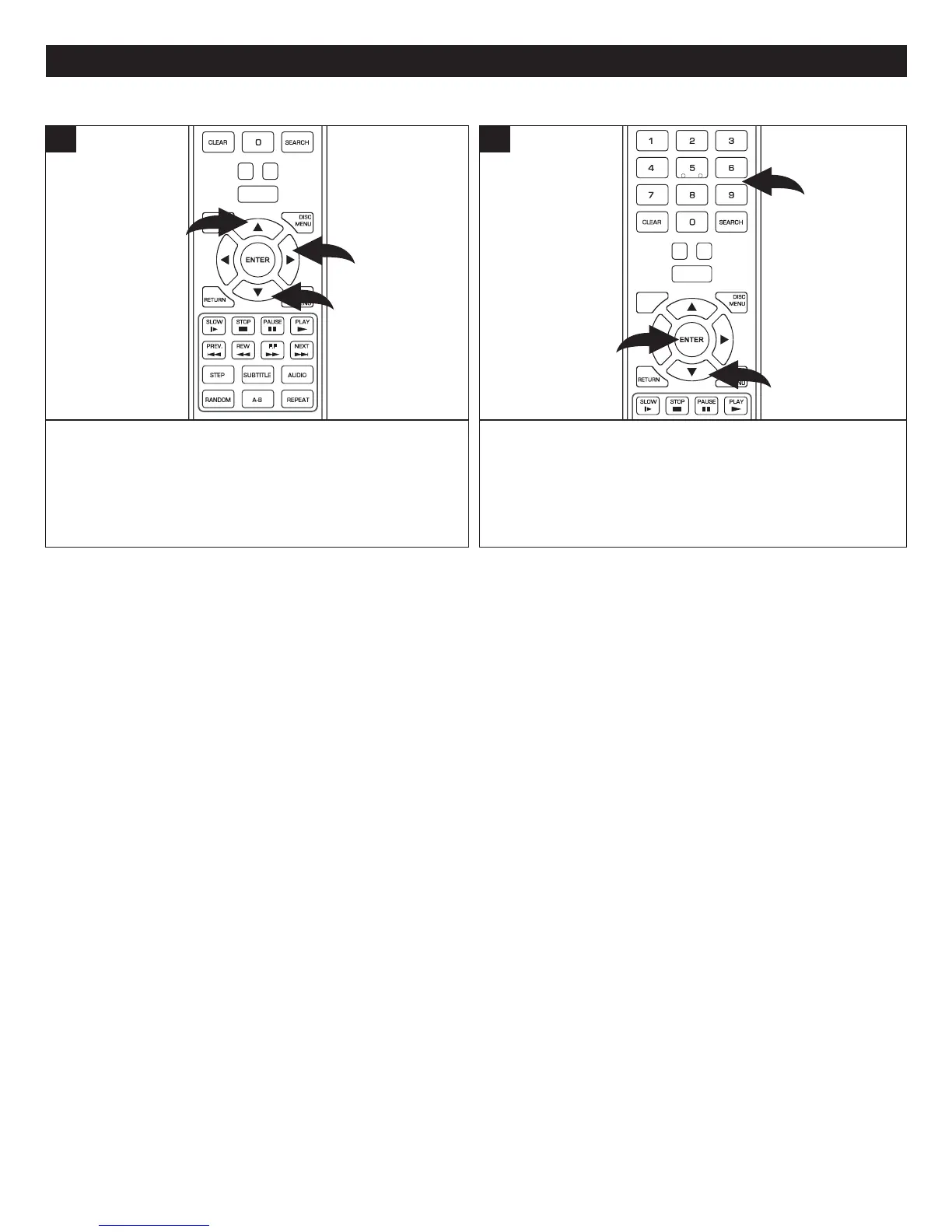
WhileintheParentalSetupmenu,selectParentalPassword
using the Navigation (π,†) buttons 1, then press the
Navigation (®) button 2 to enter. The Password pop-up
screen will appear.
CLEAR
SUBTITLE
AUDIO
STEP
RANDOM
SLOW STO P
REW
PREV.
F.F
NEXT
PAUSE
PLAY
A-B
REPEAT
DISC
MENU
RETU RN
POP- UP
MENU
SEARCH
HOME/SETUP
ANGLE
DISPLAY
TV RES.
1
2
1
1
At the Password pop-up screen, enter the new four digit
password using the Number buttons 1, then press the
Navigation (†) button 2 to select OK. Press the ENTER
button 3 to complete the process. The new password will
now be set.
CLEAR
SLOW
STOP
PAUSE
PLAY
DISC
MENU
RETU RN
POP- UP
MENU
SEARCH
HOME/SETUP
ANGLE
DISPLAY
TV RES.
3
2
1
2
CHANGINGTHEPASSWORD



 To Next Page