14
CONNECTION(CONTINUED)
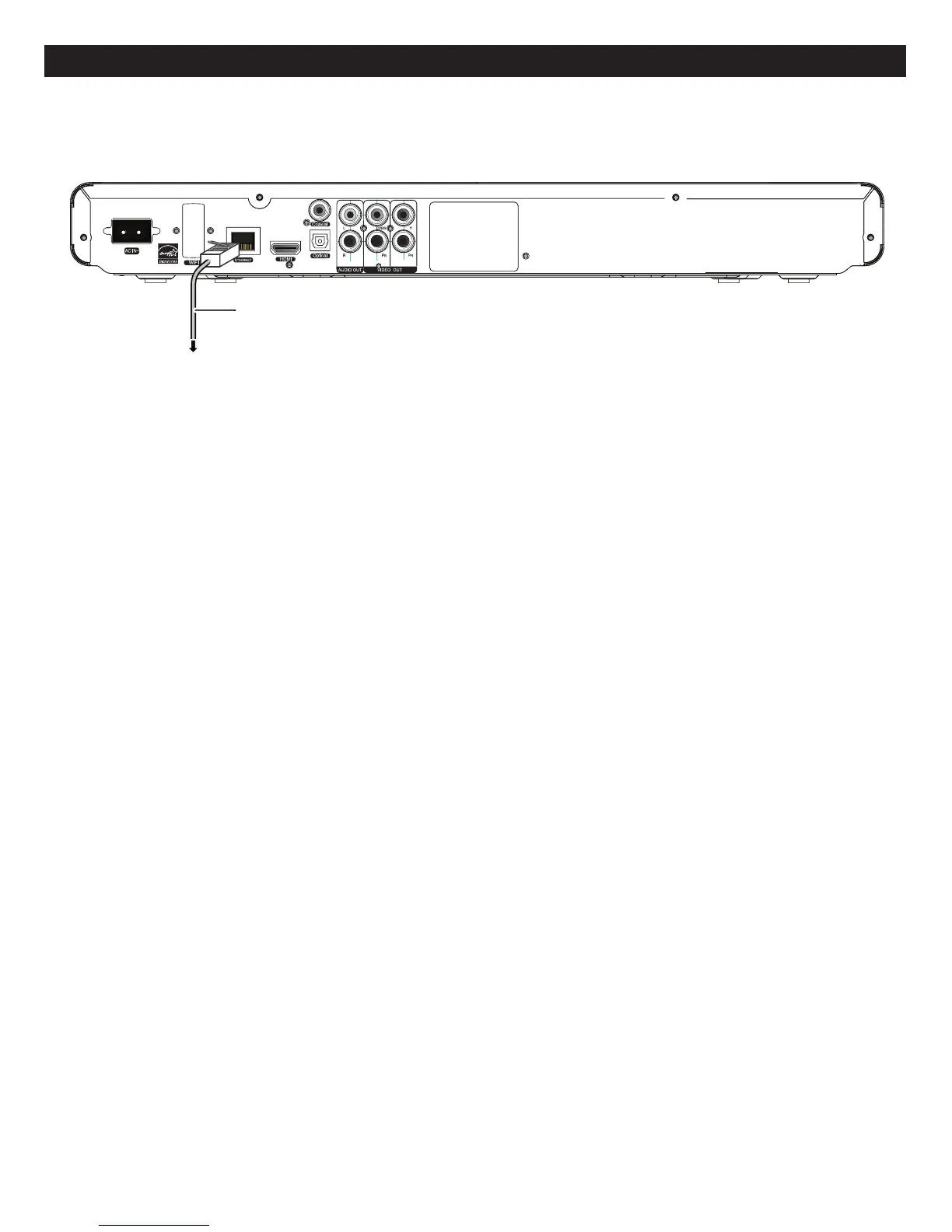
CONNECTINGTHEPLAYERTOANETWORK
Back of the unit
AC power supply cord
(included)
Connect only after all
other connections are
completed.
To a household AC outlet
(AC 110-240 V, 50/60 Hz)
Front of the unit
USB Stick
Back of the unit
Lan cable
(not included)
Connect to Internet
WIRED:ConnectviaanethernetLANcabletoconnectviatheEthernetjack.Itisrecommendedthatyouuse
abroadbandroutersoyoucanutilizeyourinternetwithothersources.Refertotheinstructionsthatcamewith
therouter.
WIRELESS:Ifyouhaveawirelessnetwork,youcanconnectasshownonpage41.AfterconnectingviaWiredor
Wireless,makesuretosettheNetworkOptionsasshownonpage39beforeusing.
SeethefollowingpageforFAQsandinformationonBD-Live.
APPLICATIONS:YoucanusethisunittoconnecttoNetflix,Pandora,Blockbuster,etc.whenconnectedtothe
internet.Seepage43touseoneoftheseapplications.



 To Next Page