ENJOYINGBonusViewandBD-Live
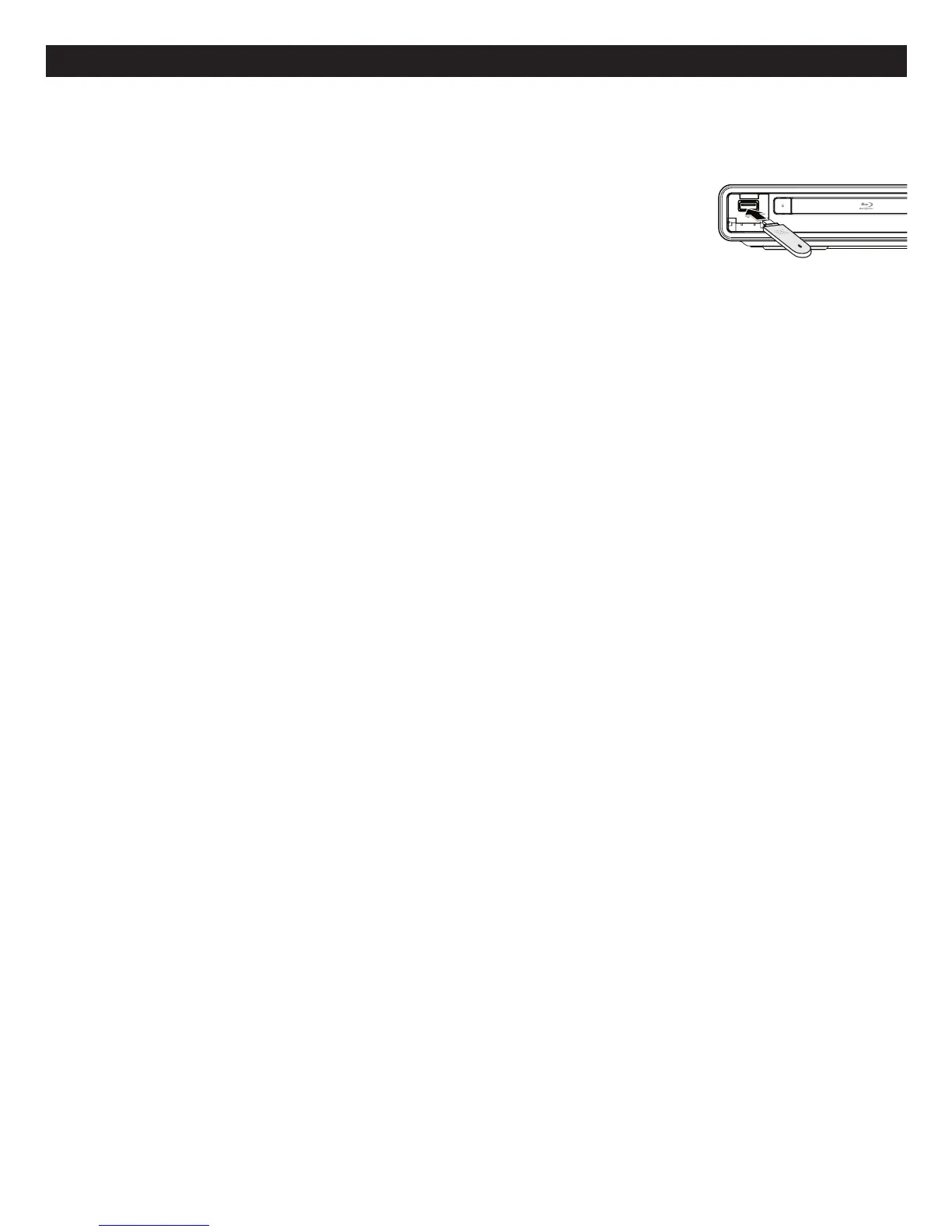
SomeBD-ROMdiscs(labelledBD-Live)havebonuscontentandotherdatathatcanbedownloadedtoaUSB
driveconnectedtothefrontofthisunitforenjoymentasfollows:
1. Turntheplayeroff.
2. Connecttheplayertoanetworkasdescribedonthepreviouspages.
3. InsertaUSBdrivewithaminimumof1GBandmaximumof32GBinFAT32
format.
4. Turntheplayeron.
5. InsertaBD-ROMwithBonusView/BD-Live.
6. Operationwilldifferdependingonthedisc.Refertotheinstructionsthatcamewiththedisc.However,usually
on the disc title menu screen, there is a BD-Live option. Simply select it using theNavigation (√,®,π,†)
buttonsandthenpresstheENTER button to select it.
BD-LiveFAQs:
Q1:WhatisBD-Live?
A1: BD-LiveisanewBlu-rayfeaturethatutilizestheinternettoextendyourmovieviewingexperiencethrough
downloadedcontentandadvancedinteractivity.WhenusingthisplayerwithBD-LiveenabledBlu-rayDiscs,
youcandownloadavarietyofup-to-datecontent,suchaspreviews,triviagames,exclusivespecialfeatures
andmore.Thecontentwillvaryfromdisctodisc.
Q2:DoallBlu-rayDiscshavethisfeature?
A2: BDLiveisstillrelativelynew,somakesurethatthedischastheBD-Livemarkingonthediscpackaging.
Q3:HowdoIaccessBD-Live?
A3: WithaBD-Liveenableddiscinsertedandthisunitconnectedtotheinternet,simplyselecttheBD-Liveoption
atthedisctitlemenuscreenofthedisc.
Q4:WillalldiscshavethesameBD-Livecontents?
A4: No,theywilldifferfromdisctodisc.
Q5:HowdoInavigatethroughouttheBD-Livescreen?
A5: UsingtheNavigationbuttonsontheremote.
Q6:HowdoIdeletesomethingIdownloaded?
A6: Seepage40todeletetheinformationfromtheUSBDrive.
Q7:WherecanIfindalistofallofthedownloadsonmyplayer?
A7: The BD-Live homepage (shown when you activate Blu-ray) provides the list of downloads which can be
playedwiththecurrently-inserteddisc.Thelistonthedisplaymaybedifferentfromdisctodisc.Also,the
Blu-rayDiscplayermayhaveafunctiontoshowthelistoffilesonlocalstorage,butthosedownloadscan
onlybeplayedwiththespecificdiscwhichenabledthecontentdownload.
15
BD-LIVE
Back of the unit
AC power supply cord
(included)
Connect only after all
other connections are
completed.
To a household AC outlet
(AC 110-240 V, 50/60 Hz)
Front of the unit
USB Stick
Back of the unit
Lan cable
(not included)
Connect to Internet



 To Next Page