31
BD/DVD OPERATION (CONTINUED)
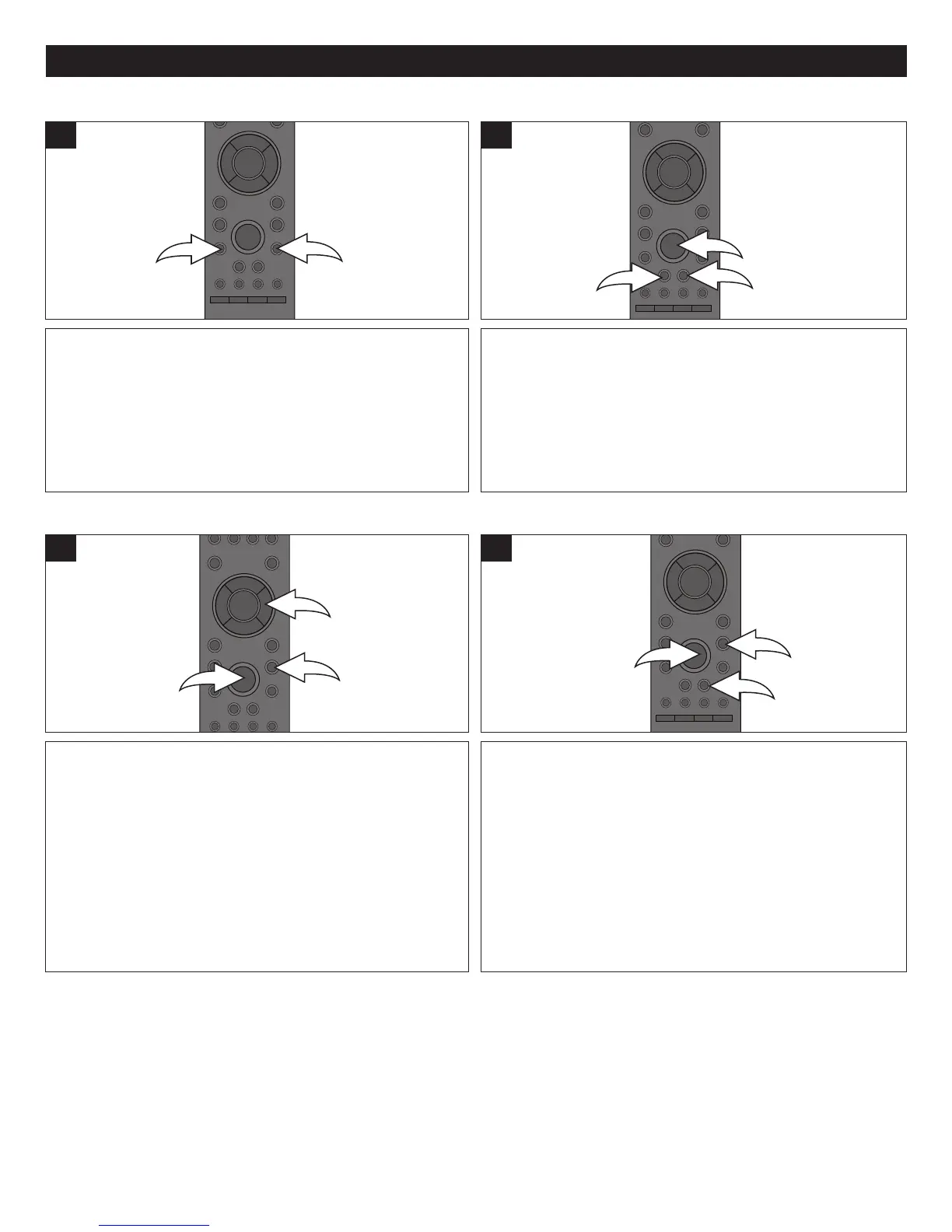
Press the SKIP N button 1 to advance the disc to the
beginning of the next chapter.
Press the SKIP o button 2 to move the disc to the
beginning of the previous chapter.
1
During playback, press either the Search/FWD ®® 1 or
Search/REV √√ 2 button to move the disc forward or
backward at double (x2) speed to locate a specific section.
Repeatedly press these buttons and the speed will increase
to x4, x8, x16 and x32.
Resume normal playback by pressing the Play button 3.
1
SKIP N
/
SKIP
o
SEARCH
Press the PAUSE p button 1 to pause the picture.
Repeatedly press the Navigation ® button 2 to move the
frame forwards one frame at a time.
Press the PAUSE p button 1 again or the PLAY ® button
3 to resume normal playback.
1
Press the PAUSE p button 1 to pause the picture.
Press the Search/FWD ®® 2 button to move the disc
forward at slow motion (1/32) speed to locate a specific
section. Repeatedly press this button and the speed will
increase to 1/16, 1/8, 1/4 and 1/2.
Press the PLAY ® button 3 to resume normal playback.
1
PAUSE/STEP SLOW MOTION



 To Next Page