40
DATA CD/USB/SD CARD OPERATION (CONTINUED)
NOTE:
The Skip, 30 second Skip, Search, Search feature (SEARCH button), Pause and Repeat A-B buttons will operate as described
previously.
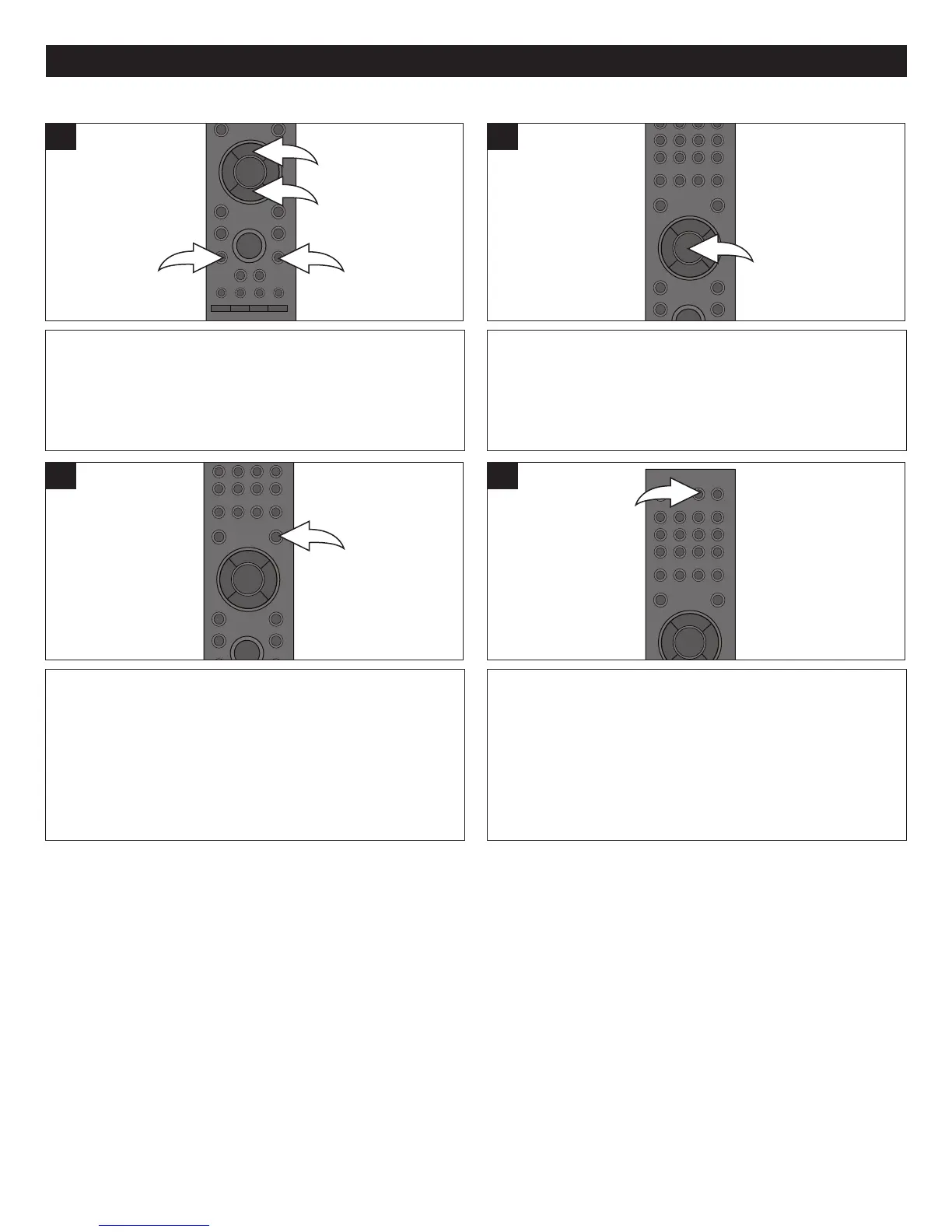
SUB MENU BUTTON: Pressing the SUB MENU button will bring up the same Sub menu as shown on page 38. Change the
settings as desired.
TO RETURN TO THE FILE/FOLDER MENU, simple press
the DISC MENU button.
3
After performing the four steps on page 39, select an
MP3/WMA file using the Navigation (π,†) buttons 1. If the
media contains more than one page, press the SKIP N
2/o 3 button to cycle through the pages.
1
After an MP3/WMA file is selected, press the ENTER
button. The selected file will start playing.
2
MP3/WMA
DISPLAY/INFO BUTTON: Press the DISPLAY/INFO button
to view the elapsed time, remaining time, disc type and
Play status. Press again to remove the info from the
screen.
4



 To Next Page