32
BD/DVD OPERATION (CONTINUED)
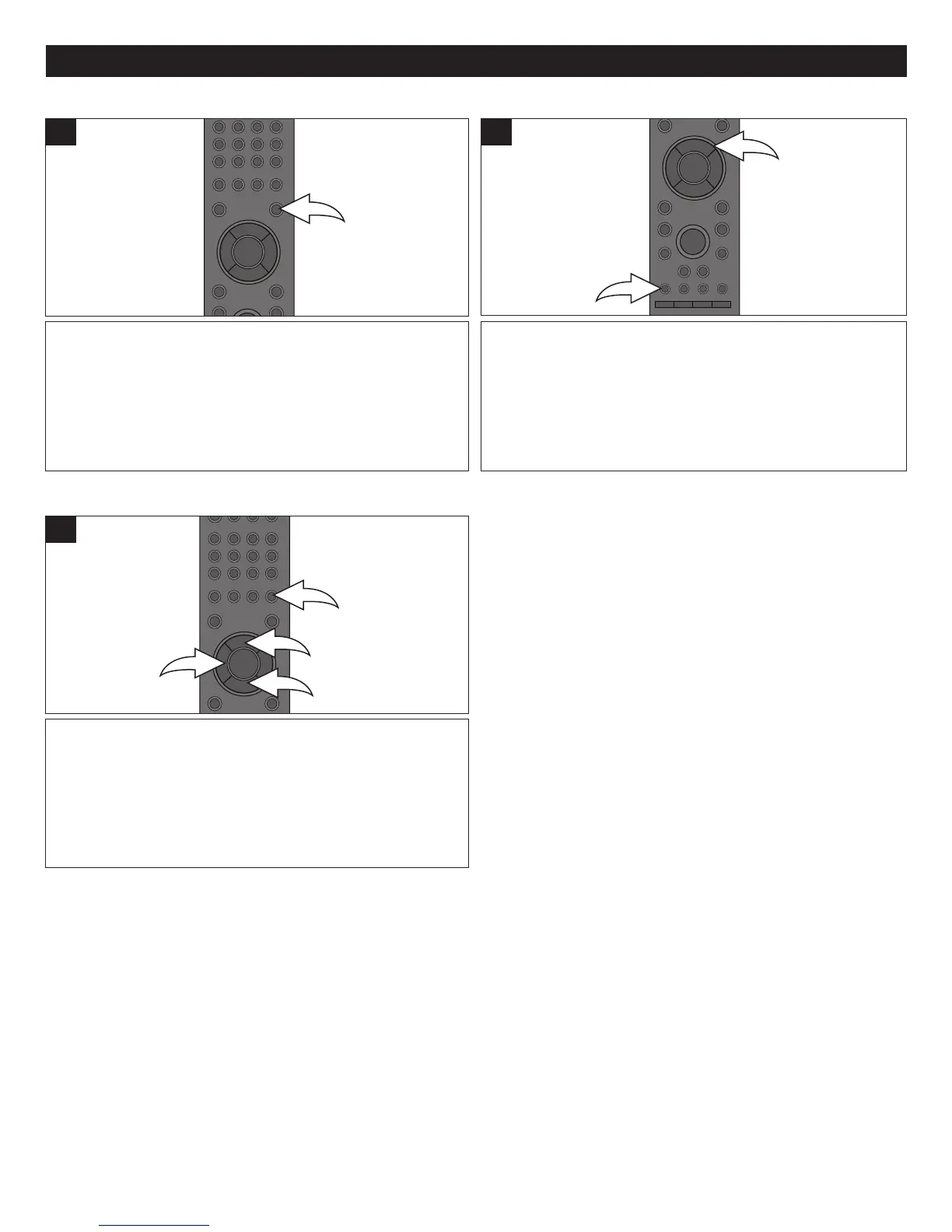
Press the DISC MENU button to go to the title menu.
Depending on the disc, the Title Menu may not be available.
1
Press the AUDIO 1 button repeatedly, or the Navigation
(π,†) buttons 2 after the AUDIO button is pressed, to
change the audio language. This feature is not available on
all discs.
1
DISC MENU BUTTON
AUDIO
Press the SEARCH button 1 once; the Time Search will
appear. Select the time you would like to advance forward
or backwards in minutes using the Navigation (π,†)
buttons 2, then press the ENTER button 3; the disc will
then advance/go back the number of minutes selected.
1
TIME SEARCH



 To Next Page