36
CD OPERATION
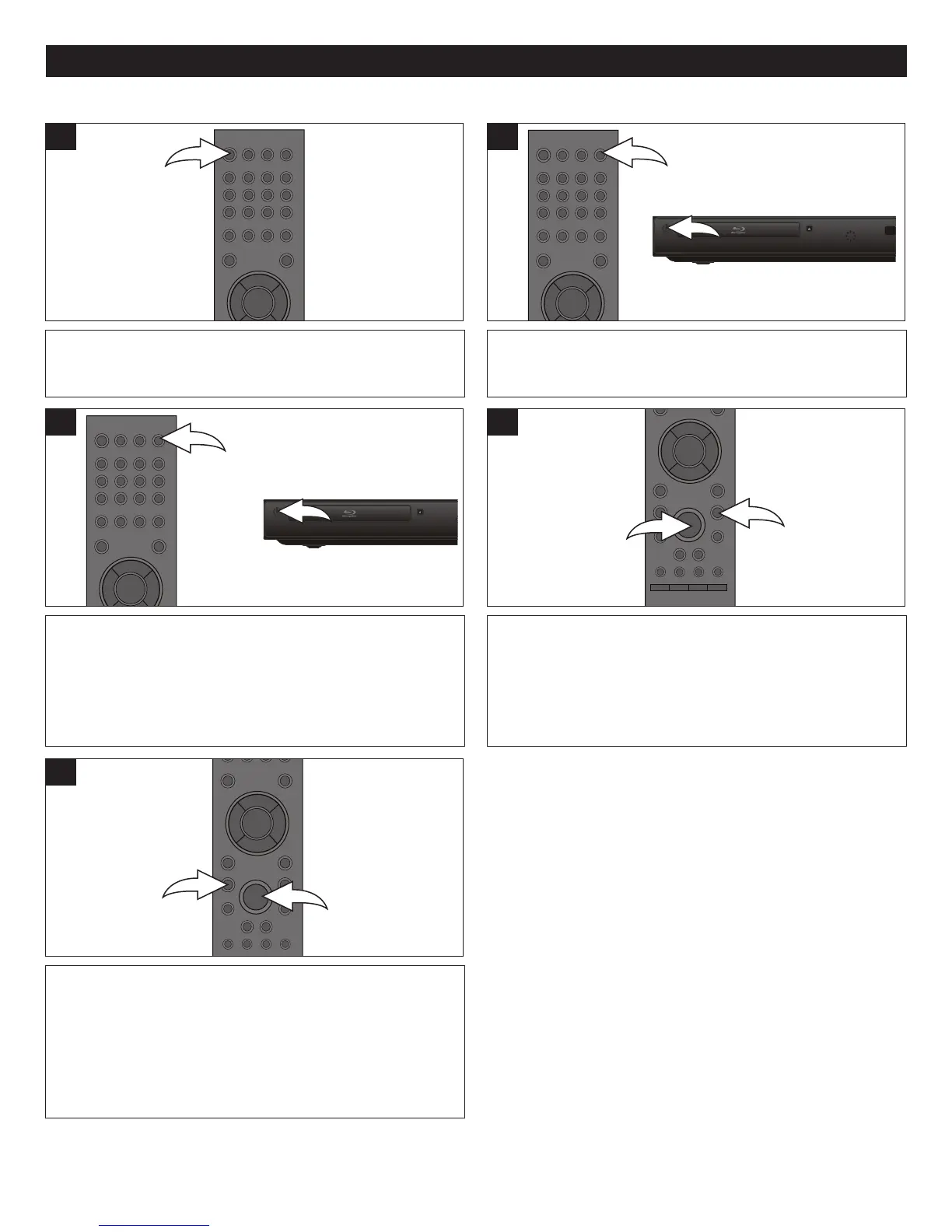
Press the OPEN/CLOSE button to close the disc tray.
“CLOSE” then “READING” will appear briefly on the
screen. After loading, Track 1 will automatically start
playing.
3
Press the POWER/STANDBY button to turn on the unit.
The POWER/STANDBY button will light blue.
Press the OPEN/CLOSE button to open the disc tray,
“OPEN” will appear on the screen. Insert a disc with the
label side facing up on the disc tray.
Press the PAUSE button 1 to pause playback. Press the
PAUSE button 1 again or the PLAY ® button 2 to resume
playback.
4
PLAYBACK OF A CD
2
To stop playback, press the STOP (X) button 1. Because
the unit will remember where you stopped, simply press the
PLAY ® button 2 to resume playback where you left off
(resuming playback).
If the STOP (X) button 1 is pressed again, the unit will
enter the Stop mode.
5
1



 To Next Page