37
CD OPERATION (CONTINUED)
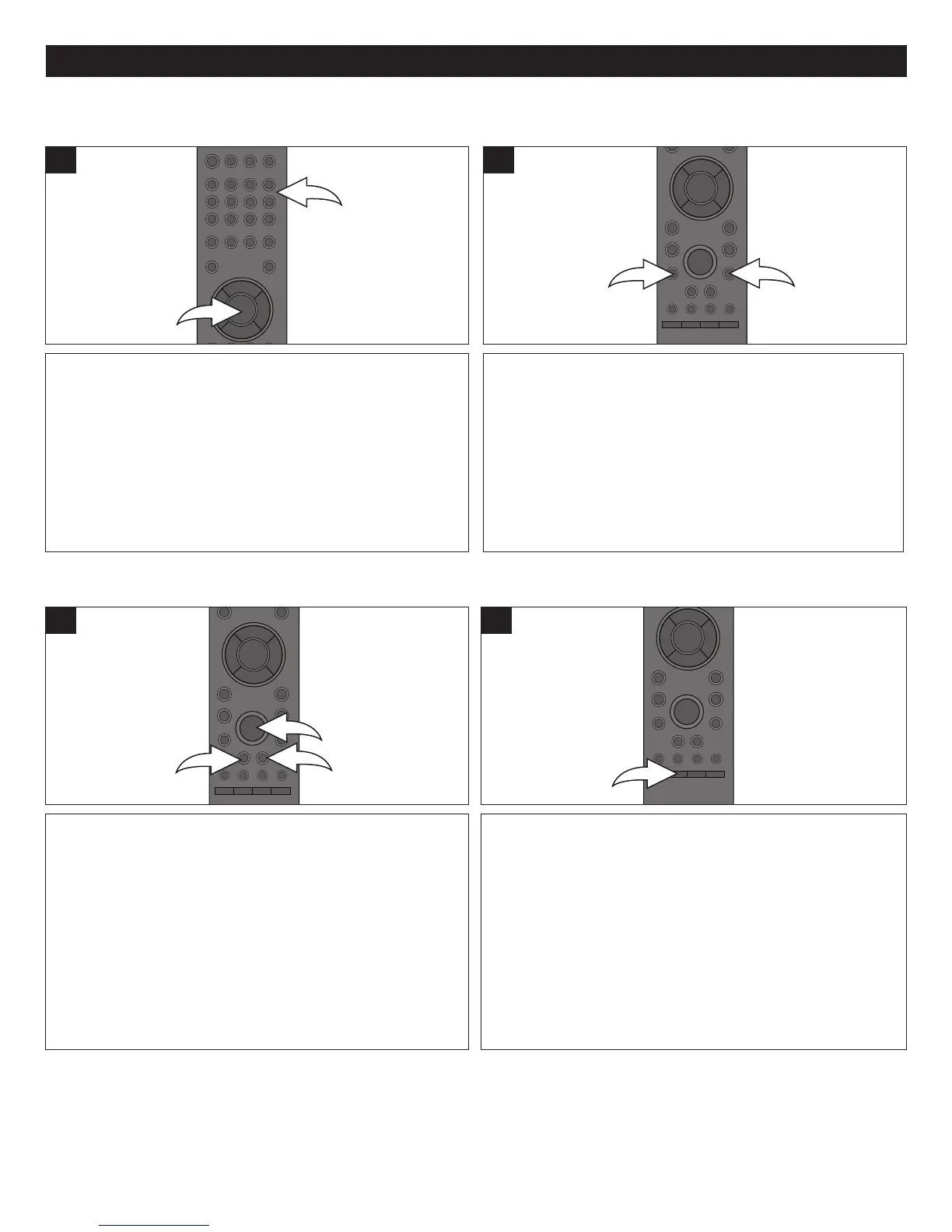
Press the Number buttons 1 corresponding to the track
number you would like to play, then press the ENTER
button 2 and the unit will playback the desired track
automatically.
1
During playback, press the SKIP n 1 or o 2 button to
select the next or previous track to be played.
1
SELECTING TRACKS USING THE NUMBER
BUTTONS
SELECTING TRACKS USING THE SKIP
O
OR
N
BUTTON
During playback, press either the Search/FWD ®® 1 or
Search/REV √√ 2 button to move the disc forward or
backward at double (x2) speed to locate a specific section.
Repeatedly press these buttons and the speed will increase
to x4, x8, x16 and x32.
Resume normal playback by pressing the Play button 3.
1
Press the SKIP button to advance the disc 30 seconds.
1
FORWARD®®/REVERSE √√ SEARCH
SKIP BUTTON



 To Next Page