33
BD/DVD OPERATION (CONTINUED)
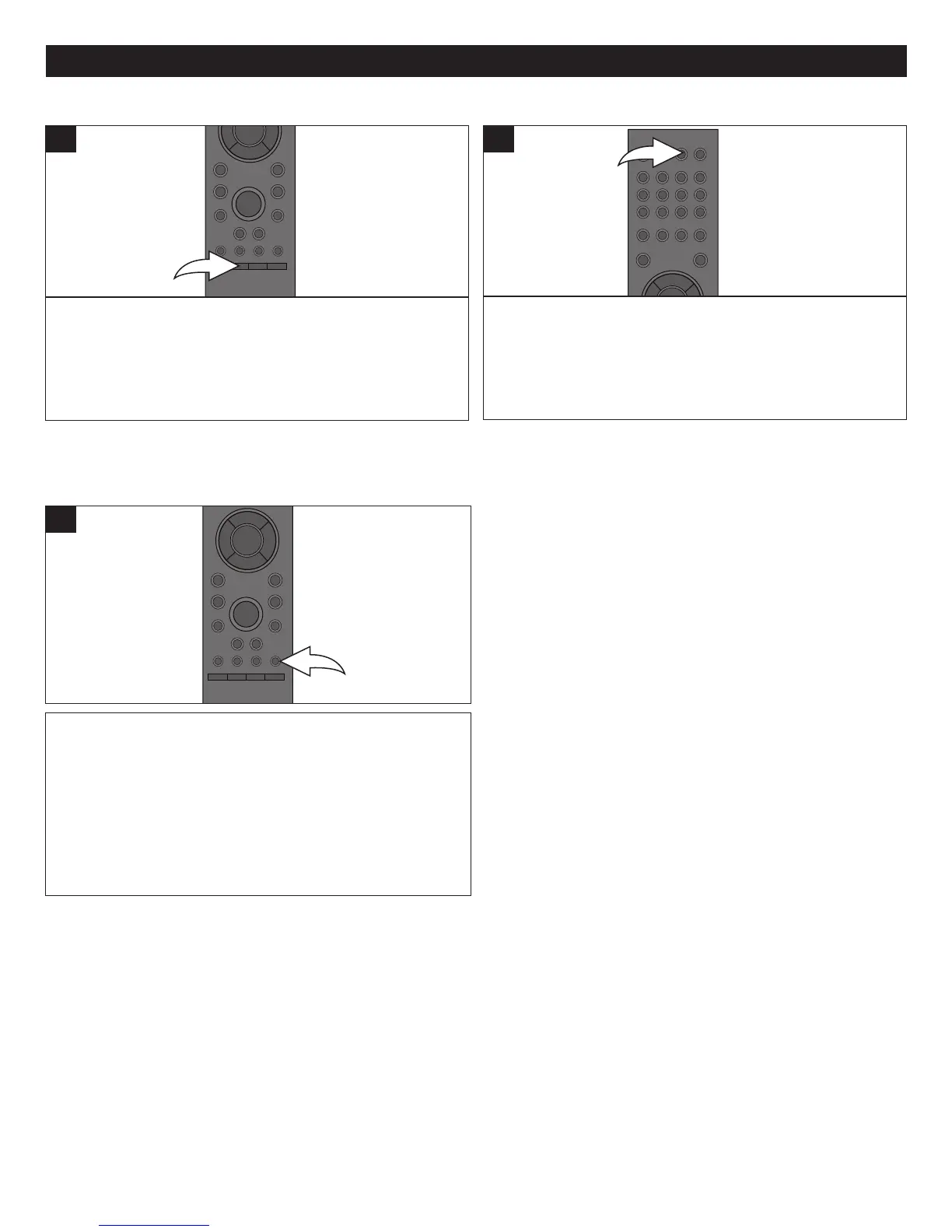
While viewing a disc (Blu-ray only) that has PIP capability,
press the PIP button to view the picture in picture. Press
again to disable.
1
PIP (PICTURE IN PICTURE)
Some BD discs have Picture in Picture capability.
SKIP BUTTON
Press the SKIP button to advance the disc 30 seconds.
1
DISPLAY/INFO BUTTON
Press the DISPLAY/INFO button to view the playing title,
chapter, elapsed time, remaining time, disc type and Play
status. Press again to remove the info from the screen.
1



 To Next Page