Engineer’s Menu 3 TS790+ & TS900+ Installation Manual
54
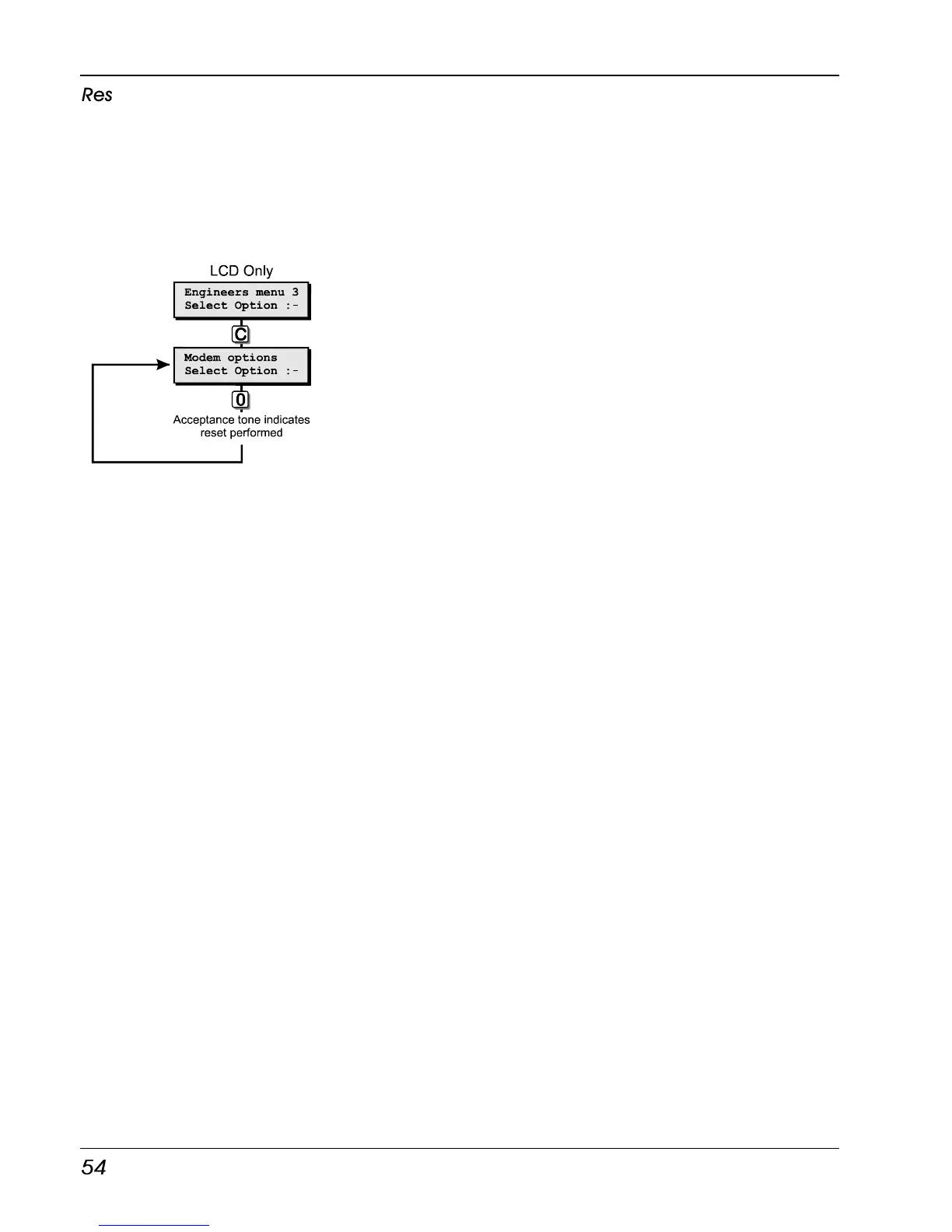
Reset Digicom
When the system is powered up, the control
panel logs-on the device that is connected to
the digicom plug (JP3). If the device is
changed or removed from the system you must
either power the system down and back up
again, or select this menu option in order for the
device to be log-on again.
Reset Digicom Flowchart



 To Next Page