eikon e1s
User Manual
Section 2: Operations and Installation Guide
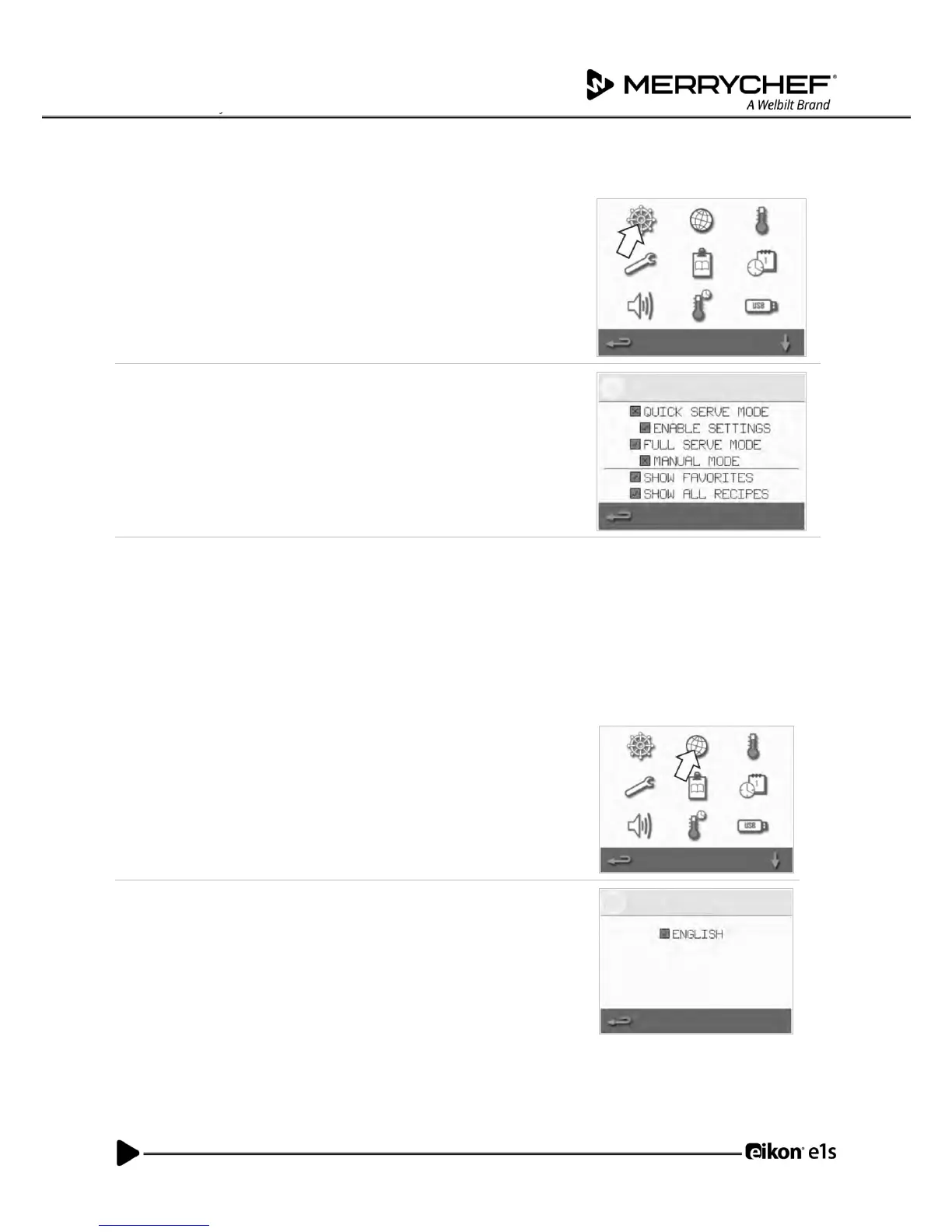
Operating mode / navigation settings
1. Select the ‘operating mode/navigation’ symbol from the settings
menu.
2. Select ‘QUICK SERVE MODE’ for cooking only.
Select ‘FULL SERVE MODE’ for creating cooking profiles.
Select ‘MANUAL MODE’ to manually cook only via the ‘chef’s hat’
symbol on the main menu screen.
Select ‘ENABLE SETTINGS’ to display an ‘unlock’ symbol on the ‘Quick
Serve Mode’ screen to allow access to the ‘settings’ menu.
Note: If a green tick is displayed, the corresponding function is active.
3. Select ‘MAGNETRON ENERGY DELAY’ to enable a magnetron warm up
period for all cooking profiles.
Select ‘ENERGY SAVING’ to enable the hibernation mode when the
oven is inactive.
1. Select the ‘globe’ symbol from the settings menu
2. Select the checkbox(es) of the required language(s) from the list shown.



 To Next Page