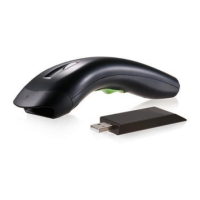
Need help?
Do you have a question about the Meteor 8310 and is the answer not in the manual?
Covers installation for Keyboard Wedge, RS-232, and USB interfaces.
Details the default configuration for various barcode types.
Operational and mechanical details for the Scanner 8110.
Operational and mechanical details for models 8150/8250/8310/8312.
Guide on how to program the scanner using barcodes.
Explains how to select and configure the scanner's interface type.
Options for scan modes, timeouts, and indicator settings.
Detailed settings for various barcode types including UPCA, Code 39, Code 128.
Configure prefix, suffix, preamble, postamble, and data transmission.
Provides sample barcodes for testing scanner functionality.
Reference for ASCII character codes used in programming.
Lists bar codes for accessing various parameter settings.
 General
| Brand | Meteor |
|---|---|
| Model | 8310 |
| Category | Barcode Reader |
| Language | English |


 To Next Page