13
Interface Selection
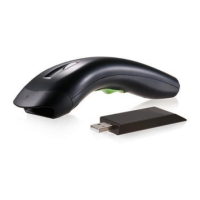
This decoder built-in scanner comes in one model and
supports interfaces such as keyboard wedge, RS232
serial wedge, wand emulation, and the latest USB
interface. In most of the cases, simply selecting an
appropriate cable with a device code will work for a
specific interface.
Interface selection: You can change factory interface
default for other type interface. By plugging different
cables, setting right interface, then the scanner will be
changed to another interface. However, you must make
sure which cable you need.
Keyboard/RS232/UBS Auto detection: By setting this
function, it will automatically select the Keyboard wedge
or RS-232 or UBS interface for user.
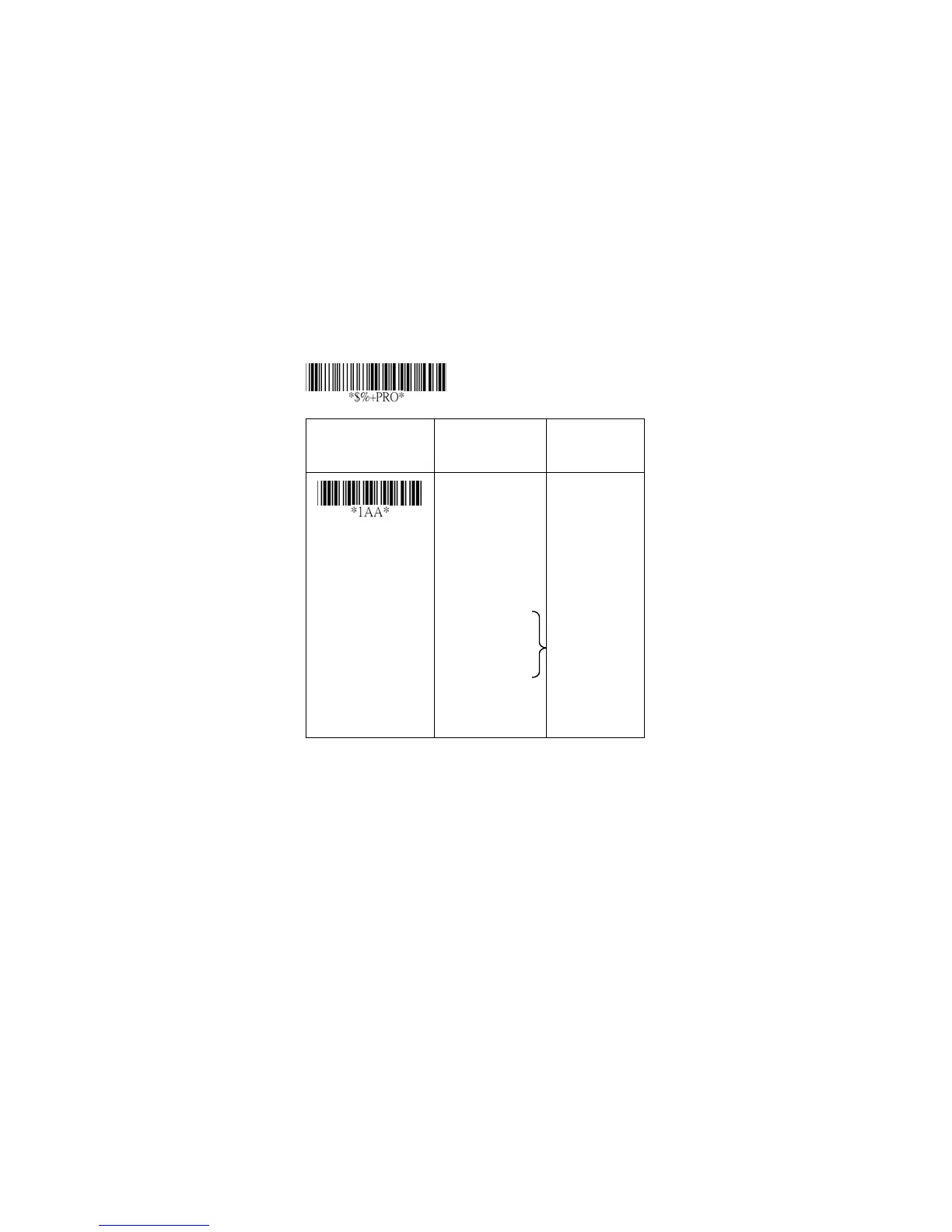
Option Bar Code Option Alphanumeric
Entry
Interface selection
Keyboard Wedge
RS-232
Wand emulation
USB
Keyboard
/RS232/USB
Auto detection
Reserved
00
01
02
(8110/8150/8250
)
03
04
*
05
Program
Note:*-Default



 To Next Page