103
Transmission
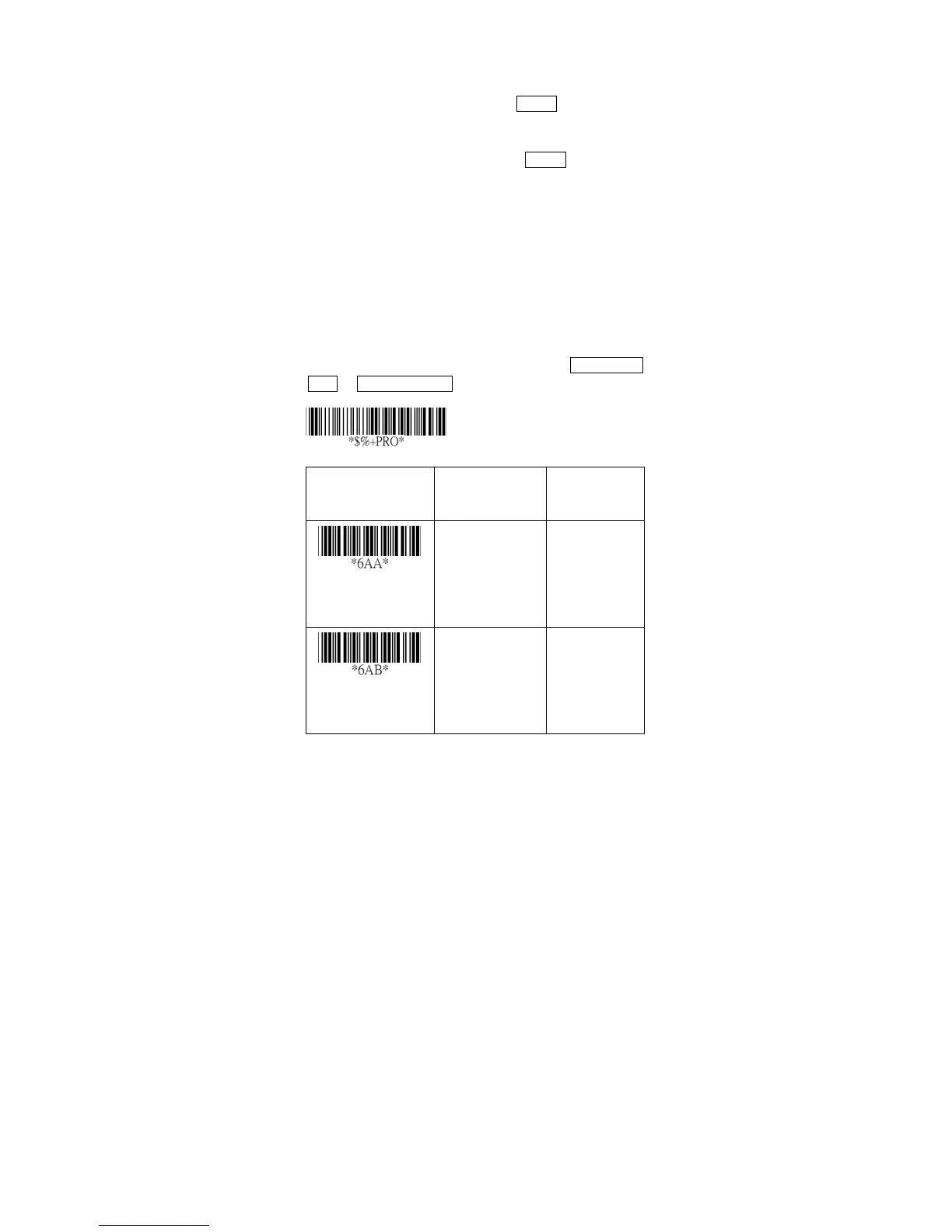
Preamble transmission: By setting Enable, Preamble will
be appended before the data transmitted.
Postamble transmission: By setting Enable, Postamble
will be appended after the data is transmitted.
Insert data group 1-4 position: The scanner offers 4
positions to insert among the symbol. The position
default value is “00” to indicate no character insertion.
Beside, make sure insertion positions are not greater
than the symbols; otherwise the insertion data is not
effective.
Code ID position: Upon your usage, the transmitting
position of Code ID can be selected to place Before Code
Data or After Code Data when it is transmitted.
Option Bar Code Option Alphanumeric
Entry
Preamble
transmission
Disable
Enable
00
*
01
Postamble
transmission
Disable
Enable
00
*
01
Program



 To Next Page