34
UPCA
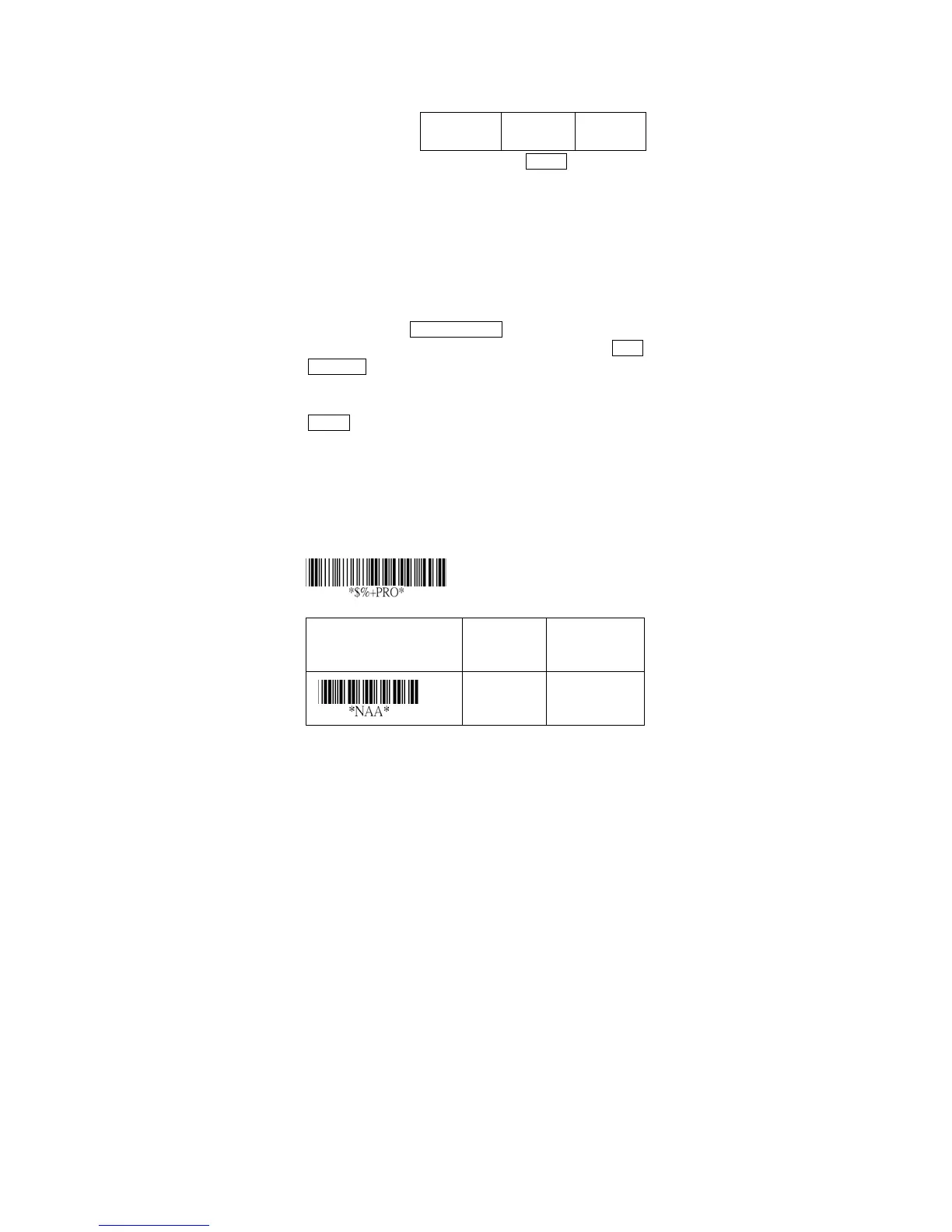
Read: Format
Leading
Zero
Data Digits
(11 Digits)
Check
Digit
Check-sum transmission: By setting Enable, checks sum
will be transmitted.
Truncate leading/ending: The leading or ending digits of
barcode data characters can be truncated when these
values are set to non-zero. It will beep instead of reading
anything when the truncate value is more than the
barcode data digits or the value of Truncate Leading is
overlapped with that of the Ending. The maximum value
of truncate digits is 15.
Code ID setting: Code ID setting is a character used to
represent the symbol upon a succeeding reading. A Code
ID setting is prefixed to the data begin or end transmitted
if the feature is selected. If you want application to
transmit Code ID, you must set Code ID transmission to
Enable first. Refer to Code ID transmission.
Insertion group selection: The scanner offer one or two
insertion group for own symbology. By setting one or two
digits to indicate which insertion group you want to insert.
You may refer to Character insertion.
Example: Group 2 → set 02 or 20.
Group 1 and 4 → set 14 or 41.
Option Bar Code Option Alphanumeric
Entry
Disable
Enable
00
01*
Program



 To Next Page