15
Exit
Keyboard wedge
As a keyboard interface, the scanner supports most of
the popular PCs and IBM terminals. The installation of
the wedge is a fairly simple process without any changes
of software or hardware.
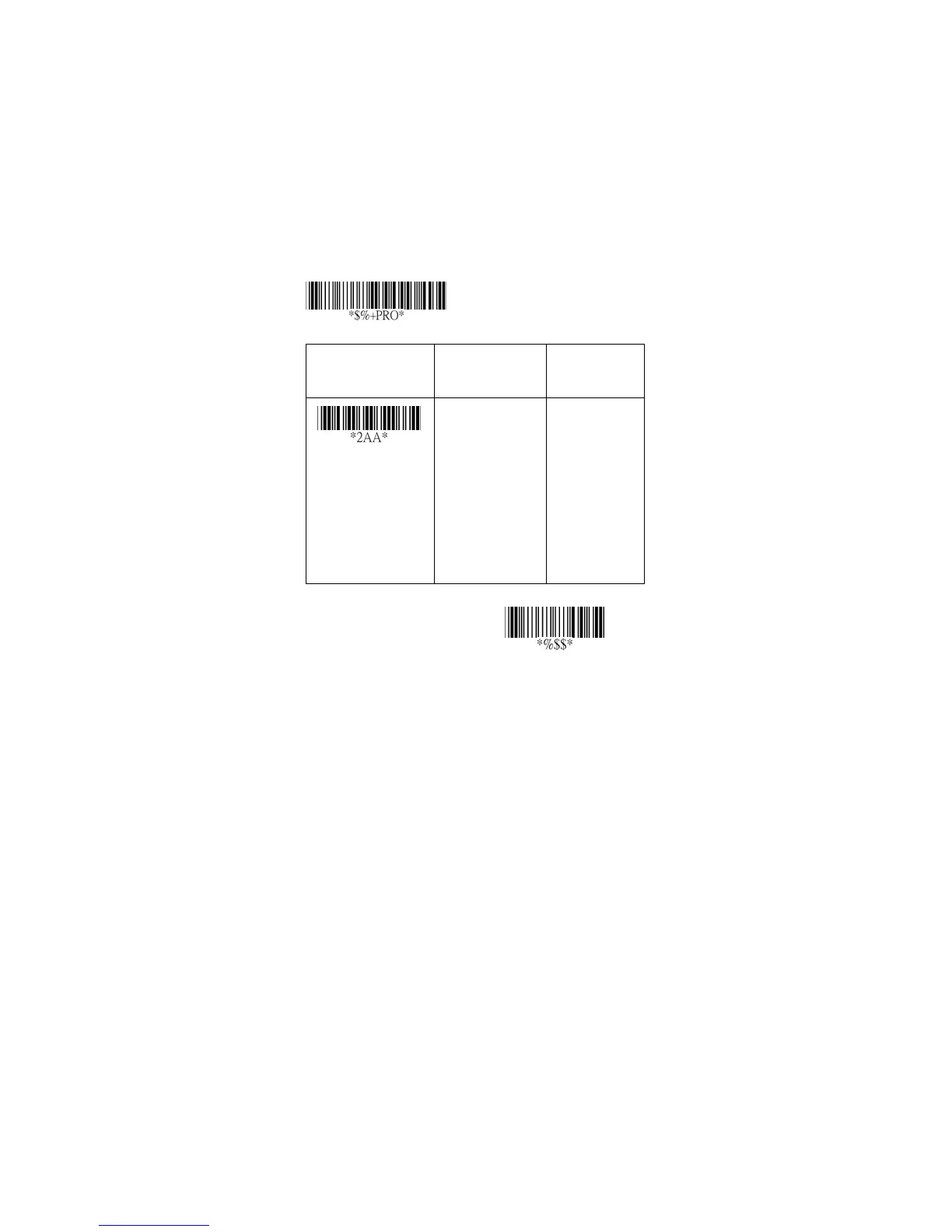
Keyboard Type: Select keyboard type connector of your
host computer. Scanner must be selected to the
appropriate host interface cable converter.
Option Bar Code Option Alphanumeric
Entry
Keyboard type
IBM AT, PS/2
Reserved
Reserved
Reserved
Reserved
Reserved
Reserved
00
*
01
02
03
04
05
06
Program



 To Next Page