100
String setting
Preamble/ Postamble characters: They are appended to
the data automatically when each barcode is decoded.
Example:
Add a prefix/suffix or preamble/postamble for all
symbologies. In this example, you are sending a $ symbol
as a prefix for all symbologies.
Steps:
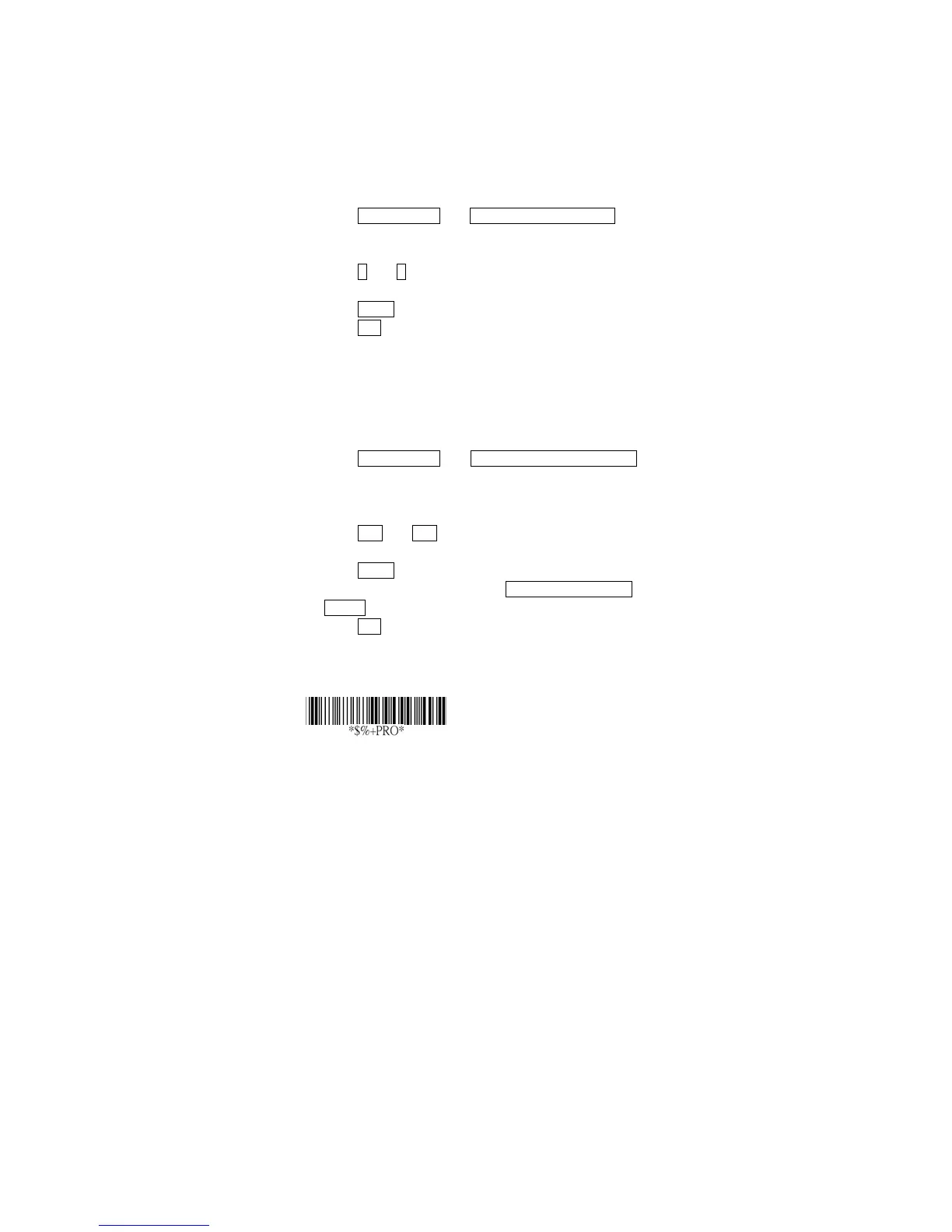
1) Scan Programming and Prefix characters setting
barcode.
2) Use the ASCII code table to find the value of $→24.
3) Scan 2 and 4 from the barcode on the fold out back
page.
4) Scan Finish from the barcode on the fold out page.
5) Scan Exit barcode.
Insert G1/G2/G3/G4 character setting: The scanner
offer 4 positions and 4 characters to insert among the
symbol.
Example: Barcode “1 2 3 4 5 6”.
Output- Barcode “1 2 A B 3 4 C D 5 6”.
Steps:
1) Scan Programming and Insert G1 characters setting
barcode.
2) Use the ASCII code table to find the value of A→41,B→
42.
3) Scan 4, 1 and 4, 2 from the barcode on the fold out
back page.
4) Scan Finish from the barcode on the fold out page.
5) Repeat the same procedure in Insert G2 characters
setting.
6) Scan Exit barcode.
7) Insert data group 1-4 position. Please refer to Chapter-
Transmission, page 65 and in specific barcode that
you want to use.
Program



 To Next Page