12
ABOUT THE VSA
2.4.3.13 USER SETUP
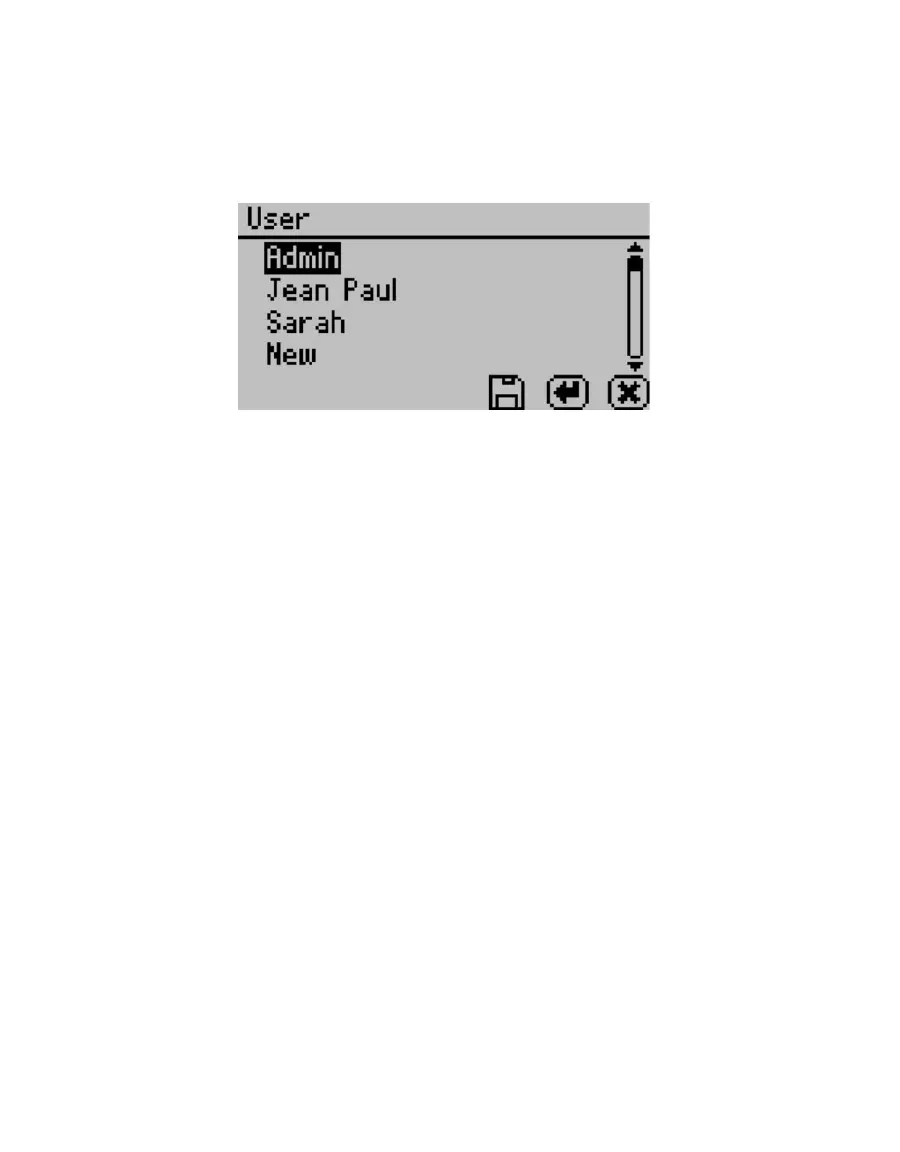
Users can be added, edited or deleted from this screen. To add a user, press the Enter button
with the “New” highlighted. To edit or delete a user, choose the target user and press Enter.
When creating a new user, an alphabet screen appears where you can enter a name using
lower case, upper case and accents.
Figure 9 User screen
NOTE: User setup is not required for instrument operation. It is available for users wanting to be compliant with
21 CFR Part 11 or who want to maintain the settings they have selected.
2.4.3.14 AUTO RESTART
Auto restart enables the instrument to automatically resume the currently running test if
there is a power failure of any kind. Press Enter to toggle auto restart between on and off.
METER recommends this be set to on to prevent data loss. Note: Restart tests with a new
sample if power outages last more than 30 minutes.
2.4.3.15 LIGHTING
Turns the lighting in the desiccant tube area on or off.
2.4.3.16 EXTERNAL GAS
Enables or disables the use of external gas. When External Gas is On, the external gas serves
as the air source for sample desiccation and wetting. When External Gas is Off the internal
pump uses ambient air as the air source.
NOTE: When you use the external gas, it exhausts into the atmosphere. Be sure to provide adequate ventilation and
safety measures while using an external gas supply with the instrument. Do not use combustible or hazardous gases.
To turn external gas on, highlight “External Gas: Off” and press Enter. The External Gas
screen appears.



 To Next Page