3.70
HPS Software Features
HPS
®
The Fluids Tab
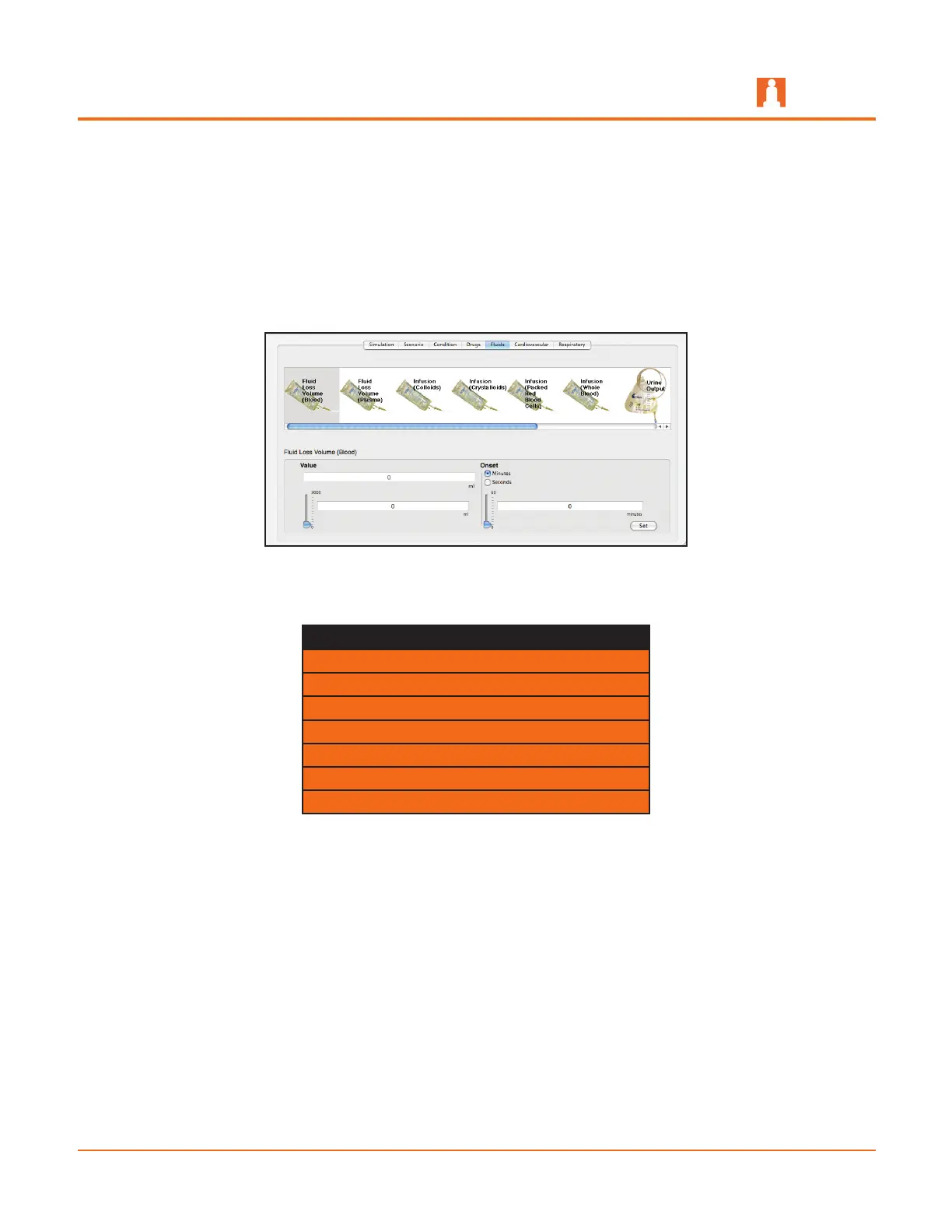
Selecting the Fluids tab opens a window that provides a means of controlling the
amount of fluid lost by or infused into the patient. The upper panel provides scrollable
access to the various fluid parameters and the bottom panels display the controls for
entering the amount of fluid to be lost or infused and establishing the time frame during
which the fluid loss or infusion takes place.
The Fluids Tab
Currently, there are seven fluids that can be controlled using the Fluids tab.
Fluids
Fluid Loss Volume (Blood)
Fluid Loss Volume (Plasma)
Infusion (Colloids)
Infusion (Crystalloids)
Infusion (Packed Red Blood Cells)
Infusion (Whole Blood)
Urine Output
For more information, refer to Fluid Parameters Affecting Circulation on page 4.66
and Urinary Output on page 4.74.



 To Next Page