3.10
HPS Software Features
HPS
®
The Physiologic Data Log
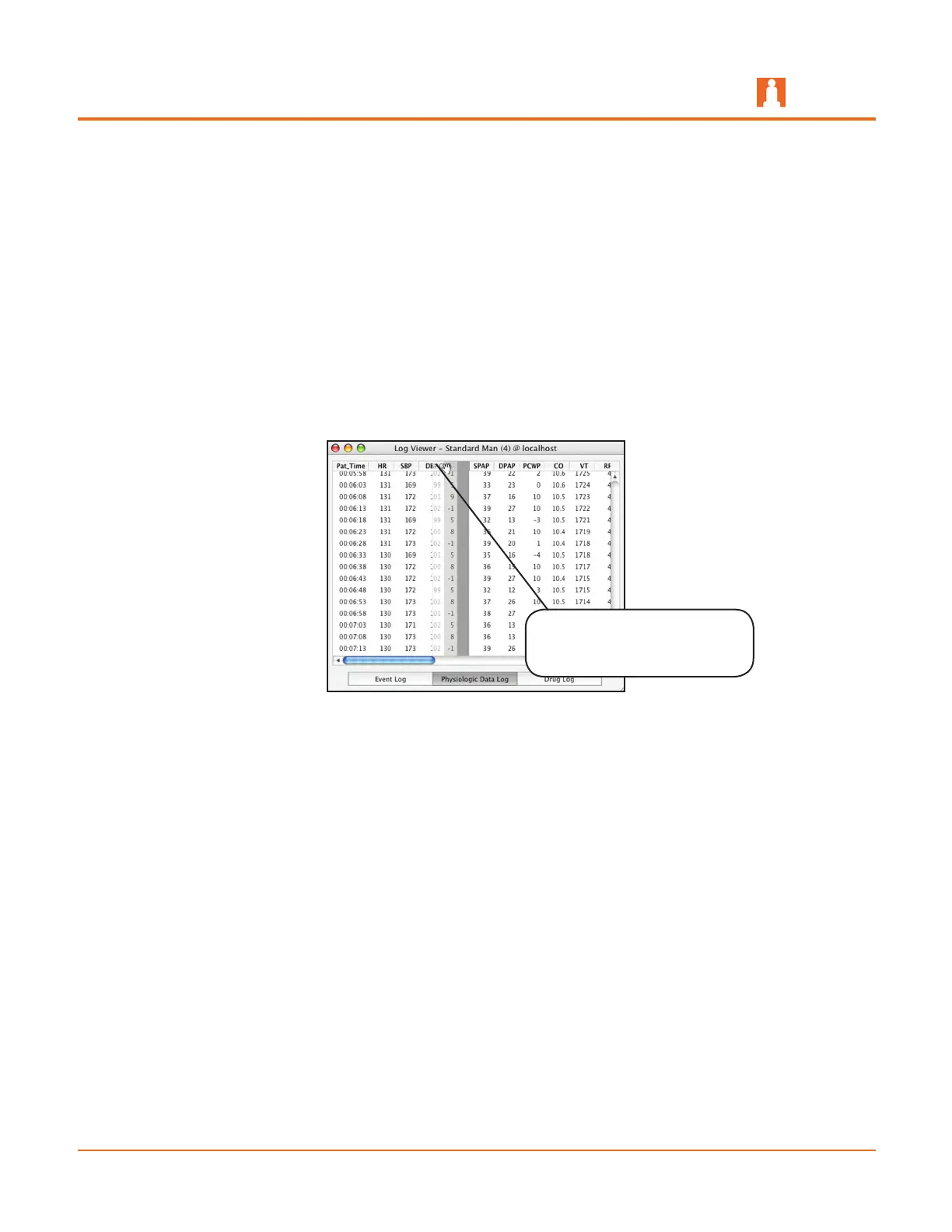
The Physiologic Data Log lists more than 20 different physiological parameters and is
updated every five seconds and recorded based on the simulated time of the patient in
hours, minutes and seconds.
Selecting an item on the log pauses auto-scrolling until that item is clicked again,
removing its selection.
The order in which the physiological data appears can be rearranged in both the Logs
Drawer and the Log Viewer. To rearrange, click the column header and drag the column
to the desired location. The columns return to their original default order when the
patient is closed and re-opened.
Moving Data in the Physiologic Data Log
Because a large amount of data is recorded in the Physiologic Data Log, the horizontal
and vertical scroll bars can be used to locate needed information.
Columns can be reordered
by clicking and dragging
them to a different location



 To Next Page