3.19
HPS Software Features
Working with Tabs
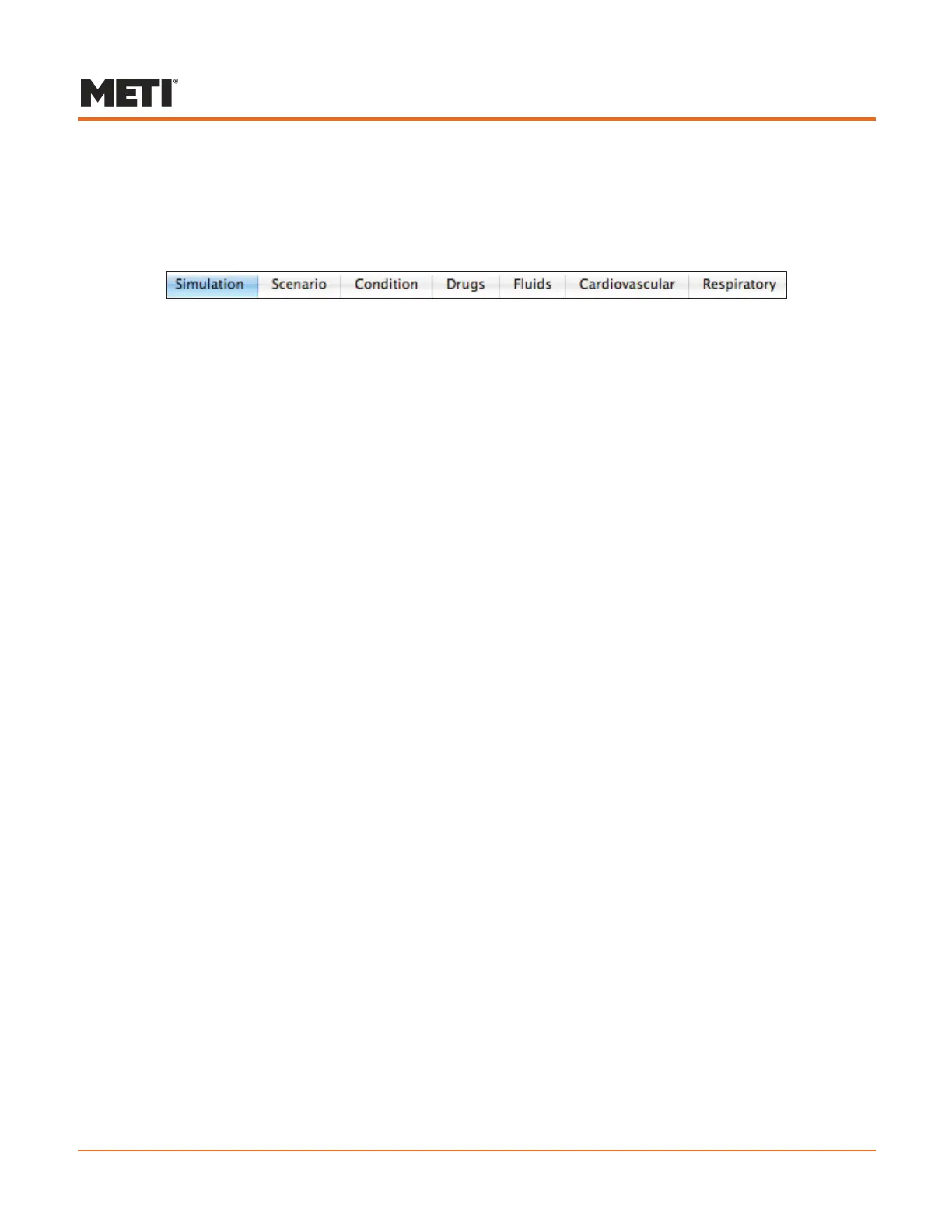
Beneath the toolbar on the right side of the Patient window is a series of tabs that
provide access to the physiological controls used during a simulator exercise.
The Seven Tabs
The tabs display seven different categories offering varying functionality:
Simulation (default) - view patient information and medical history
Scenario - run and create patient scenarios
Condition - set parameters for assessment and trauma conditions
Drugs - administer drugs
Fluids - affect plasma and blood volumes as well as urine output
Cardiovascular - set a wide array of parameters affecting cardiovascular
physiology
Respiratory - control airway, lung and respiratory control parameters
Clicking a tab displays the functionality available for selecting and setting parameters
within the identified category. Several categories are further divided into sub-categories
found on a pull-down menu.



 To Next Page