3.31
HPS Software Features
Understanding the Scenario Script
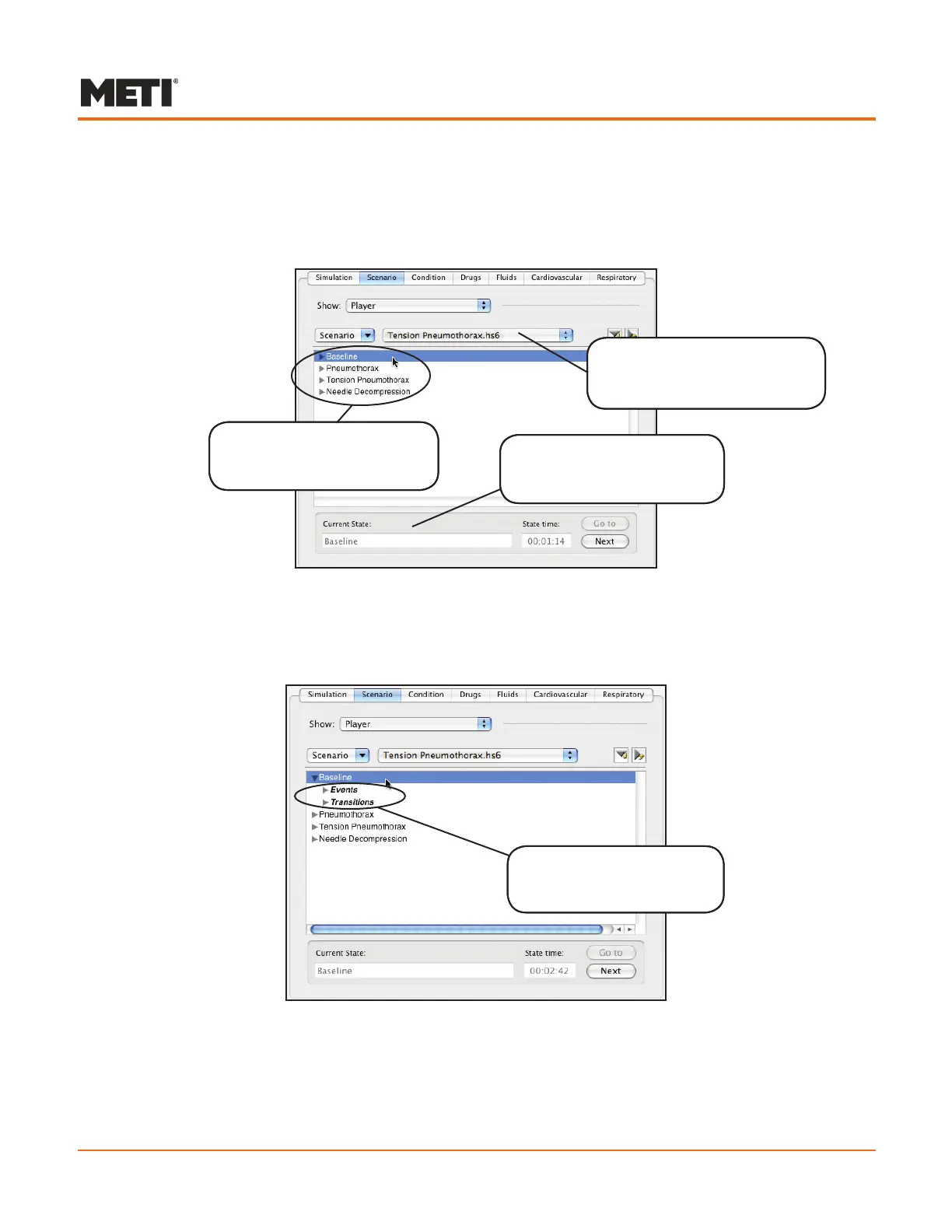
When a scenario appears, the states that comprise the scenario appear in the Scenario
panel.
An Opened Scenario
The simulation begins in the first listed state. In the example above, this state has been
labeled Baseline. Selecting a state reveals the Events and Transitions headings for that
state.
Selecting a State
Each state contains both headings, but not all states have events and/or transitions.
The name of the active
scenario appears in the
Opened Scenarios drop-down
The states that comprise
the scenario appear in the
Scenario panel
Selecting a state reveals
the Events and Transitions
headings
The name of the active
state appears in the Current
State box



 To Next Page