3.5
HPS Software Features
Using the Patient Menu
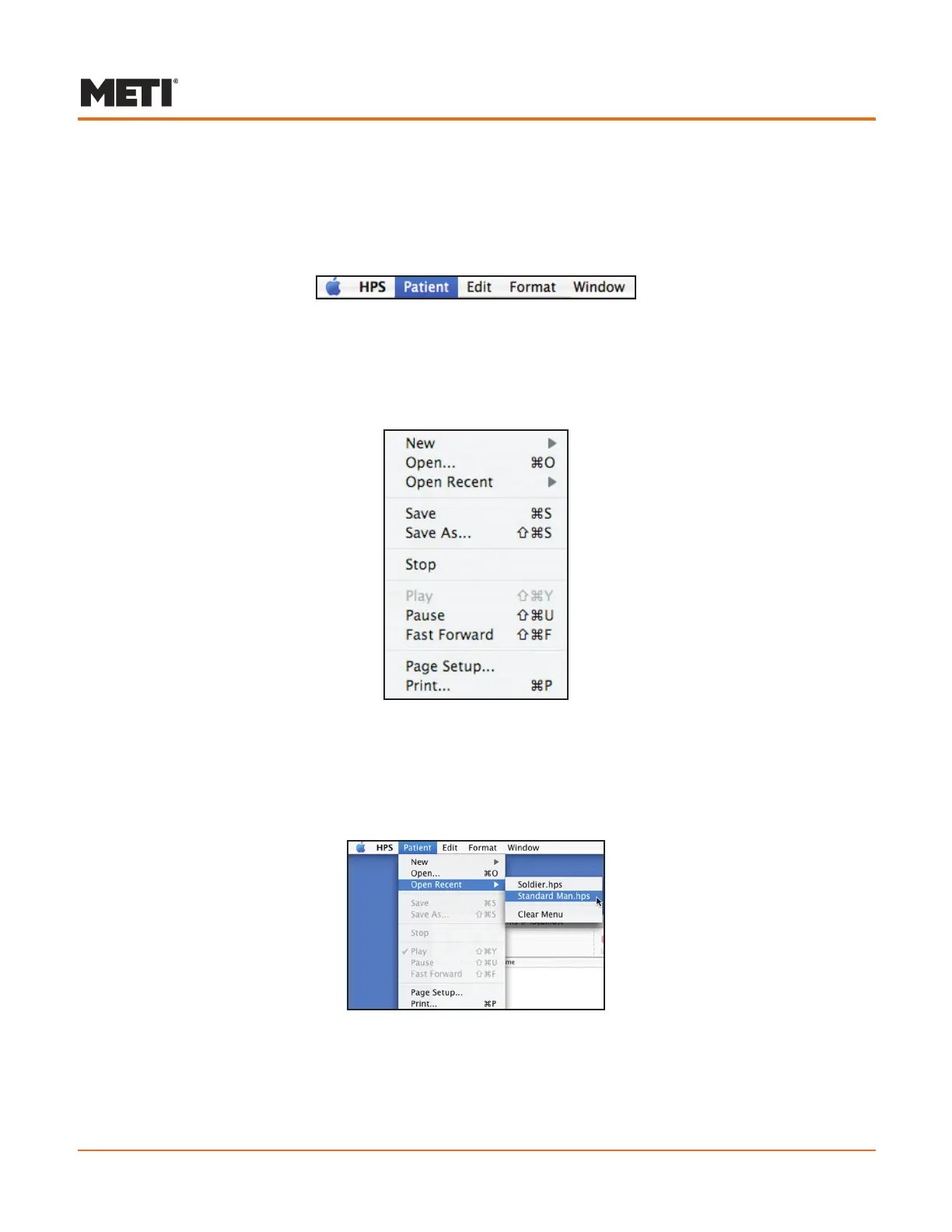
The Patient menu located on the menu bar also contains the options for opening and
creating new patients.
The Menu Bar
Several of these options can be used as alternatives to the buttons and icons on the
Patient Palette and the Patient window. Options in the Patient menu can be chosen by
either selecting them with the cursor or by using the shortcut keys (described below)
shown on the right next to the corresponding option.
The Patient Menu
Opening a Recent Patient File
As a shortcut, patient files that have been used recently can be opened from the menu
bar by selecting the Open Recent option from the Patient menu.
Opening a Recently Viewed Patient
The last 10 patient files that have been opened are displayed in a menu to the right of
Open Recent. Once a patient file is selected, the Patient window opens to display the
corresponding patient.



 To Next Page