3.6
HPS Software Features
HPS
®
Utilizing Shortcut Keys
Many options shown in the HPS menu bar offer shortcut key alternatives that are
displayed to the right of the option’s name.
Save As... Option with Shortcut Keys
For example, the Save As option is performed by simultaneously selecting the Shift,
Command ( ) and S keys, represented by the symbols on the right.
The Patient Window
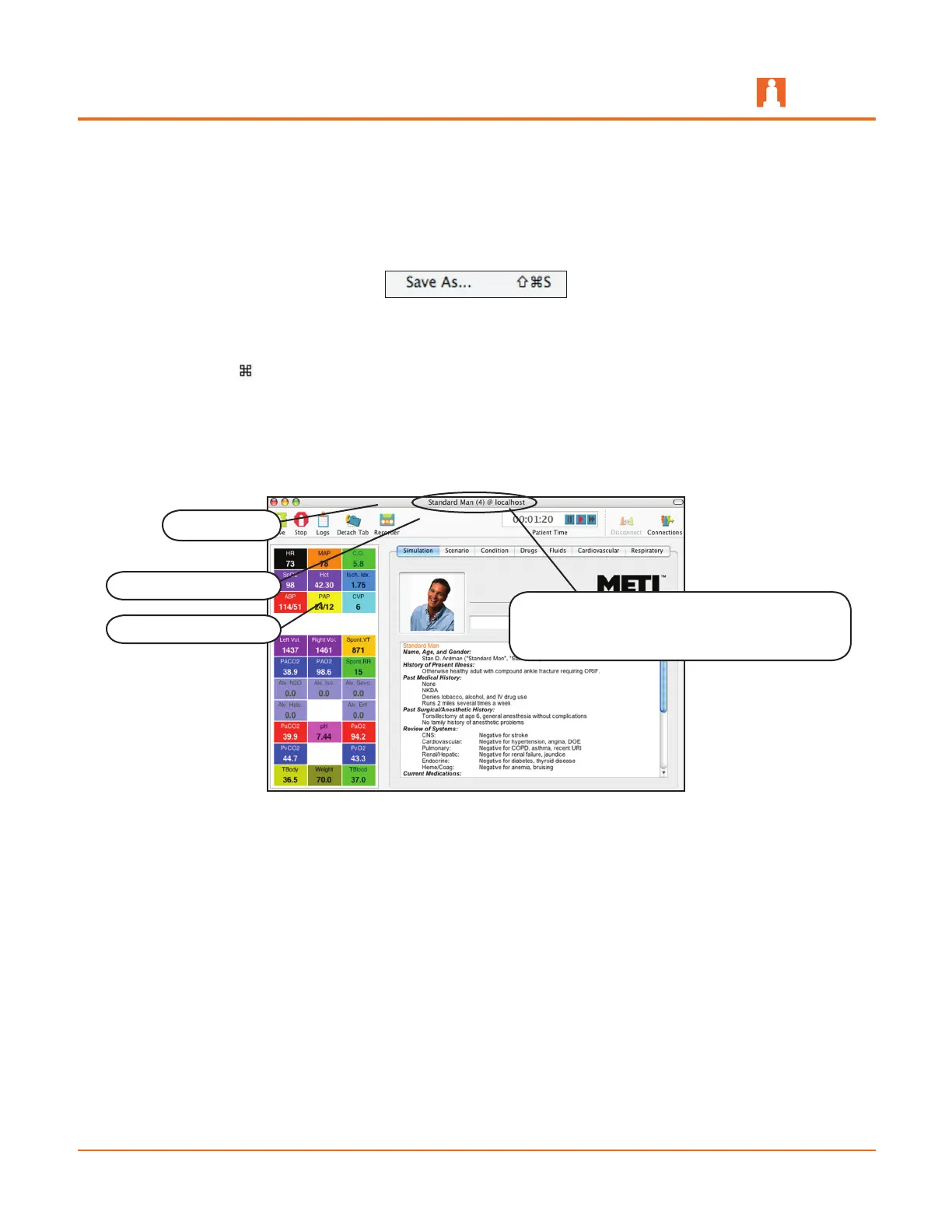
Once the patient file is prepared and loaded, the Patient window appears with the name
of the patient (e.g., Stannette) as well as the name of the host server (e.g., localhost).
The Patient Window
This window opens by default to display the Heads Up Display and the Simulation tab.
The patient’s name appears in the title bar.
The number indicates the number of patient
files opened during the active session
Heads Up Display
Patient Toolbar
Title Bar



 To Next Page