3.13
HPS Software Features
When a tab such as the Condition tab has multiple menu options (e.g., Trauma and
Assessment), then the active option is displayed in the new window. Multiple tabs can
be detached and used to isolate specific controls.
The menu option for detaching tabs is under the Window menu in the HPS menu bar.
Recorder
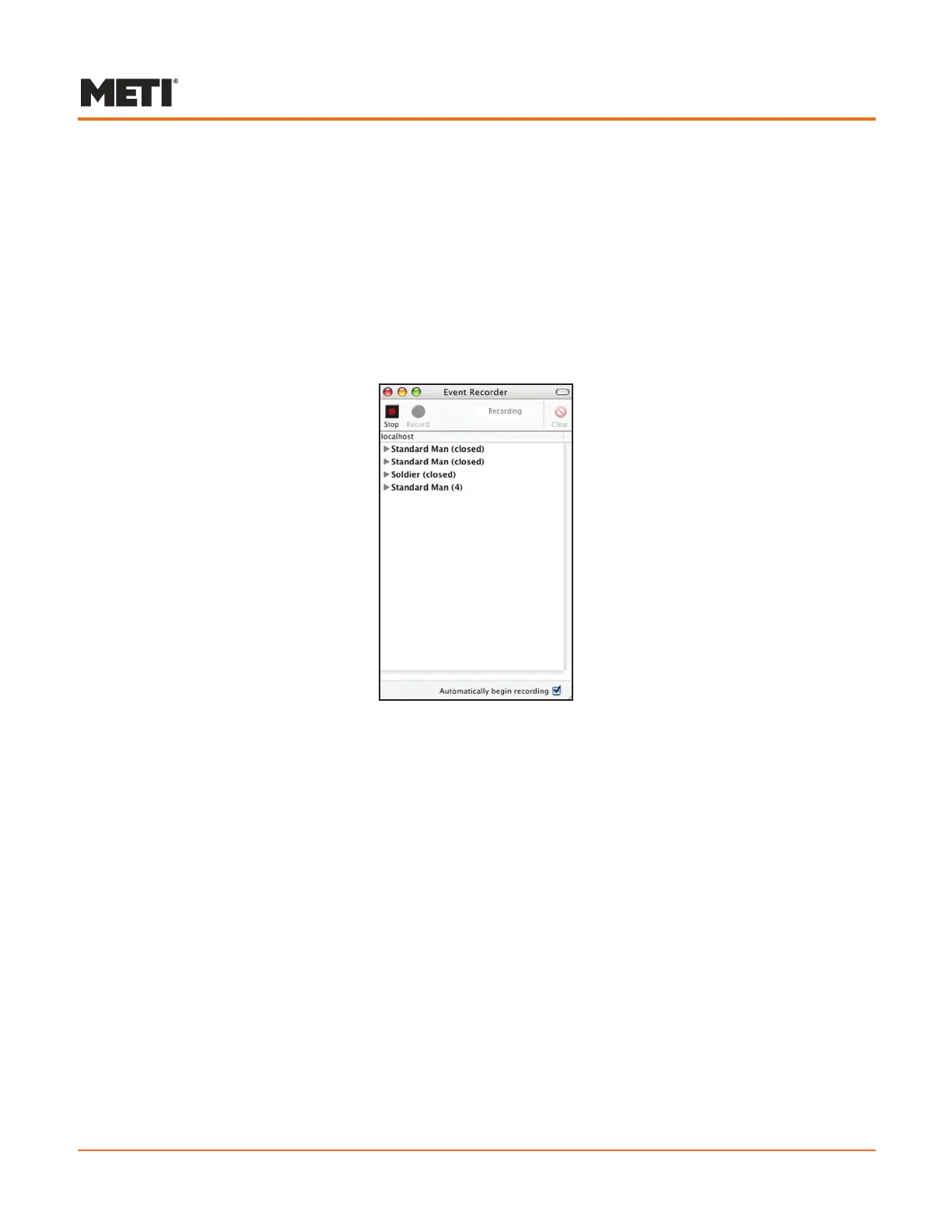
Clicking the Recorder icon in the Patient toolbar opens the Event Recorder, a separate
window that initially displays a list of the patients opened during the current session.
Event Recorder
To record events, select the patient and click Record. Each event created using
the parameters available under the various tabs is recorded and listed in the Event
Recorder window.
To stop the recording process, click Stop. To clear an event, select the event and click
Clear. To clear all events, select the patient name and click Clear events. (This option
is only present in the upper right corner of the Event Recorder screen when the patient
name is selected.)
The menu option for displaying the Event Recorder is located under the Window menu.
For more information, refer to Using the Event Recorder on page 3.64.



 To Next Page