4.52
Using HPS
HPS
®
Breath Sounds
Breath sounds are synchronized with ventilation of the left and right lungs. Four anterior
and two posterior speakers provide breath sounds that can be auscultated.
Choosing Breath Sounds
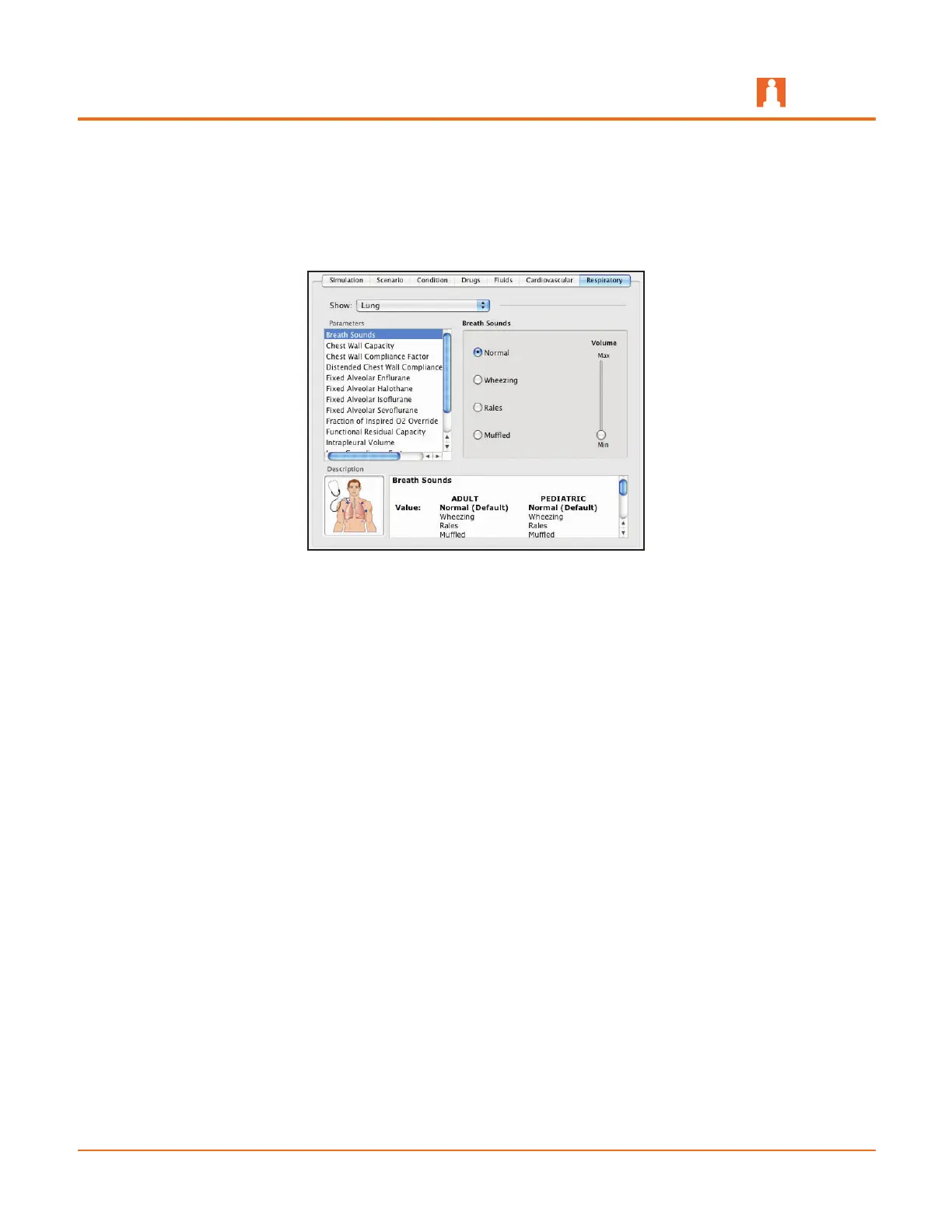
The Breath Sounds parameter is located on the Lung menu beneath the Respiratory
tab.
In addition to the Normal sounds, HPS patients are capable of emitting three additional
sounds:
Wheezing•
Rales•
Muffled•
Use the slider bar beneath the selected area to control the volume of the sounds.
The patient must be connected to the simulator for volume adjustment to be effective.
By default, Normal breath sounds are heard.



 To Next Page