3.25
HPS Software Features
Drag the CD file to the 7. Trash icon on the Dock. When the CD file is over the
Trash, the icon changes to a Burn CD icon.
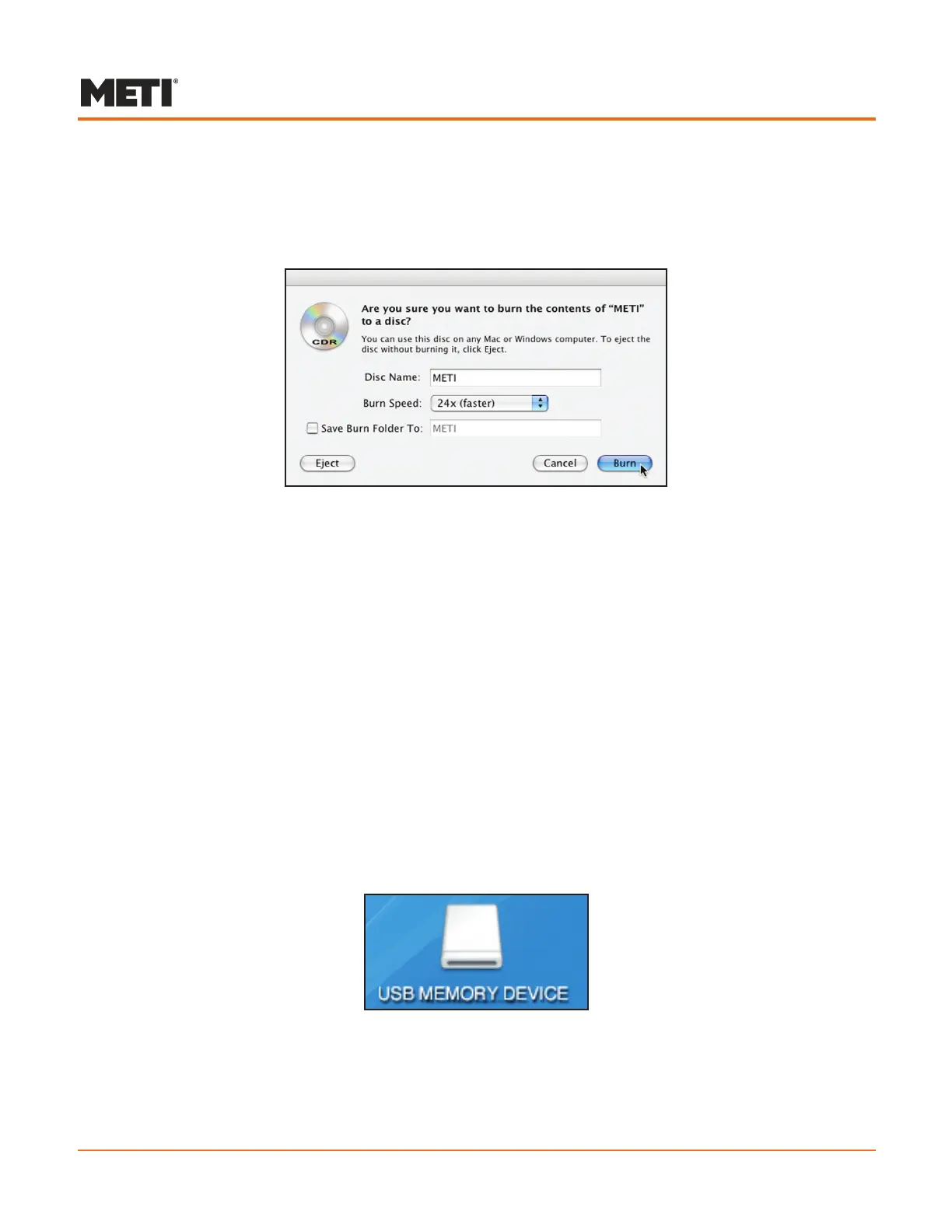
A dialog box appears with the options to Burn, Cancel or Eject.
Burn CD Dialog
CDs can also be burned by selecting the File menu from the Finder and then selecting
the Burn Disc option.
Click Burn on the dialog box. Once burning is complete, the CD reappears on the
desktop.
To remove the CD from the CD-ROM drive, drag the CD file to the Trash icon in the
Dock. The icon changes to an Eject icon and the CD is ejected.
CDs can also be ejected by selecting the CD file and choosing the Eject option from
the Finder’s File menu or by pressing the Eject key.
Saving to a USB Memory Device
To save to a USB memory device:
Insert the USB memory device into an available USB port on the Instructor
1.
Workstation. An icon appears on the desktop indicating the memory device has
been recognized.
USB Memory Device Icon
Locate the appropriate folder on the hard drive under HPSVersion6 containing 2.
the file(s) to be saved.



 To Next Page