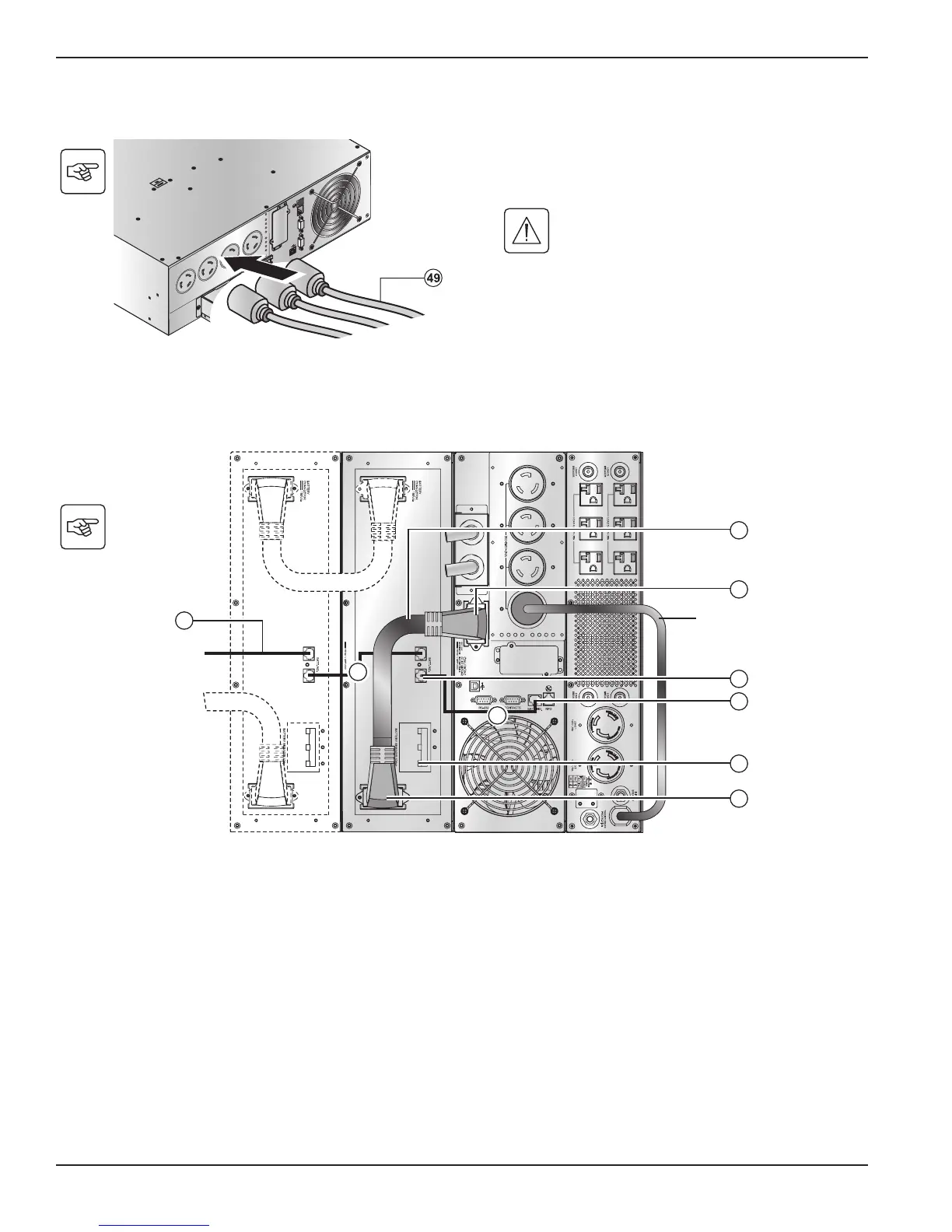
2.8 Connection to Output Receptacles
2.9 Connection of Extended Battery Module, UPS, and Transformer
1. Check that the battery circuit breaker(s) (13) is OFF ("0" position).
2. Connect the battery power cable (52) to the connector (4) of the power module and to the connector (12) of the battery module.
3. Connect the battery detection cable (53) to the connector (10) of the power module and to the connector (11) of the battery module.
4. Switch on the battery circuit-breaker(s) (13).
1. Connect the equipment to the UPS 4 NEMA L6-30R.
If more than one load is connected to the
UPS, the total capacity of the loads should
not exceed 30 Amps.





 To Next Page