Micron Electronics, Inc. 3-3
Chapter 3: The BIOS Setup Program
How to Run the Setup Program
The Setup program is used to configure the computer’s BIOS (Basic Input/
Output System). The computer’s BIOS is responsible for configuring the
motherboard and providing hardware information to the operating system.
In order for the computer to run properly, run the Setup procedure after first
installing the system board and whenever you make a hardware change to
the system.
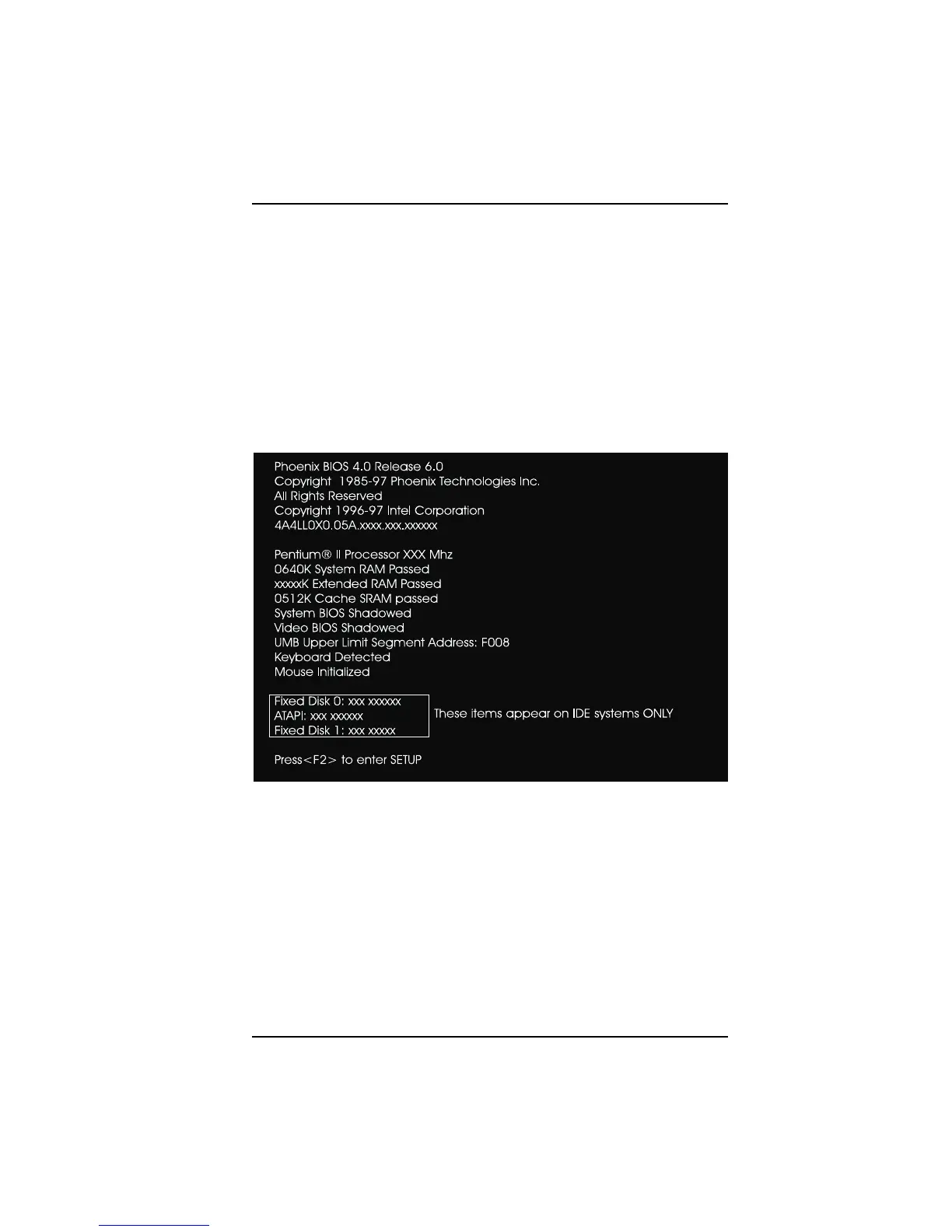
After the system is turned on and goes through a memory test, the Power-Up
Screen (Figure 3-1) appears on your monitor:
Figure 3-1. Power-Up Screen
When “Press <F2> to enter SETUP” appears in the bottom of the screen, press
the <F2> key to begin the Setup procedure. The CMOS Main Screen (Figure 3-
2) should appear. The Setup procedure can only be activated during the boot
sequence.



 To Next Page