3-24 Micron Electronics, Inc.
Micron ClientPro 766Xi/Xe User’s Guide
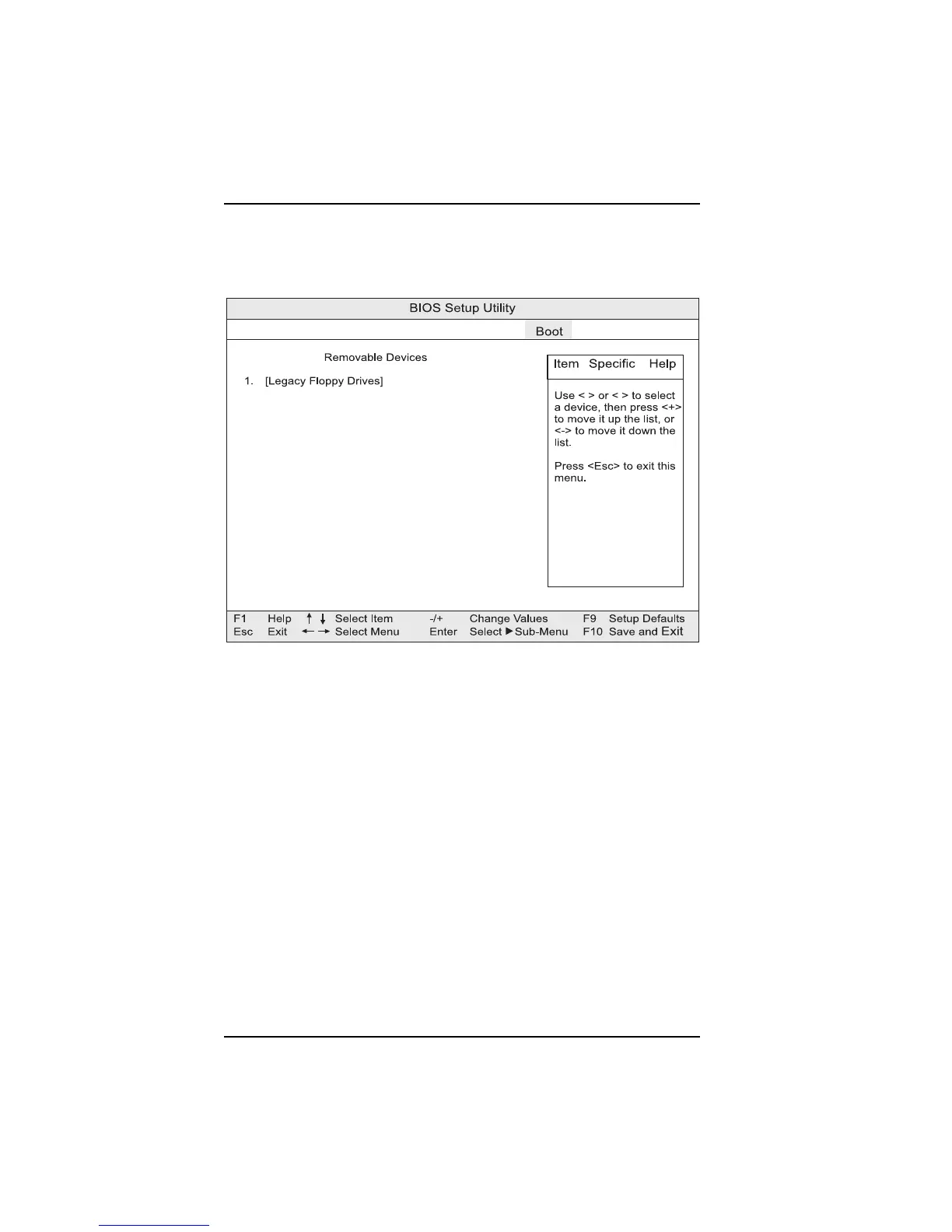
Removable Devices Submenu
This submenu is for configuring the boot sequence for removable devices.
Figure 3-17. Removable Devices submenu
This allows you to specify the boot sequence for the removable devices attached
to the computer. Select the boot device with the “up” or “down” arrow keys.
Press <+> to move the device up the list or press <-> to move the device down
the list.
The operating system assigns a drive letter to each boot device in the order
listed. Changing the order of the device changes the drive lettering.



 To Next Page