Micron Electronics, Inc. 3-5
Chapter 3: The BIOS Setup Program
Setting the CMOS Main Menu
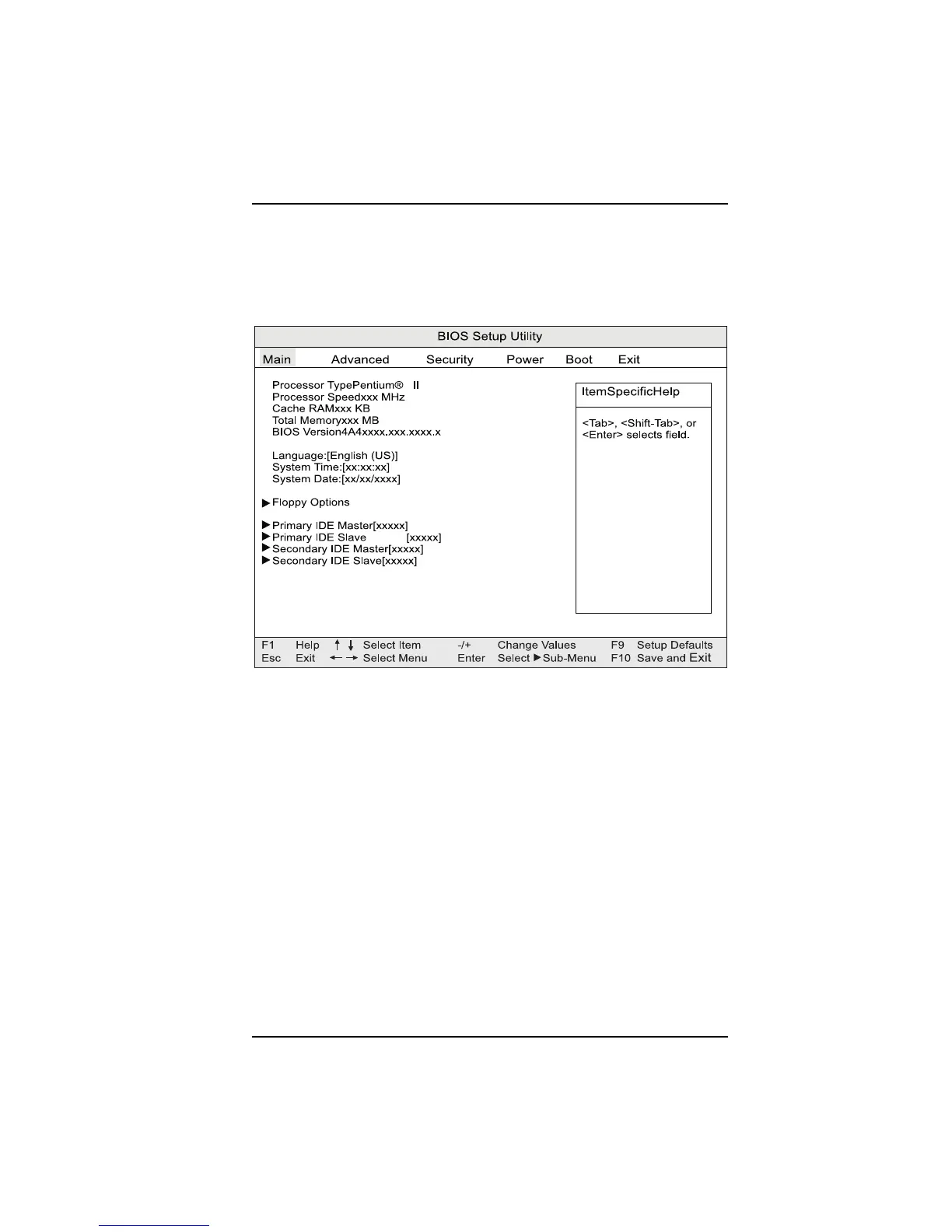
The CMOS Main Menu (Figure 3-2) is used to set the time and date, to set the
floppy drive types and to configure the hard disks. To move between the
categories, use the up arrow and the down arrow keys.
Figure 3-2. Main Menu
Processor Type
Displays processor type.
Processor Speed
Displays processor speed
Cache RAM
Displays size of second-level cache
Total Memory
Displays the total amount of RAM on the motherboard.
BIOS Version
Displays the version of the BIOS.



 To Next Page