3-20 Micron Electronics, Inc.
Micron ClientPro 766Xi/Xe User’s Guide
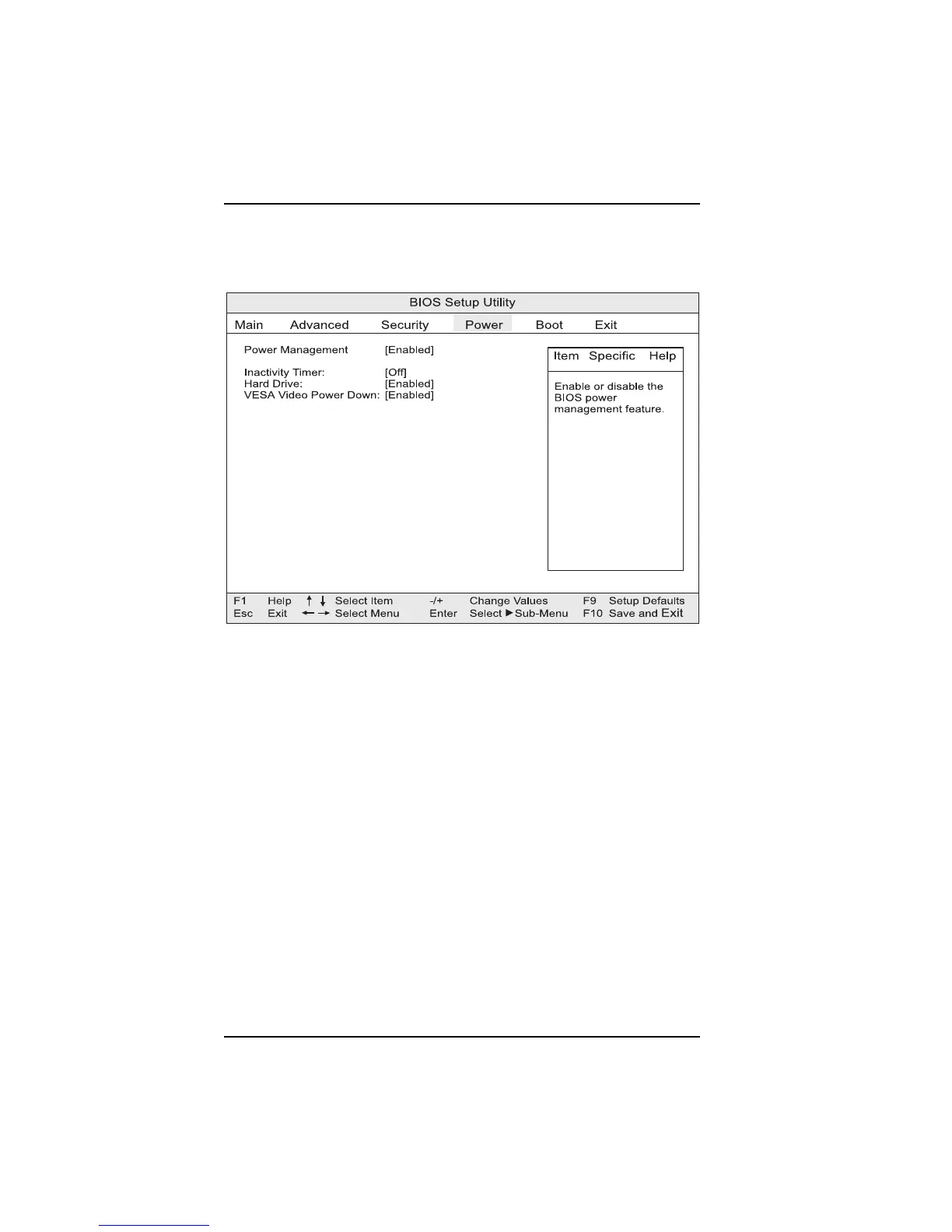
Setting the CMOS Power Menu
This menu is used to set power management features.
Power Mangement
Enables or disables the BIOS power management feature.
Fan Always On:
When set to “Yes,” will keep the fan on when the system is in a power-managed
state.
Inactivity Timer
Specifies the amount of time before the computer enters standby mode.
Hard Drive
When set to Enable, allows power management for hard disks during standby
and suspend modes.
VESA Video Power Down
When set to Enable, allows power management for video during standby and
suspend modes.
Figure 3-14. Power menu



 To Next Page