3-6 Micron Electronics, Inc.
Micron ClientPro 766Xi/Xe User’s Guide
Language
Selects the default language used by the BIOS.
System Time
Specifies the current time.
System Date
Specifies the current date.
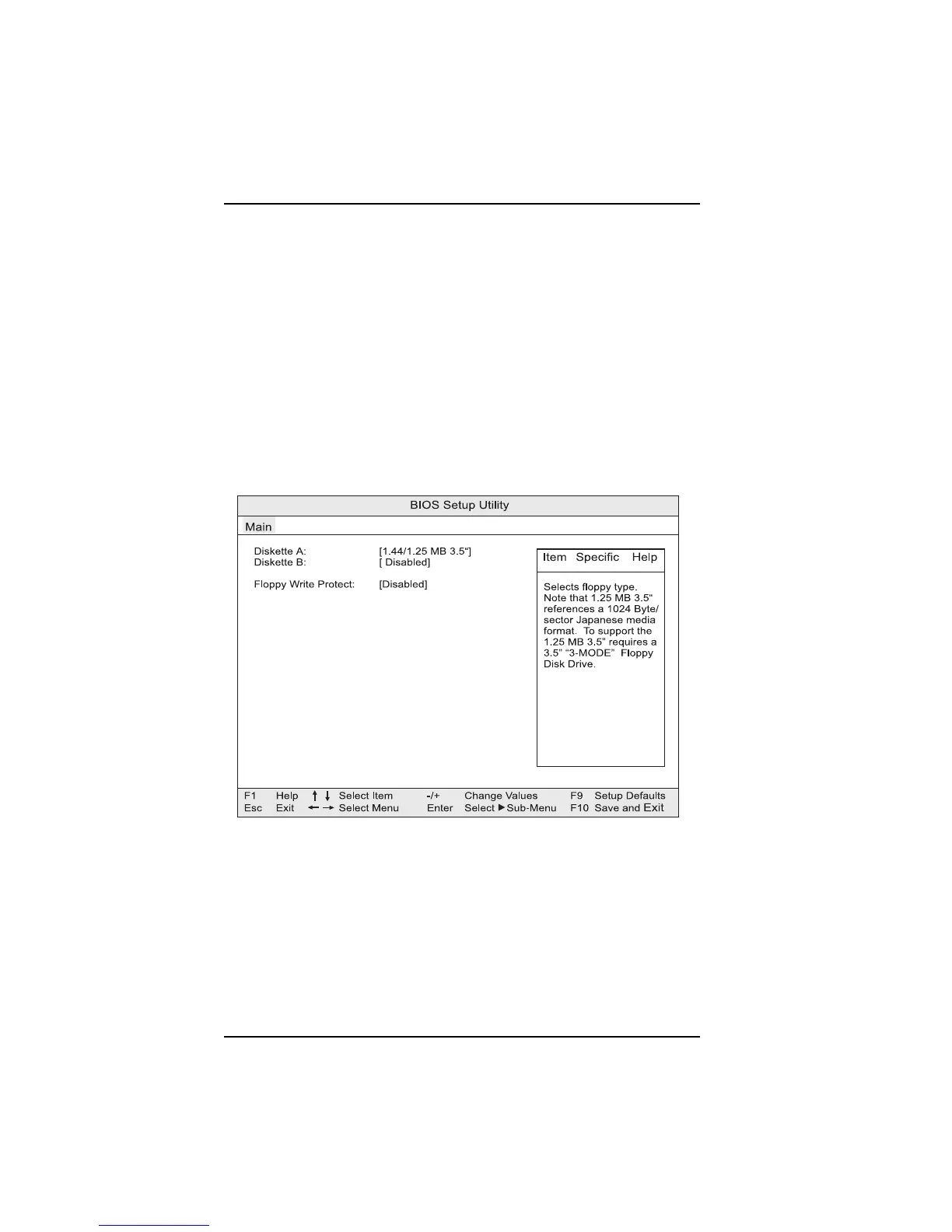
Floppy Options submenu
When selected, displys the Floppy Options submenu (see Fig. 3-3)
Figure 3-3. Floppy Options submenu
Diskette A: and Diskette B:
Specifies the capacity and physical size of diskette drives A or B.
Floppy Write Protect
Disables or enables write protect for the diskette drive(s).



 To Next Page