Micron Electronics, Inc. 3-7
Chapter 3: The BIOS Setup Program
Primary/Secondary IDE Master/Slave Submenus
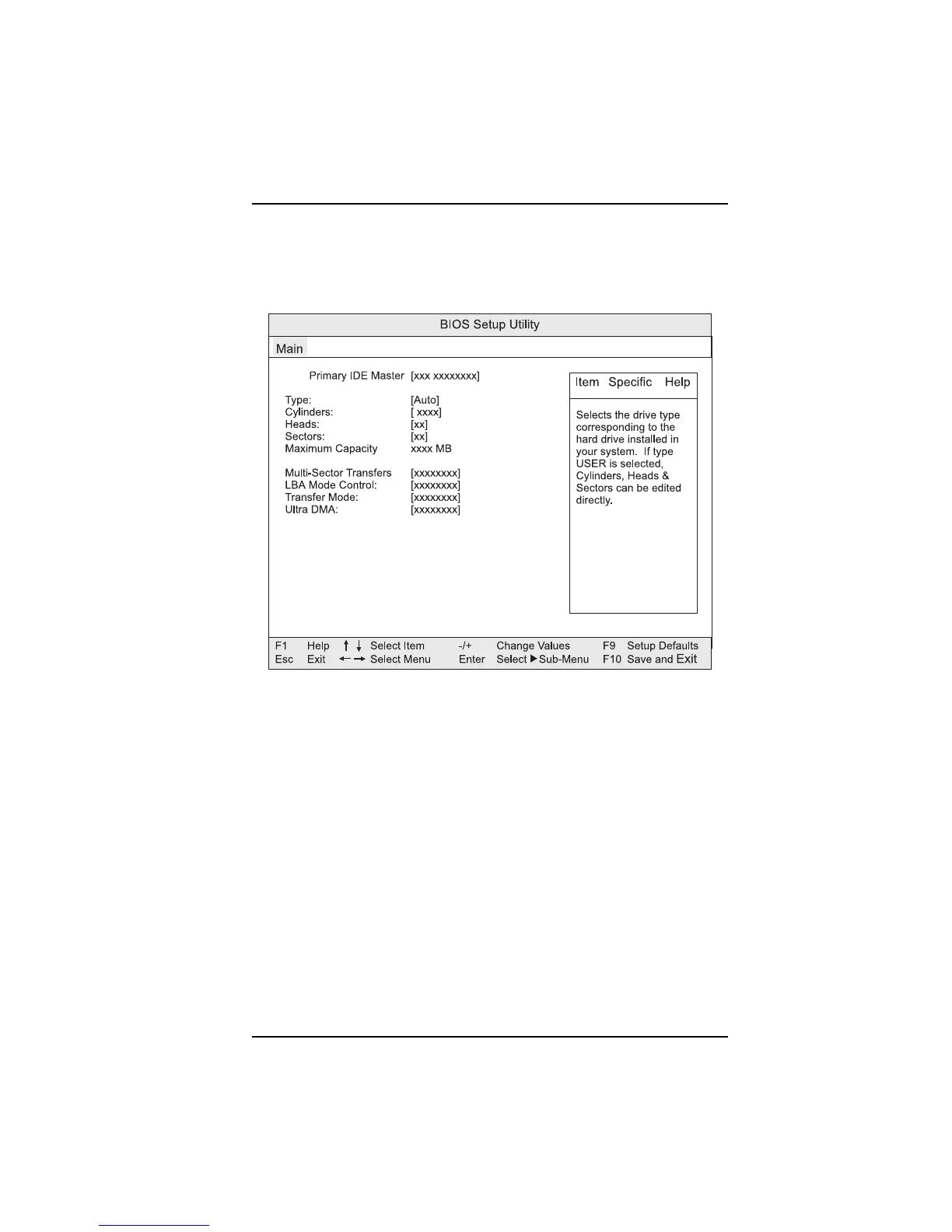
When selected, displays the appropriate submenu. Reports type of connected
IDE device (see Fig. 3-4).
Figure 3-4. Primary IDE Master submenu
Type
Specifies the IDE configuration mode for IDE devices. Selecting “User” allows
the cylinders, heads, and sectors fields to be changed. Selecting”Auto”
automatically fills in the values for these fields. Options are: Auto, None,
ATAPI Removable, CD-ROM, IDE Removable, and User.
Cylinders
Specifies the number of disk cylinders.
Heads
Specifies number of disk heads.
Sectors
Specifies number of disk sectors.



 To Next Page