3-18 Micron Electronics, Inc.
Micron ClientPro 766Xi/Xe User’s Guide
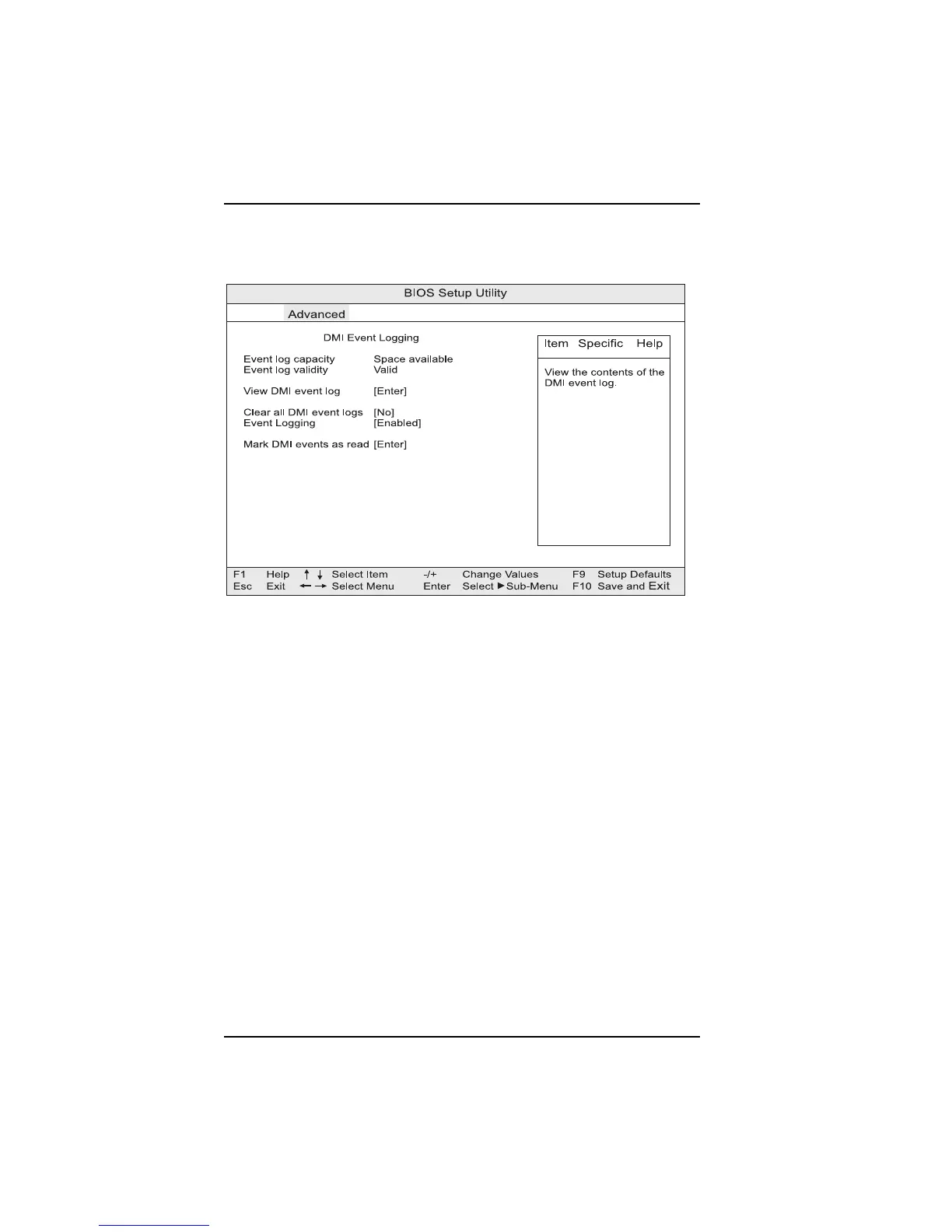
DMI Event Logging Submenu
This submenu is for configuring DMI event logging..
Event log capacity
Advises the user if there is sufficient space available space for further events.
Event log validity
Indicates if the contents of the event log are valid.
View DMI event log
Enables viewing of DMI event log.
Clear all DMI event logs
If set to “Yes,” clears the DMI Event Log after rebooting.
Event Logging
Enables or disables logging of DMI events.
ECC Event Logging
Enables or disables logging of ECC events.
Mark DMI events as read
Marks all DMI events as read.
Figure 3-12. DMI Event Logging submenu



 To Next Page